
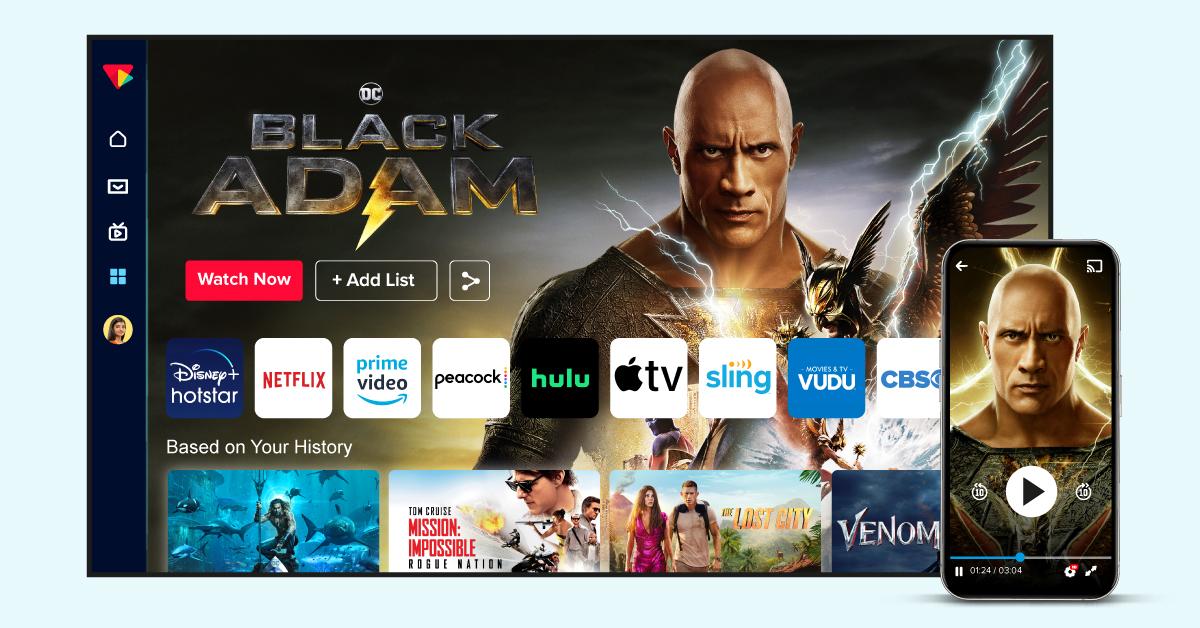
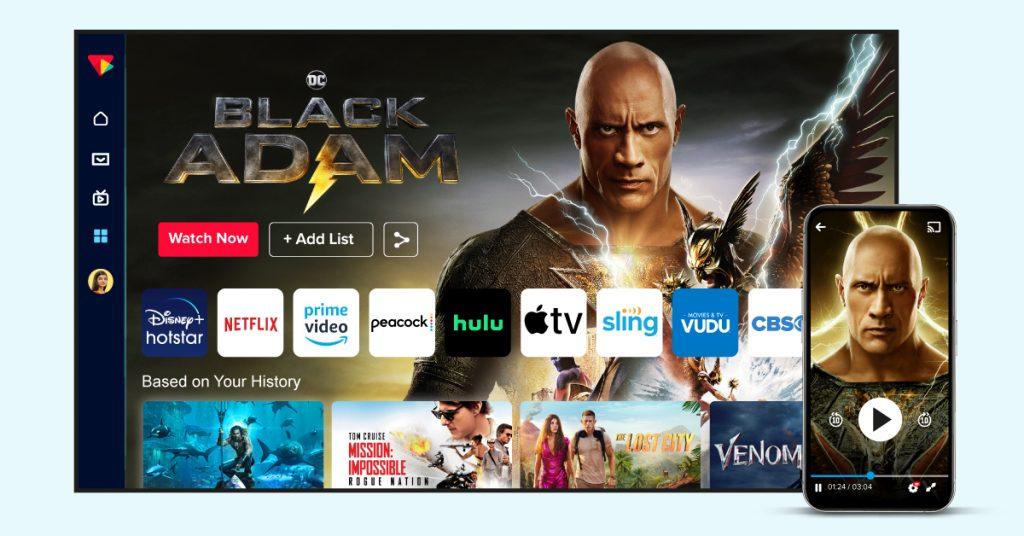
This blog reviews the 9 top Smart TV app developers. It also covers an 8-step launch guide and outlines essential features for success.
As the era of cable slowly draws to a close, smart TV app development is the method for home entertainment. Smart TVs are present in over 70% of homes around the world, and watching videos on the big screen is a necessity.
To be an attractive and profitable player in the streaming market, content developers and streaming platforms need smart TV apps. But it isn’t possible to build it without collaborating with an appropriate smart TV app development company.
There are plenty of choices, and it can be difficult to select one. Here we introduce you to the top 7 development providers and the essential steps to get your project up and running.
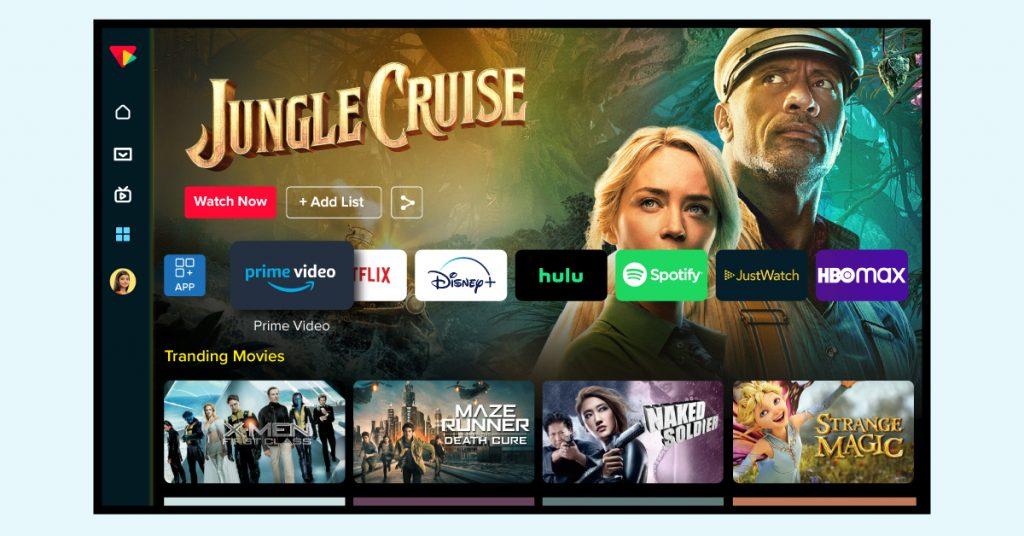
Quick Comparison of the 7+ Smart TV App Development Solution Providers
| Platform | Smart TV Platforms Supported | Monetization Models | Who is it for | Pricing |
| VPlayed | The different operating systems include Samsung Tizen, LG webOS, Android TV, Fire TV, Apple TV, and Roku | 10+ monetization models such as SVOD, AVOD, TVOD, Catch-up TV, Hybrid | Content owners and large-scale broadcasters seeking the 100% source code ownership and lifetime customization options. | One-time licensing fee based on requirements. Custom quote. |
| CONTUS Tech | They support Samsung Tizen, LG webOS, Android TV, Fire TV, Apple TV, and Roku | 10+ monetization models such as SVOD, AVOD, TVOD, Catch-up TV, Hybrid | Enterprises that want a completely customizable, white-label application and want to install it on their premises | Custom quote: Project-based or fixed license |
| Vimeo OTT | Roku, Android TV, Apple TV, Fire TV (Tizen/webOS is available for Enterprise) | The platform offers three options: SVOD, TVOD, and Live PPV | Quick and reliable, out-of-the-box SaaS launch for content creators | Starts at $1/subscriber per month + base fees (Enterprise plan is custom) |
| To The New | The Samsung TV, the LG TV, the Android TV, the Roku, and Fire TV | SVOD, AVOD, TVOD, FAST, and Custom Hybrid models | Businesses with bigger requirements for custom system integration and design | Custom quote (Project-based/dedicated team model) |
| Oxagile | Samsung Tizen, LG webOS, Android TV, Fire TV, Apple TV, Roku | SVOD, AVOD, TVOD, FAST | Complex, tailor-made OTT engineering projects and legacy system migration | Custom quote |
| Lightcast | The list of supported devices includes Roku, Fire TV, Apple TV, Android TV, Samsung Tizen, and LG webOS | AVOD, SVOD, TVOD, Donations/Fundraising | Distribution automation across multiple platforms and cross-publishing seamless metadata | Custom quotes as per requirement |
| JWX | Android TV, Fire TV, Apple TV, Roku, Tizen, webOS (through SDKs) | SVOD, TVOD, AVOD, CSAI, SSAI and Hybrid | Publishers specializing in high-end ad yield optimization and best-in-class video viewing experience | Custom enterprise pricing. Free trial available for developer tiers |
| Accedo.tv | Samsung Tizen, LG webOS, Android TV, Fire TV, Apple TV, and PlayStation/Xbox | Video Ad Networks, SVOD, Premium TVOD, Hybrid platforms | Tier-1 broadcasters and global media networks requiring customizable and hyper-scalable user experience | Custom quote. Includes consulting & development |
| Uscreen | Apple TV, Android TV, Roku, Fire TV | The SVOD, TVOD, Tiered Memberships, and Live Streaming PPV options are available. | Independent creators or mid-sized fitness, education, or entertainment businesses using templates | Starts at $49/mo |
1. VPlayed
Next-Gen Smart TV App Development Solutions
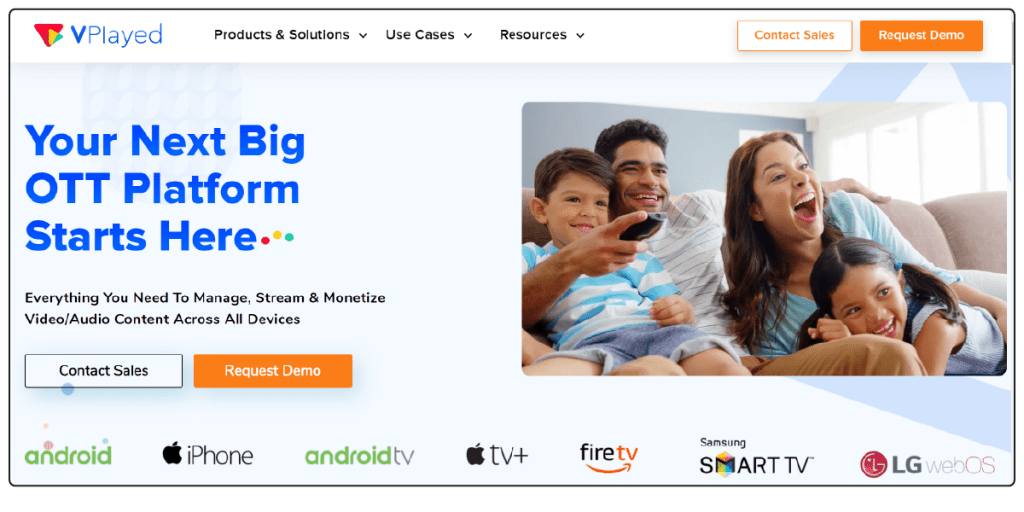
VPlayed is an all-in-one OTT video platform for companies wishing to develop flexible Smart TV app solutions. It also offers flexibility and affordability, making it suitable for different streaming requirements.
It is equipped with special video security features like DRM, access control, and encryption that can be used to protect high-value content. In addition, companies can choose a cloud deployment or an on-premise deployment.
VPlayed offers some noteworthy features:
- All-in-one OTT video platform
- Cloud or on-premise deployment
- DRM, AES encryption, and access control
- HLS video player
- 10+ monetization models (SVOD, TVOD, AVOD)
- Secure payment gateway integration
- In-app purchases
- Watch history, favorites, and search
- White-label OTT platform
- Actionable analytics dashboard
- Multi-device support (web, mobile, Smart TV)
- Enterprise video content management system
Pros
- Smooth lossless migration and excellent CMS for quick uploading
- Global content delivery works across regions
- Offers both cloud and on-premises hosting
Cons
- Pricing is based on a custom quote
2. CONTUS Tech
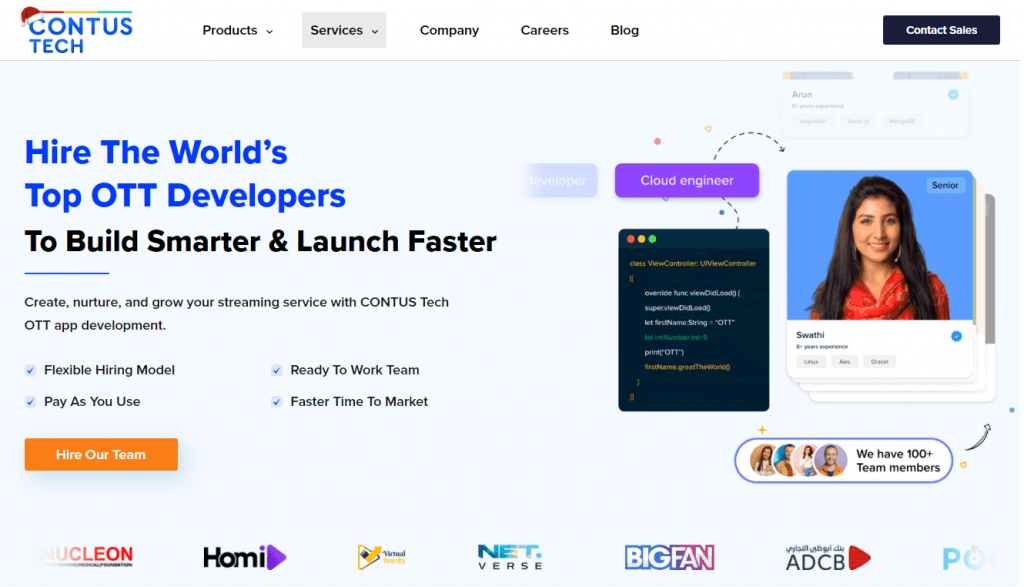
CONTUS Tech is a smart TV app development company for content owners, media brands, and production companies. It offers end-to-end OTT platform development solutions, including scalable cloud infrastructure, easy-to-use UI/UX design, and platform customization.
It assists companies in developing smart TV app experiences that better suit their audiences and allow for quicker deployment and scalability.
Here are some of the highlights of the CONTUS Tech:
- End-to-end OTT platform development
- Scalable cloud infrastructure (AWS, Kubernetes)
- Contract-based hiring model
- 200+ third-party integrations
- Pay-as-you-use pricing
- Video content management system
- HLS and MPEG-DASH streaming
- AI-powered content recommendations
- Multi-DRM, SSL encryption, DDoS protection
- Real-time analytics dashboard
Pros
- Developer-friendly SDK suite
- Good documentation and integration support
Cons
- No free version to test the platform
3. Vimeo OTT
Monetize Your Video Content with Ease
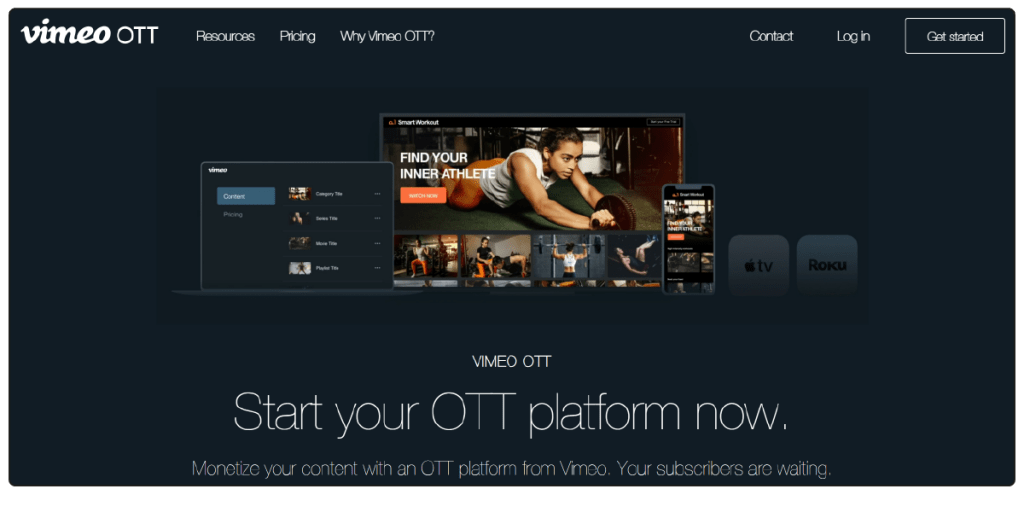
Vimeo OTT is a great solution for smart TV app development, allowing content creators and businesses to create their own streaming app for various devices. The platform features a powerful video streaming production system and various revenue opportunities.
Moreover, it comes equipped with robust analytical tools that provide creators with in-depth insight into their target audience, making it a great choice for all creators and media firms.
Vimeo OTT’s features include:
- Video content management system
- World-class video player with adaptive streaming
- Audience analytics (subscriber growth, churn)
- Content protection and DRM
- Custom video gallery pages
- Built-in TV app builder
- Live streaming support
- Seamless Stripe payment processing
- 24/7 viewer support
- Advanced selling options (ads, transactional)
Pros:
- Intuitive UI and publishing workflow
- Transparent pricing
Cons:
- Limited deep customization and enterprise integration
Tired of using Vimeo OTT?
4. TO THE NEW
Your All-in-One Smart TV App Developer
Tothenew is a digital engineering company and a top TV app solution provider dedicated to creating smart TV applications and OTT applications for media, sports, and entertainment brands. As a Roku Preferred Partner, they focus heavily on remote-first and navigation-efficient UX.
Tothenew automates the Quality Assurance (QA) processes and testing on 100+ devices, for faster store approvals. They also provide post-launch support and optimization, making them an ideal choice for businesses aiming to establish monetization-ready smart TV ecosystems.
TOTHENEW features some of the following highlights:
- Roku Preferred Partner
- White-label OTT platform development
- Multi-DRM integration (video security)
- Custom video players with low-latency streaming
- Cloud-based OTT video platform infrastructure
- Live analytics and audience engagement
- VideoReady Go for rapid launch (minutes)
- Multi-device support (mobile, web, Smart TV, consoles)
- 24/7 monitoring and support
Pros
- Roku Preferred Partner status
- Multi-DRM integration capabilities
Cons
- Limited user review data publicly available
5. Oxagile
The Enterprise-Grade Smart TV App For Every Business
Oxagile is a 20+ year-old software development company specializing in video streaming solution. They know the ins and outs of a remote-first navigation, integrating DRM (Widevine, FairPlay) and AI-powered personalization.
To minimize friction, Oxagile highlights three-click content access, intuitive UX, and voice search. They also incorporate companion device synergy for typing-intensive jobs and enhanced metadata-driven recommendations.
Some of the best attributes of Oxagile are:
- Custom video streaming solution from scratch
- Live streaming architecture
- Multi-screen distribution (web, mobile, TV)
- Server-side ad insertion (SSAI)
- AI-driven content personalization
- Legacy system migration
- Linear and non-linear content scheduling
- Bulk content ingestion with two clicks
- Elasticsearch-powered custom search
- No-code/low-code CMS for TV apps
- Third-party syndication (YouTube, social media)
Pros
- Deep specialization in OTT, WebRTC, and AdTech
- End-to-end delivery from discovery to support
Cons
- Pricing not publicly transparent
6. Lightcast
Elevate Your Video Streaming Experience With Ease
Lightcast is a comprehensive OTT platform that allows organisations to enter the world of branded streaming across devices. It lets content creators distribute video content to all the major connected TV platforms at once.
The client does not have to code anything – all development and app store submission is managed by Lightcast. Their turnkey service allows them to deploy an app in as little as 5 days with a proprietary cloud and CDN network.
Lightcast’s some of the best features include:
- White-label OTT platform with zero-code deployment
- Centralized Media Cloud dashboard
- Auto-metadata cross-publishing
- Built-in monetization (subscriptions, PPV, ads)
- AI-automated media workflow
- Video content management system
- AI-assisted tagging for content discovery
- 24/7 linear channel creation with EPG
- Workflow automation (transcoding, approvals)
- CTV platforms (Roku, Apple TV, Fire TV, Android TV)
Pros
- Media Cloud dashboard for centralized management
- Supports education, entertainment, and corporate sectors
Cons
- 20% transaction fee on subscriptions
7. JWX
Innovative Video Solutions for Every Business Need
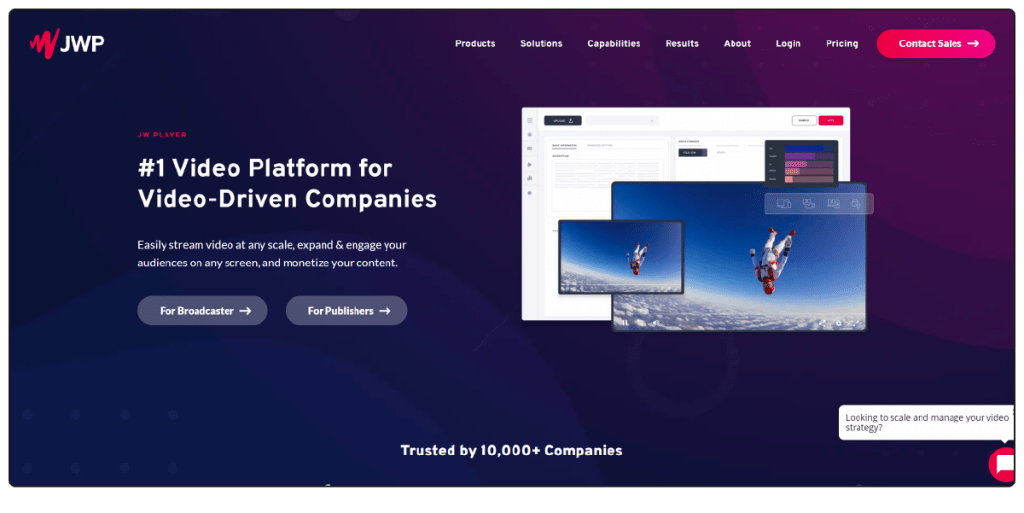
JW Player is a flexible video service provider. It provides a comprehensive range of smart TV application development services to effectively distribute and monetize video content.
The platform is known for its emphasis on high-quality video streaming and audience engagement. In addition, it is a favorite among contemporary streaming services due to its remarkable compatibility with numerous devices.
The following are some of the highlights of JW Player:
- HLS video player
- Video intelligence tools
- Video management console with API
- Integrated monetization (in-app purchases)
- Video content management system
- Dynamic playlists with CDN data
- Trending and related content rankings
- Custom search parameters
- OTT platform development capabilities
- Video security features
Pros
- Wide format and resolution support
- Extensive API for customization
Cons
- Users report 4K playback issues
8. Accedo.tv
Accedo is a video experience company providing streaming providers with tools to create and grow their OTT services. They cater to Tier-1 broadcasters, telecom operators, and key media networks internationally.
The platform is built on the basis of Accedo One, a powerful cloud platform, to efficiently configure and launch video apps. They are concerned with simplifying the large broadcasters and Pay TV operators by providing modular architectures that seamlessly integrate with voice search, DRM, and analytics.
Top features of Accedo TV are:
- Accedo One cloud platform
- Custom UX design
- Visual editor (real-time UI without store resubmit)
- Monetization strategy support
- Personalization tools
- Video security with modular DRM
- Agentic AI for front-end delivery
- OEM partnerships (Samsung, LG, Roku)
- Cross-device experience optimization
Pros
- Scalability support for 15-20 million concurrent users
- Multi-device expertise
Cons
- Pricing not publicly transparent; custom quotes only
9. Uscreen
Uscreen is a SaaS-first streaming platform that takes care of all the technical toil required for developing smart TV apps, and is perfect for creators who don’t want to work with code. It offers ready-to-use smart TV app development solutions with a template-based framework.
In contrast to custom development, Uscreen has a single build code for all clients, so no individual code customization is provided, but they handle all app rejection automatically.
Uscreen’s key features include:
- White-label OTT platform
- Zero-code templates
- Self-service analytics dashboard
- Live chat and comments
- Enterprise video content management system
- Automatic multi-device encoding
- Community and calendar features
- Branded Apple Watch fitness tracker
- Offline viewing
- In-app notifications
- Content scheduling
- Built for memberships (SVOD focus)
Pros
- Launch content on multiple branded OTT apps
- Built-in paywall with low friction for customers
Cons
- UI restricted to one template
How to Start Smart TV Application Development in 7 Steps
- Audience & UI/UX Design: Begin by considering your viewer demographics, and then create a 10-foot, high-performance, remote-navigation, 16:9 screen design.
- Platform Selection: Native development or cross-platform hybrid (React Native) framework development for key platforms (Android, Tizen, webOS).
- Backend & Code Logic: Implement a secure CMS with geo-blocking and DRM measures. Select the appropriate programming languages (such as Kotlin or Swift) according to the hardware you’re targeting.
- Video Delivery & Monetization: Set up a reliable streaming pipeline with multi-DRM security, and enable a sustainable revenue model (subscription, in-app purchases, or SSAI/CSAI ads).
- Testing & Launch: Conduct extensive multi-resolution testing to ensure stability. Then submitit to key appstores and keep an eye on regular security updates.
1. Define Your Smart TV App Goals and Audience
The first step in smart TV application development is to define your audience and objectives. Knowing consumer viewing habits on connected TVs can inform the user experience and platform choice.
Factors to Consider
- How viewers use OTT platforms from the couch
- The TV models and brands that your viewers use
- Screen sizes on the different devices they use
- Processor and hardware variants and features
Knowing these factors can contribute to a seamless 10-foot experience on supported devices.
2. Create a Smart TV-Based UI/UX Design
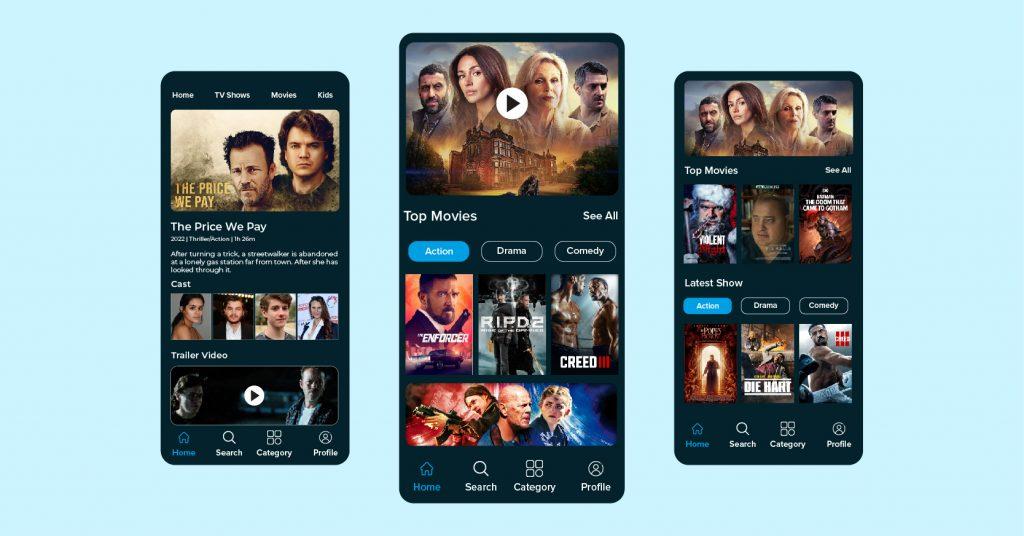
The interface of a smart TV needs to be designed for larger screens and remote control use. TV devices will need to have a simpler interface because they have less processing power than a mobile phone or a desktop computer, which could make them lag during rendering.
Key UI/UX Elements
- Media thumbnails displayed in horizontal 16:9 format in a carousel format
- Large screen borders and high contrast on buttons for increased visibility
- Content Grids divided into large categories by genre
- Easy remote control operation for seamless navigation
Your development partner should create a unique UI/UX experience for the TV viewing environment.
3. Choose the Right Smart TV Platforms
Selecting the appropriate smart TV platforms can ensure a balance of development costs, device access, and long-term maintenance. It might be difficult to support all the platforms at launch, so companies will want to focus on the platforms that are most relevant to their audience.
However, businesses can choose between native development and cross-platform development with the help of an OTT solution provider like VPlayed.
Platforms to Prioritize
- Android TV + Amazon Fire TV will connect with the huge Google + Android ecosystem
- Samsung Tizen + LG webOS to compete with the top smart TV display platforms
- Roku OS + Apple TV (Apple tvOS) will deliver to North America-based streaming audiences.
Development Options
- Native development to achieve platform-specific performance
- Creating a single code base for cross-platform support for better reusability
The developers can also use frameworks like React Native or Flutter. Multi-platform deployment can be made easier using tools like React-native-tvos.
4. Map Out Content Upload
It is essential to have robust back-end systems to handle media assets, user accounts, analytics, and video delivery. This is a foundation for content management, to guarantee reliable streaming performance.
Backend Requirements
- A strong content management system to manage the media library
- Maintaining high-quality video streaming delivery with no lag
- User account management
- Advanced analytics to monitor viewer behavior
Security Measures
- Secure token to ensure that only valid users can access the system
- Geo-blocking as a part of regional licensing compliance
- Implementing secure video streaming protocols
These configurations ensure a stable video streaming pipeline with the old and new firmware versions.
5. Plan Core Features
Before development, your engineering team needs to determine what technical architecture is needed to deliver the essential app capabilities. There are a variety of hardware architectures for smart TVs, and they need various platform-specific technologies and programming languages.
Technologies used across the platforms
- Kotlin or Java (Leanback library or Jetpack Compose)
- For Apple TV experiences: SwiftUI, TVMLKit, Swift, or Objective-C.
- BrightScript & SceneGraph for Roku Applications
- React with the Enact framework for web-based smart TVs
- JavaScript, HTML5, and CSS for common web-based implementations
The final technology stack is determined by the technologies chosen in development planning.
6. Set Up Video Infrastructure
Video Infrastructure is a key element in the streaming quality, playback stability and content security. At this point, the OTT platform is integrated with backend services and set up to deliver content.
Infrastructure Components
- Streaming protocol compatibility
- Implementing Adaptive Bit Rate Streaming (ABR)
- Video transcoding workflows
- Subtitle delivery systems
Content Protection
- Content security configuration using Multi-DRM.
These components enable video quality to be maintained under different network conditions and provide secure video delivery.
7. Choose Monetization Model
One of the major points of smart TV app development is choosing a sustainable monetization model. Monetization systems can be a part of initial development costs, but smart architecture scaling can lower long-term maintenance costs.
Monetization Options
- Comprehensive subscription management solutions
- In-app purchases in user interface
- Advertising-supported viewing experiences
- Pay-per-view model
- Server Side Ad Insertion (SSAI)
- Client-Side Ad Insertion (CSAI)
The best way to monetize your content is going to be based on your content, audience, and revenue objectives.
8. Launch Your Smart TV App
Experts test the smart TV app thoroughly before launch to check stability, compatibility, and overall performance. It helps ensure platform requirements and enhances the end-user experience.
Testing Activities
- Cross-platform compatibility testing
- Overscan testing
- Multi-resolution testing
- Performance testing with metrics related to memory, CPU, and VST
This process will detect and exclude possible crash or freeze situations.
App Submission
When optimization is finished, your development partner will submit the application to:
- Google Play Store
- Apple App Store
- Roku Channel Store
- LG Seller Lounge approval process
- Samsung Seller Office approval process
Post-Launch Maintenance
Once launched, technical teams track the OS updates and apply prioritized security updates on a regular basis.
Top Must-Have Features for a Smart TV App
To make an application competitive in the modern world, there are certain core features that it must have to please today’s viewers and expand its business.
Native All-in-One Content Hub
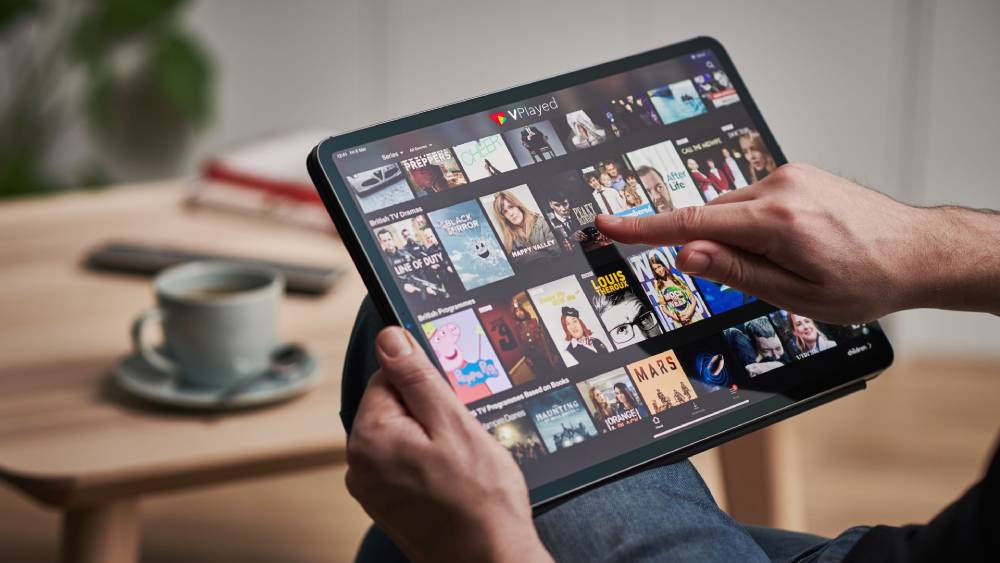
The app should broadcast to the TV without the need for any external casting hardware. A centralized interface enables viewers to immediately view your entire library from a single screen.
Optimized 10-Foot User Interface
The front-end interface should provide a “lean back” look geared towards the big screen TVs in the living room. The intuitive navigation keeps viewers engaged, leading to more time spent on the page and higher brand loyalty.
AI-Driven Recommendation Engine
The system should have smart algorithms in the backend that adapt to the viewers’ preferences over time. It offers highly targeted video suggestions, meaning that users do not need to go through the tedious process of searching manually.
High-End Audio and Video Playback
The streaming system needs to be capable of handling advanced protocols such as 4K resolution and surround sound. This guarantees crisp playback with ultra-low latency that matches the best in the theatrical world.
Cross-Device Continuity Synchronization
The viewers should be able to pause a video on their smartphones and resume on the big screen without any hassle. This seamless and intuitive screen sync provides the greatest versatility across everyday situations.
Studio-Grade Content Security
The smart TV app should include advanced protection layers to prevent piracy. Multi-DRM helps keep your content safe, and additional features like dynamic watermarking and secure token authentication prevent any illegal link sharing.
Centralized Video CMS
A good back-end management panel lets operators arrange huge asset libraries, set up metadata, and schedule new content upgrades effortlessly.
Multi-Tiered Monetization Gateway
The app should provide integration with various payment gateways to ensure the greatest possible revenue opportunities. Multiple models, such as SVOD subscriptions, AVOD ads, and transactional pay-per-view options, should be seamlessly processed by the system.
Wrapping Up
The trend of streaming from the living room is undeniable, but there is a very specialized engineering strategy to capitalize on that. Managing hardware fragmentation, complicated video architecture, and application stores’ approval cycles is not a DIY venture for in-house teams. It requires an expert partner who is capable of maximizing the 10-foot user experience.
A dedicated OTT provider, such as VPlayed, provides instant access to pre-existing smart TV application development frameworks in several app development ecosystems. Ready to take advantage of the connected TV market? Now is the time to collaborate with an expert development company to create a scalable, monetization-ready ecosystem.
- Request Demo Book a Live, Personalized Demo
- Contact Sales Reach Out to Our OTT Experts


