



The best instant messaging solutions include MirrorFly, Rocket.Chat, and Twilio. These IM solutions offer real-time communication features such as messaging, voice calls, video conferencing, team collaboration, and file sharing to help teams and employees stay connected.
TL;DR: Instant messaging solution in 2026
Each platform is evaluated based on its highlights, supported devices, starting price, features, and more to help you choose the best IM solution for your business.
- MirrorFly: Instant Messaging Software for Enterprise
- Rocket.chat: On-premise Chat Service Built For Teams
- Twilio: Corporate Messaging API Provider
- Cometchat: Secure On-Prem Messaging API Provider
- Apphitect: The Self-hosted IM Solution For Team Chat Apps
- Weavy: Fully featured chat experience in minutes
- Zulip: Flexible Platform For Third-Party Integrations
- Mattermost: OnPremise Chat Software For Enterprises
- Wire: Secure & Customizable Instant Messenger Service
- Nextcloud: The Modern Self-hosted Collaboration Tool
Here’s a quick look at popular instant messaging solutions for Enterprise:
| IM Providers | Focus / Primary Use | Supported Platforms | Starting Price (USD) | Notable Features |
| 1. MirrorFly | White-label, self-hosted chat API & SDK for organizations | Android, iOS, Mac, Windows, Linux | Custom Pricing. SaaS pricing starts at $399/5K users/month | 100% customizable, 1000+ CPaaS features, 500+ AI-powered features |
| 2. Rocket.chat | Secure, open-source on-premise service | Mobile and Web | $499/month | High data security, integrates real-time interactions across devices |
| 3. Twilio | Market-leading corporate messaging API | Mobile and Web | $452/month | Programmable communication tools, Voice SDK, SIP trunking |
| 4. Cometchat | Secure on-prem messaging API for enterprises | iOS, Android, and Web | $529/month | UI Kits, bot chats, analytics, and single “CometChat App” connectivity |
| 5. Apphitect | Self-hosted IM solution for modern enterprise apps | Mobile and Web | One-time license fee (contact for quote) | 1000+ call/chat features, white-label, self-hosting support |
| 6. Weavy | Quick integration for mobile products | Android, iOS, Web, and Desktop | $400/month | White-label SDK/API, ideal for food delivery and rental cab apps |
| 7. Zulip | Open-source alternative to Slack for remote work | Windows, macOS, Android, iOS, Terminal, Linux | $399/month | Combines email and chat concepts, scheduled messaging, whiteboards |
| 8. Mattermost | Trusted on-premise chat for large enterprises | Android, iOS, Web, and Desktop | $399/mo or $10 per user/month | Unlimited chat history, secure self-hosting, group messaging |
| 9. Wire | High-security encrypted messaging | iOS, macOS, Android, Windows | $299/month | End-to-end (E2E) encryption, self-destructing messages, open-source |
| 10. Nextcloud | Modern self-hosted collaboration and groupware | iOS, macOS, Android, Windows, Linux, Web | $499/month | Content collaboration, file sync/share, encrypted connections |
1. MirrorFly IM: A Secure, White-Label Instant Messaging Solution for Modern Businesses
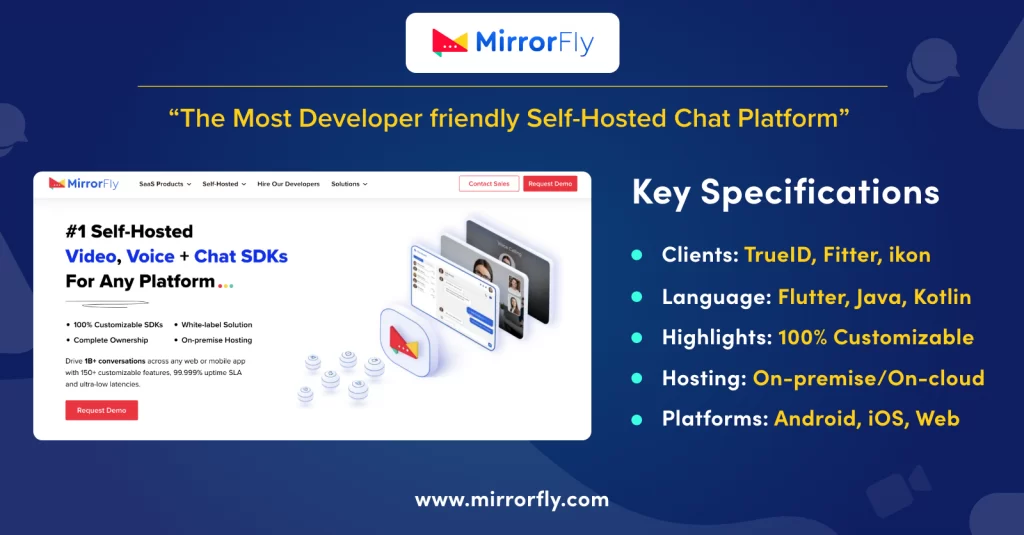
MirrorFly IM is probably the most customizable instant messaging solution in the world. This CPaaS solution for enterprise use consists of white-label APIs and SDKs for web and mobile projects.
The aim is to build a fully functional IM platform with thousands of team communication features without having to write codes from scratch. You can build instant messaging, while having full control of your data by hosting on your own servers.
So, MirrorFly allows you to build instant messaging into apps easily, and with customizable features and security.
MirrorFly Features:
➡️ Direct messaging (DM) & Group chat
➡️ Channels
➡️ Threads
➡️ Email chat
➡️ Online presence indicators
➡️Profanity filters
➡️AI chatbots
➡️Voice and video calls
Essential Characteristics
Supported Platforms: Android | iOS | Mac | Windows | Linux and more.
Use Cases: Use cases: Digital Healthcare, E-learning, Gaming, Financial, E-Commerce, Logistics/shipping, Information technology, Fitness application, & SaaS business.
Supported Languages: Flutter, Java, React Native, JavaScript, Kotlin, Swift, React, Angular, Vue.js.
Price Setting Method:
MirrorFly provides two types of pricing:
- SaaP (self-hosted): Custom pricing (One-time License fee)
- SaaS: Starts at $0.08/month

- Complete Source Code
- Lifetime Data Ownership
- Deploy on Own Server
2. Rocket.chat: The On-premise Chat Service Built For Teams
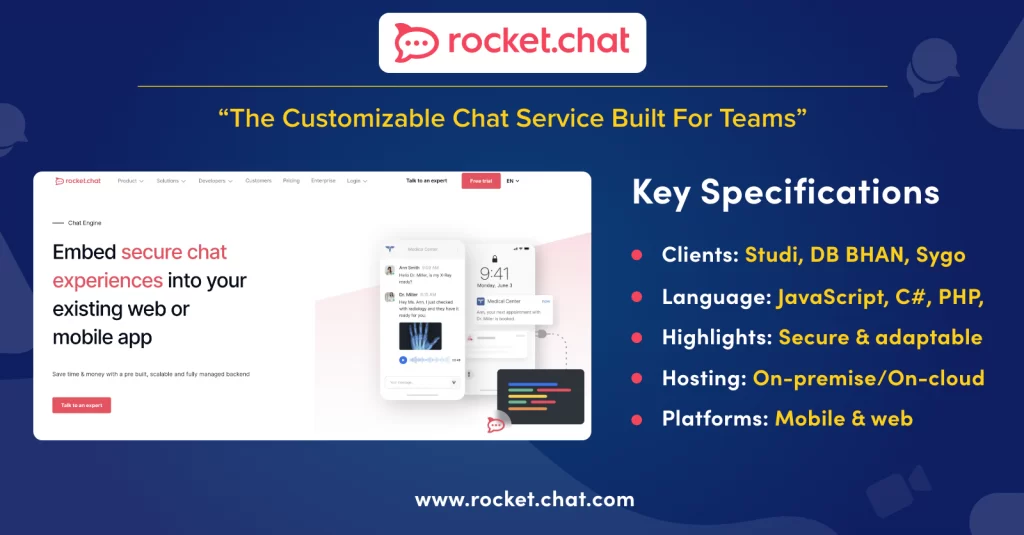
If your enterprise needs a secure CommsOS with full data sovereignty, you need to check out Rocket.Chat. The platform supports self-hosting, and supports features including real-time messaging, collaboration features for customer engagement and file sharing.
Rocket.chat stands out from other players through collaboration with Matrix native federation to comply with Iron Bank Certification, DoD ATO, GDPR and HIPAA. It supports TypeScript and is well-known to solve instant messaging solution needs for organizations across government and defense organizations.
Features include
➡️ File Sharing.
➡️ Notifications.
➡️ Search.
➡️ Mobile Application.
➡️ Web Application.
Essential Characteristics:
Supported Platforms:Mobile and Web
Use Cases: Defense, Healthcare, Finance, E-commerce, Education.
Supported Languages: JavaScript, C#, PHP, Node.js, Python, Ruby.
Price Setting Method:
- Starts from $499/month
3. Twilio: The Cloud Communications Platform
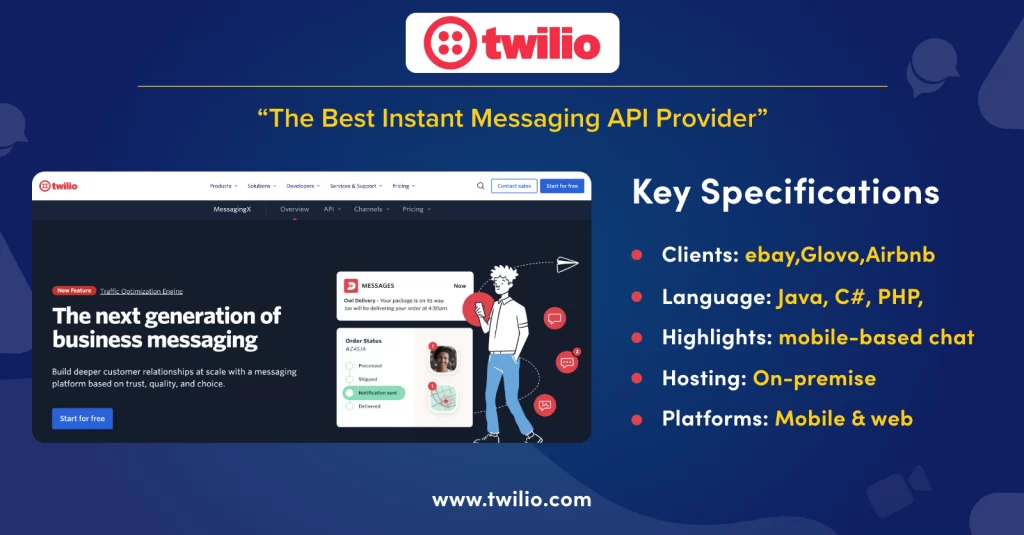
Twilio is a Cloud Communications Platform that provides flagship products Twilio Conversations API and Programmable Messaging API to enable instant messaging across global channels.
The platform is cloud-native with a massive tier-1 carrier network available across 180+ countries. Enterprises can add multiple cross-channel features like SMS, MMS, WhatsApp, and RCS. They also provide advanced AI features including Conversation Memory and Conversation Orchestrator.
Features:
➡️ Voice SDK
➡️ Media stream
➡️ Interconnect
➡️ SIP trunking
Essential Characteristics:
Supported Platforms:Mobile and Web
Use Cases: Healthcare, Finance, E-commerce, Retail, Real-Estate.
Supported Languages: Java, C#, PHP, Node.js, Python, Ruby.
Price Setting Method:
- Starts from $452/month
4. Cometchat: Secure On-Prem Messaging API Provider
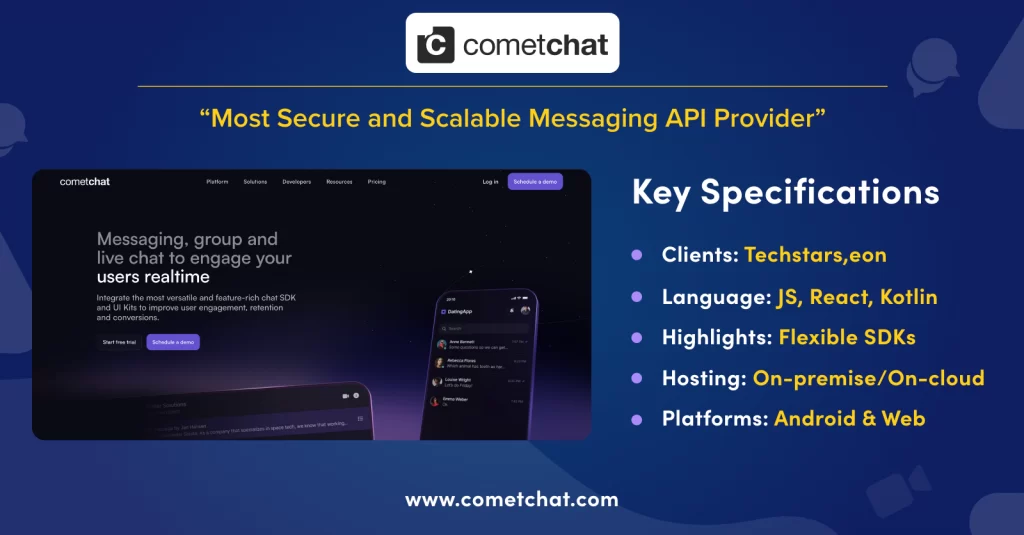
CometChat runs on a modular architecture to enable custom chat, voice and video features into enterprise apps. The platform offers UI Kits comprising text, WebRTC calling, and Conversational AI copilots, with support for granular customization.
Built-in frameworks including GDPR, SOC 2 and ISO 27001 secures the architecture from data breaches and abuse. The platform offers a Documentation where developers can learn integrating specific frameworks, or make use of the Github repository to access the open-source integration libraries.
Features include
➡️ Chat messaging
➡️ Voice and video calls
➡️ UI kit
➡️ Analytics
➡️ Extensions
➡️ Bot chats
Essential Characteristics:
Supported Platforms:Chat SDK for iOS, Android & Web.
Use Cases:Telemedicine, Social & Dating, Transportation, Telecom, FinTech, Gaming.
Supported Languages: Javascript, React, Kotlin, Swift, Flutter, Objective C, Angular, PHP.
Price Setting Method:
Starts from $529/month
5. ApphiTect: The Self-hosted IM Solution For Team Chat Apps
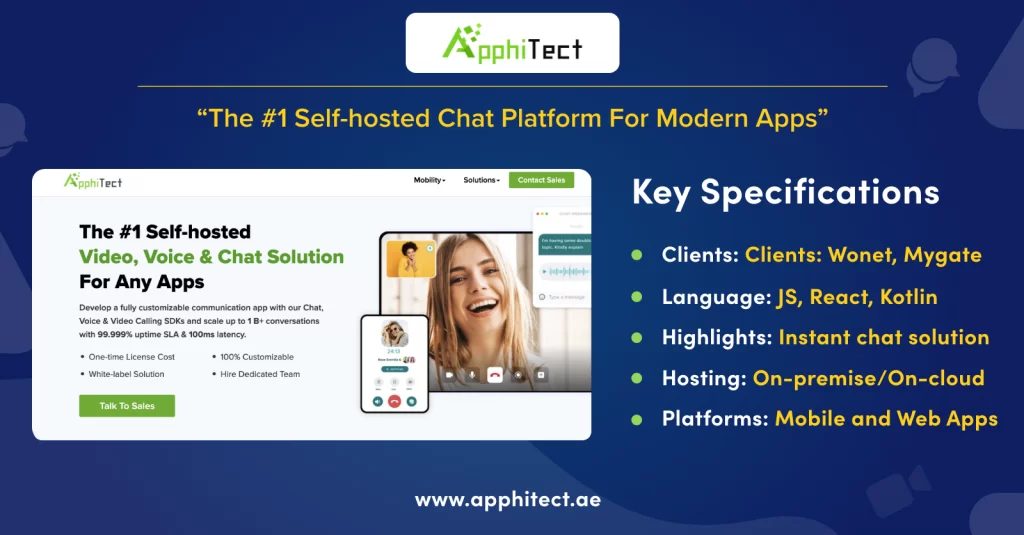
Apphitect is well-known for its self-hosted Communications Platform as a Service (CPaaS) for enterprises. Every product offered by Apphitect delivers data sovereignty making it an ideal choice for businesses looking for complete control over their data and infrastructure.
The platform offers 1000s of features including instant messaging, video calling, voice calling and conversational AI agents. The architecture is secured by end-to-end encryption, HMAC authentication and HIPAA/ GDPR regulatory compliance.
Features
➡️ Private & group messaging
➡️ Topic-based chat
➡️ Typing & delivered status
➡️ Chat history & export
➡️ Push notifications
Essential Characteristics:
Supported Platforms:Mobile and Web Apps.
Use Cases: Healthcare, Online Marketplace, Telecommunication, Super Apps, Transportation, Ride-sharing and ride-hailing
Supported Languages: Javascript, React, Kotlin, Swift, Flutter, Objective C, Angular.
Price Setting Method: :
Available at a custom price (one-time license fee)
6. Weavy: Fully featured chat experience in minutes
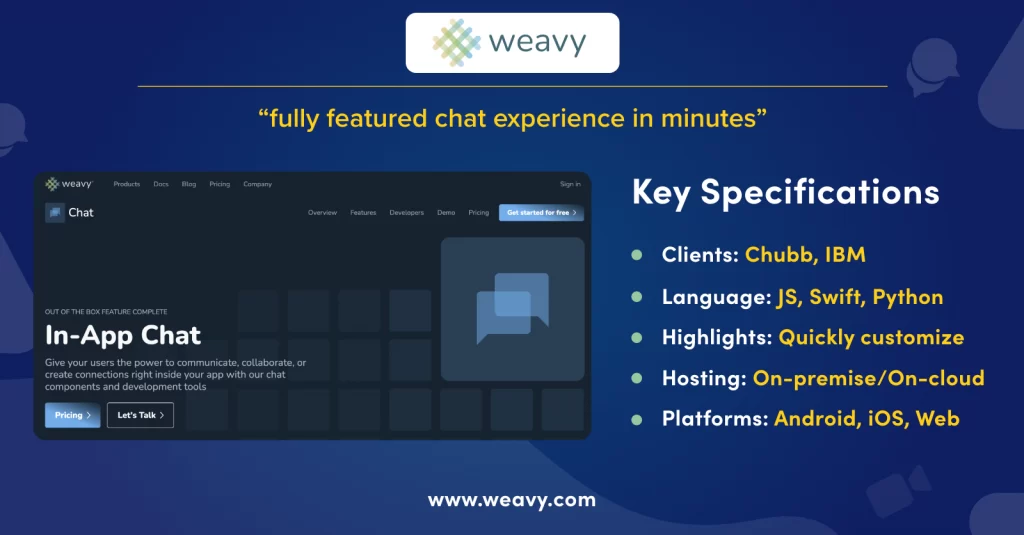
Weavy uses fully themeable, native frontend components to integrate real-time chat, file sync and threaded feeds into apps. It provides both the backend along with pre-built UI components.
The platform builds messaging layers into apps with WebSocket, with support for 100+ file formats and context-aware AI copilot components. Similar to MirrorFly and Apphitect, Weavy supports both fully managed cloud and self-hosting.
Features
➡️ Files API
➡️ Chat API
➡️ Chat solution
➡️ Cloud storage
➡️ File sharing
Essential Characteristics
Supported Platforms:Android, iOS, Web, and Desktop.
Use Cases: IT Projects, Engineering, Transportation.
Supported Languages:Javascript, Swift, Python, Ruby, Objective-C, Node.js.
Price Setting Method:
Starts from $400/month
7. Zulip: Flexible Platform For Third-Party Integrations
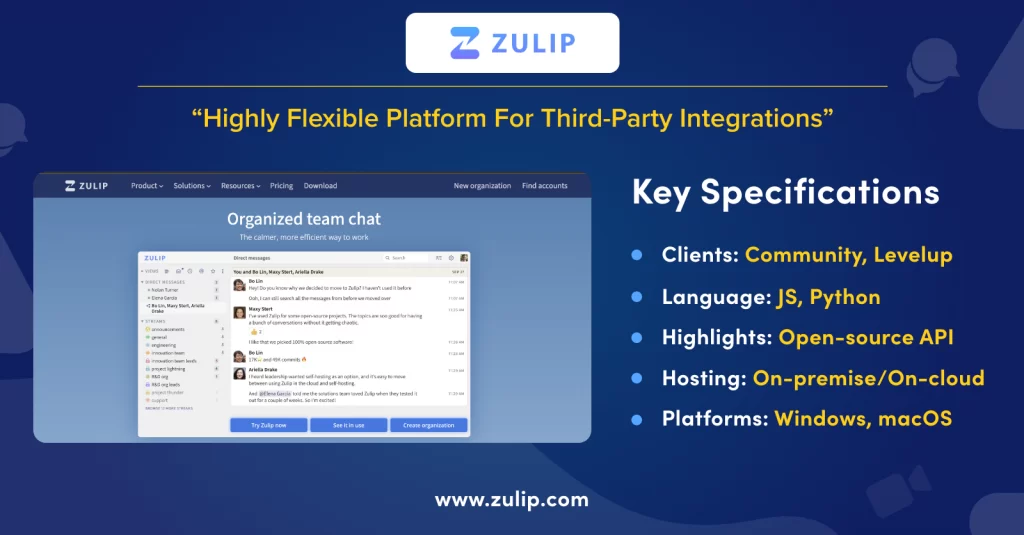
Zulip is a 100% open-source solution with a backend engine orchestrated by Tornado and Python/Django. It supports on-premise deployment on Ubuntu/ Debian platforms along with the option to go fully cloud managed.
Zulip is considered a reliable technical body for NASA and Kubernetes with its open API supporting full code presentation elements like LaTeX and native syntax highlighting. On the operational side, enterprises prefer Zulip for its structured message streams ideal for remote and distributed engineering streams.
Zulip features
➡️ Chat API
➡️ Messaging
➡️ Video calls
➡️ Scheduled messaging
➡️ Muted streams
Essential Characteristics:
Supported Platforms:Windows, macOS, Android, iOS, Terminal, Linux.
Use Cases:Business, Education, Res.
Price Setting Method:
Starters from $399/month
8. Mattermost: On-Premise Chat Software For Enterprises
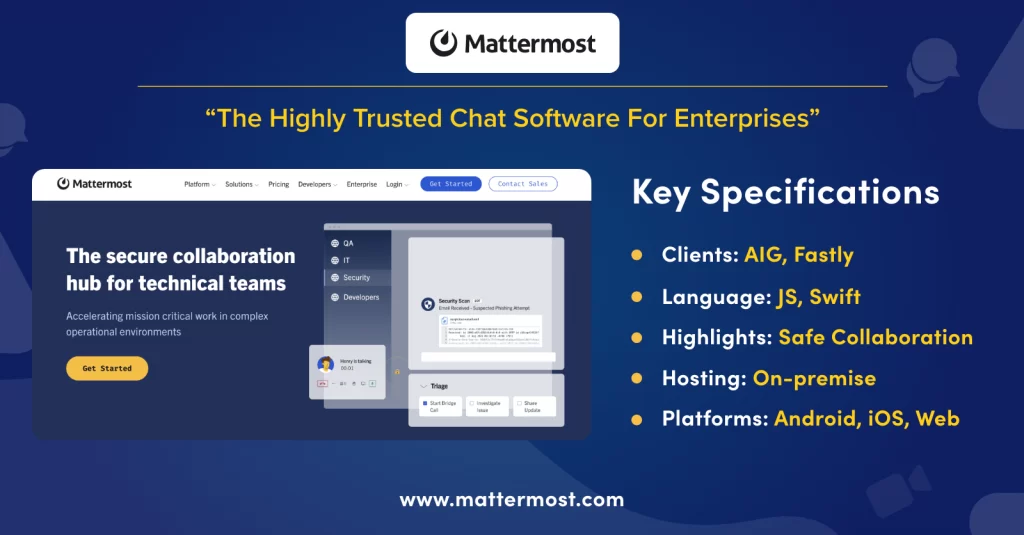
DevOps or Enterprise teams that need an alternative to Slack for team communication prefer to use Mattermost. It is an open-source collaboration platform that works efficiently for internal communication and teamwork.
The solution is built with Go and React, supporting real-time features like direct messaging, group channels, voice calls, and screen sharing.
Enterprises streamline their workflows with Mattermost by integrating tools like GitLab, Jenkins, and Jira. It also supports features like role-based access to control who accesses the platform. Besides, it includes AI copilots that can generate summaries of calls that happen across the Mattermost platform while keeping the data secure.
Features
➡️ Group messaging
➡️ Unlimited chat history
➡️ Screen share
➡️ File sharing
Essential Characteristics:
Supported Platforms:Android, iOS, Web, and Desktop
Use Cases:Healthcare, Financial service, Gov
Supported Languages:Javascript, Swift, Python, Ruby, Objective-C, Node.js.
Price Setting Method:
Starts from $399/month
Packages begin at USD 10 per user/month
9. Wire: Secure & Customizable Instant Messenger Service
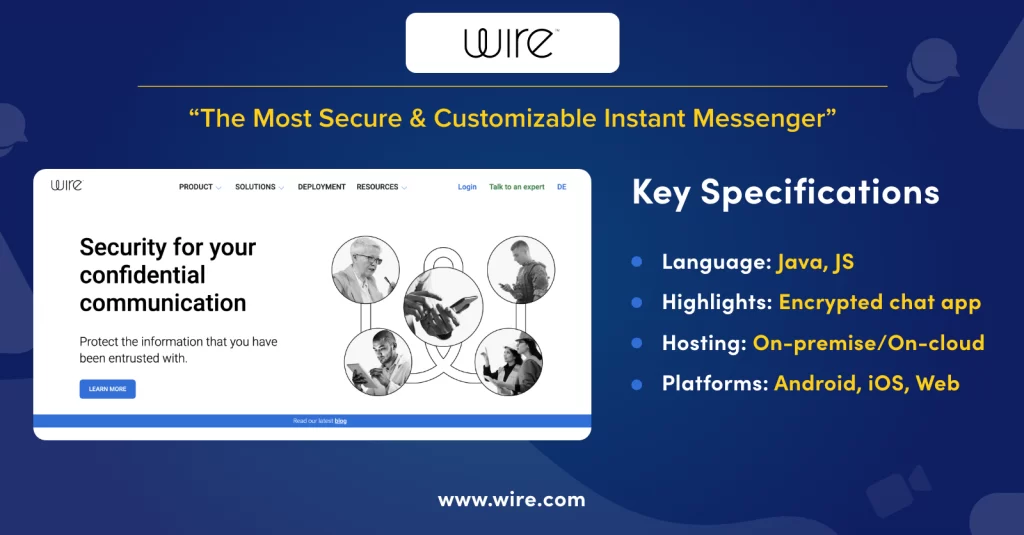
Wire is a secure collaboration platform with support for real-time messaging, video and voice calling. To secure conversations across larger groups, it uses its own Proteus encryption protocol and also Messaging Layer Security (MLS).
Similar to MirrorFly, Wire also supports self-hosting, allowing organizations to deploy their instant messaging platform across any server – private or hybrid, on-prem, public cloud, or even fully isolated air-gapped networks. External partners and vendors can join encrypted guest rooms without even creating an account. Other than this, Wire supports enterprise features including an openly audited codebase, directory syncing, and single sign-on (SSO).
Wire features:
➡️ End-to-end (E2E) encryption.
➡️ Encryption algorithms: Proteus protocol, WebRTC (DTLS, KASE, SRTP) with PFS.
➡️ Open source.
➡️ Self-destructing messages.
Essential Characteristics:
Supported Platforms:iOS | macOS | Android | Windows |
Use Cases:Law, Science, Security, Culture, Economy
Supported Languages:Java, JavaScript, React, PHP
Price Setting Method:
Basic pack starts form $299/month.
10. Nextcloud: The Modern Self-hosted Collaboration Tool
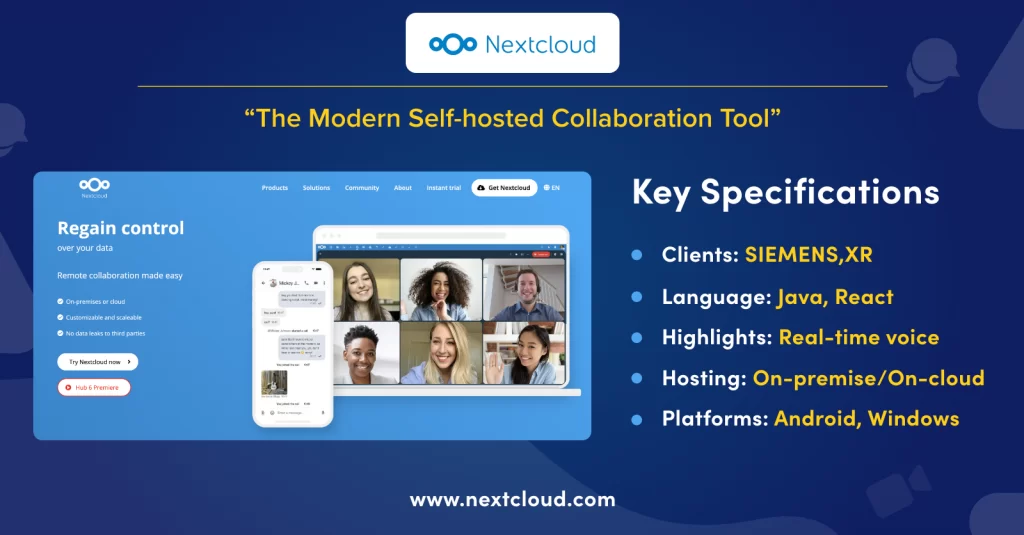
Nextcloud Talk is another reliable choice if your organization needs an open-source communication platform with full data control. It is part of the Nextcloud Hub workspace and supports multiple team collaboration features including real-time messaging, HD audio, webinar streaming, and video calling.
Many enterprises choose this platform as different servers and networks can work together through Open Cloud Mesh. A few organizations with a large user base scale up easily using NATS messaging and the Janus WebRTC server. To secure the infrastructure, Nextcloud uses watermarking, end-to-end encryption, and local AI-powered summaries.
Features
➡️ Sync and share files
➡️ Cloud storage, video conferencing
➡️ Voice chat
➡️ Encrypted connection.
➡️ Conversation manager
Essential Characteristics:
Supported Platforms: iOS | macOS | Android | Windows | Linux | Web
Use Cases:Enterprise, Education
Supported Languages:Java, JavaScript, React, PHP.
Price Setting Method:
Starts from $499/month
In enterprise businesses, team communication must be quick, and secure. Daily operations may become complex if the chat infrastructure is weak. Some organizations even collapse if a data breach happens.
This is one of the most important reasons why you need the right instant messaging solution. In this article, I’ll break down the 10 best solutions that help businesses communicate better and securely.
What is Instant Messaging?
Instant messaging (IM) is a real-time communication that allows users to send or receive written messages, make voice and video calls, share files, media and images over the internet. Users can simply access these platforms on apps on their mobile or computer.
What is an Enterprise Instant Messaging Software?
Enterprise Instant Messaging (IM) software is a real-time communication solution designed to build or integrate messaging features in business apps. These solutions enable employees, teams and stakeholders to exchange messages, share files and media instantly.
How Does an Instant Messaging Software Work?
As the name suggests, instant messaging (IM) is a type of communication that connects two or more people in real time over the Internet.
Apart from direct messaging, instant chat software is widely used in many places, such as food delivery apps, cab services, and more. This quick integration demonstrates successful integration in troubleshooting and customer enquiries.
Let’s see how all these real-time scenarios happen in the backend.
- Client Software: The messaging app that helps to send text messages is called client software that is connected with servers.
- Server: The client software relies on servers to facilitate communications between users. These servers consistently monitor the network for incoming and outgoing messages and chats.
- Message Transmission: When a user types a message and sends it, the client software encrypts the message and then directs it to the server. Then, the server routes the message to the recipient’s device. Later, the recipient’s client software receives and decrypts the message.
Surprising Instant Messaging Statistics + Facts 📊
- The global IM market size is projected to grow from USD 39.8 billion in 2023 to USD 89.6 billion by 2032, at a CAGR of 9.4%. (Source: Instant Messaging Market Report)
- AI-powered chatbots, personalization, and automation are becoming mainstream. (Source: Instant Messaging System Report)
- Leading IM platforms often have 2+ billion users globally. (Source: IM Navigating Dynamics Report) Software dominates revenue, but the services segment is growing faster. (Source: Instant Messaging Software Market Report)
- Cloud deployment is witnessing the highest growth, driven by scalability and cost benefits. (Source: Instant Messaging Software Market Report)
- On-premises deployment remains popular for BFSI and healthcare sectors due to security needs. (Source: Instant Messaging Software Market Report)
- Large enterprises dominate revenue, but SMEs are expected to grow faster. (Source: Instant Messaging Software Market Report)
- Asia Pacific leads the global IM market, driven by digitalization and smartphone growth. (Source: IM Navigating Dynamics Report, Instant Messaging Market Report)
- North America holds ~35% share of the Business IM market, with a CAGR of 7.5%. (Source: Business IM Software Market Report)
- Asia Pacific holds ~28% share, growing at 9% CAGR. (Source: Business IM Software Market Report)
- Europe holds ~25% share, growing at 6.8% CAGR. (Source: Business IM Software Market Report)
Functionalities of Mobile Messaging Solution
These functionalities are a must if you are going for an instant messaging solution.
- File transfers of unlimited size
- HD Voice and video calling
- Screen sharing
- Whiteboard capabilities
- Real-time Chat
- SIP/VoIP calling
- Video conferencing
- Screen sharing
- Automated reminder
We have a list below if you are wondering which platform to use. Do check out them
10 Key Factors to Consider When Choosing Enterprise Messaging Software
Now you have options. And it’s natural to have a little panic on deciding that ONE right choice. We’ve all been there.
Well surprise!
What factors must you check when choosing an IM Software for your team chat app?
1. Customization
Generally, the higher the freedom to customize the software, the better.
You cannot spend on a product and get convinced with what is offered. The provider must give full control to you, so you can build the features exactly the way you want it for your team.
2. White-labeling
Some providers do not allow you to remove their brand names from the software
It may appear anywhere on your app. That definitely is not good for your app. It will silently affect your branding. Make sure the provider you choose lets you add your logo, colors and UI elements that matches with your brand’s tone and style.
3. Extensive Features
People are accustomed to using modern chat features these days. Your team members will expect modern plus easy to use features that they use in their personal chat apps.
If your app is just basic or has outdated navigational elements, believe me, you are risking productivity. People may not be happy exchanging messages that work as in the stone age.
Choose the provider that offers as many features they can. Make sure the features are advanced.
4. AI Features
It’s AI everywhere. Your team is going to want it too.
AI chat features guide employees internally with recommendations and next best actions. Or handle the customer inquiries until there’s a need for your customer support agent to step in.
Either way, automating processes reduces the time to complete tasks. It helps your team feel relaxed and productive.
5. Data Control
I’ve been convinced all my life: when I purchase software, only I have access to the data I upload in it.
Seems like not many platforms keep them safe.
Yes, you can’t risk your team’s data with a third-party provider. So?
Look for the one providing complete data protection and control. A provider that gives source code access would work great for this matter. You can customize any part of the code and make sure your company’s data stays intact.
6. Unconstrained Hosting
Go for a chat software that lets you continue running your app on the server you prefer.
Some of them restrict or do not support self-hosting.
That’s a serious concern.
Make sure the EIM tool lets you host on-premise or on-cloud, so you can be the decision maker here.
7. Integration capabilities
Your company might already use tools like CRMs and ERPs. If you add this chat tool for your team, it’s just going to increase the count of tools. Your team might have to juggle with all of them.
Instead, check whether the software you choose integrates with your external tools. So you can access everything and keep everything in sync.
8. Scalability
Your team will expand, and your client base too. Can the EIM software handle a large scale of users?
Or at least when there is a sudden spike of users during meetings or conferences?
9. Custom security
End-to-end encryption is common, in fact an essential security setup these days. See for options beyond that. Can you add your own list of security features?
Your business might need extra layers of data protection. If your team suggests it, will the provider allow you to add the feature?
10. Data Privacy
Most instant messaging software are compatible with regular industrial standards like GDPR and HIPAA.
But, if your business needs to operate in a country that needs a specific compliance certification, will the EIM software support it? Check that!
Instant Messaging Software Vs Instant Messaging Platforms
In this context, instant messaging software is a toolkit. It refers to a solution that developers use to build chat apps. This solution comprises a pre-built chat SDK, library files and a documentation that guides the SDK integration.
Example: MirrorFly, Mattermost & Apphitect and more
On the other hand, instant messaging platforms point to the apps or websites you build using the toolkit. This is a fully built product with messaging capabilities owned by a company or organization to perform business-specific chat-based tasks.
Example: Slack & Google Meet
Why Is Instant Messaging Software So Important For Businesses In 2026?
Chat has become a primary form of communication in most offices. Almost every department and every team communicates through messages
In this section, I’m bringing you the practical reasons why EIM is indispensable in 2026:
1. Working Remotely & Hybrid Has Become Convenient
Here’s a realistic number: Almost 50% of the workforce operate remotely or in a hybrid setting. In fact, I fall under this category, working remotely for more than 2 years now.
The first app I open when I start work is my chat app. I check upon messages from my team and align with them every day.
I’ve used emails for communication before, around 2015. The number of emails I did not open or missed in the clutter is big!
Chat has solved this. Even in the middle of a task, I can quickly reply to a message or instantly connect over a meeting with just a click of a button within the app.
2. Teams Are Becoming More Productive & Automated
We need not run across departments to convey a message or a file anymore.
Chat apps have become more of a personal assistant to office workers these days. They deliver a message in just a blink of an eye.
And they keep people connected, so your projects get done more quickly than they used to take 10 years ago!
Plus, the rise of Agentic AI for business use cases is automating everything.
You can employ 1 chatbot that can handle routine queries from billions of concurrent users at the same time. This may help you shift your human resources to more important tasks.
3. Your data stays secure
When you use an EIM software, you get to keep your data under your control.
No one gets access to it.
This reduces the risks like attacks, data theft, and hacking.
Above this, some of the secure IM software offer MDM (Mobile Device Management) support to keep professional conversations separate from personal ones.
4. Connecting your Deskless Workforce
A massive portion of the global workforce especially across retail, logistics, or healthcare) do not sit at a computer. They work deskless or in the field.
If your team is operating this way, you can send out updates like shift changes or safety alerts directly to a worker’s phone.
Overall in 2026, the discussion is not about whether or not we use instant messaging but on how to use it to automate our daily operations. This difference is what makes a company stay up to the speed of the growing market.
Top 10 Key Features of Instant Messaging Software for 2026
There are hundreds of instant messaging software available for businesses these days. But not all of them may align with your needs. To ensure you’re partnering with the right provider, you should verify if they offer the most important features for your app
- Real-time messaging: When a business environment has options to communicate instantly, decisions can be made quickly and daily operations can be run smoothly.
- Group messaging: Teams can connect for discussions and conversations on the same topic with dedicated groups for each topic, project, or department, based on their needs.
- Voice calling: Instant messaging software just doesn’t limit themselves with chat features. They also include options to make calls over the internet without the need for complex phone line setups.
- Video calling: If mobile phones or computers have cameras and mic, instant messaging platforms let users make and receive video calls for face-to-face interactions.
- File sharing: With just a simple click on the share button, users can send out media files, documents, images and videos within a snap, provided the platform supports all the formats, which most of them do.
- Online presence indicators: Unlike email conversations, users need not keep checking their inboxes to see if their message has been sent, delivered and read by the recipient. IM platforms have these online status indicators that show if the person on the other side is available for a conversation or not.
- Push notifications: Instant messaging platforms keep users on the loop with real-time alerts on their devices and app notification pane. This way users will not miss an update, and stay consistent with brand experience and offerings.
- Chatbots: In recent years, AI Chatbots have changed the way people get support with a business. Users can simply visit a business website or app, start inquiries via the bots, and get things done, without any hassle. If needed, they can also avail the options to get human agent help via the options offered by the bot.
- AI Voice agents: This feature in an instant messaging app can help users avail support with the products or services through a voice-guided assistance from bots. These assistants help users in a human-like voice that can be personalized and customized by the users themselves.
Conclusion:
We hope the list provided will help you choose the right platform for your software; make sure you understand your business needs, check the feasibility of messaging SDKs with your app through a quick free demo and then go for choosing the chat API, SDK’s. The most sought-after and top businesses go for the top 3 in the list above; for more information on the chat API, talk to an expert who can clarify your queries in minutes.
Looking To Build Your Own Instant Messaging App?
Launch your own self-hosted instant messaging app in 24 hrs with MirrorFly AI CPaaS.
Contact Sales-
 100% customizable
-
White-label solution
-
Full source code
 100% customizable

Frequently Asked Questions:
Which is the most popular instant chat solution?
WhatsApp and Messenger are the top most used instant chat solutions used by millions of users across the globe for both personal and professional communications. They also do offer voice, and video communications without the need for switching between apps.
Why is instant messaging good for business?
Instant messaging helps businesses make decisions and solve problems quickly through real-time communication, without the need for waiting for replies as in email communication. IM software also drives team collaboration, and streamlines workflows, allowing for more focused work without lengthy discussions.
What are some of the instant messaging apps used in businesses?
Teams, Slack, Discord, Signal, and Zoho Cliq are some of the best instant messaging apps that can be used for internal communication.
However, if you want to build a Slack-like messaging platform and customize it to your needs, you may use MirrorFly’s in-app messaging SDKs for quicker development & advanced features.
What are the 4 key features of instant chat?
The four key features of an instant messaging solution include:
1. Text messages (Single or group chats)
2. File sharing (audio, documents, video)
3. Audio calling
4. Video calling and conferencing
How does instant messaging work?
Instant messaging works by initiating a connection between two or more persons over the internet by using a chat server. Once a connection is established, users can send messages, share files, and make audio or video calls through an instant messaging platform.
What are instant messaging programs?
Instant messaging (IM) platforms are apps that enable users to send and receive written messages, and other media in real-time just with an internet connection. They also include video and voice calls for face-to-face interactions without requiring any complex phone-line setup.
Instant messaging vs. live chat vs. chatbots. What are the differences?
Instant messaging connects users for asynchronous communication, while live chat offers personalized support in real-time. On the other hand chatbots can handle repetitive high-volume questions 24/7 without human intervention. Overall, all the 3 forms of messaging have become an essential part of modern messaging strategy to keep conversations going.
How can businesses get started with messaging software?
To start with a messaging software, identify your customer needs, and understand them clearly. Pick a messaging software, integrate it into your existing system.
Customize the features, branding elements, and security features and launch it on the platforms that your users prefer to access your platform. Get feedback and improve your messaging app strategy periodically to stay up-to-date.
How to choose the right instant messaging platform?
To choose the right instant messaging (IM) platform, you need to assess the specific communication needs of your platform, evaluate which features you need – real-time chat, video/ voice calls, and file sharing. Next, you need to figure out if the platform offers you complete customization of features, branding and white labeling, evaluate the security and privacy offerings. Above this, check on the infrastructure and budget-flexibilities to find if the provider aligns with your requirements.


