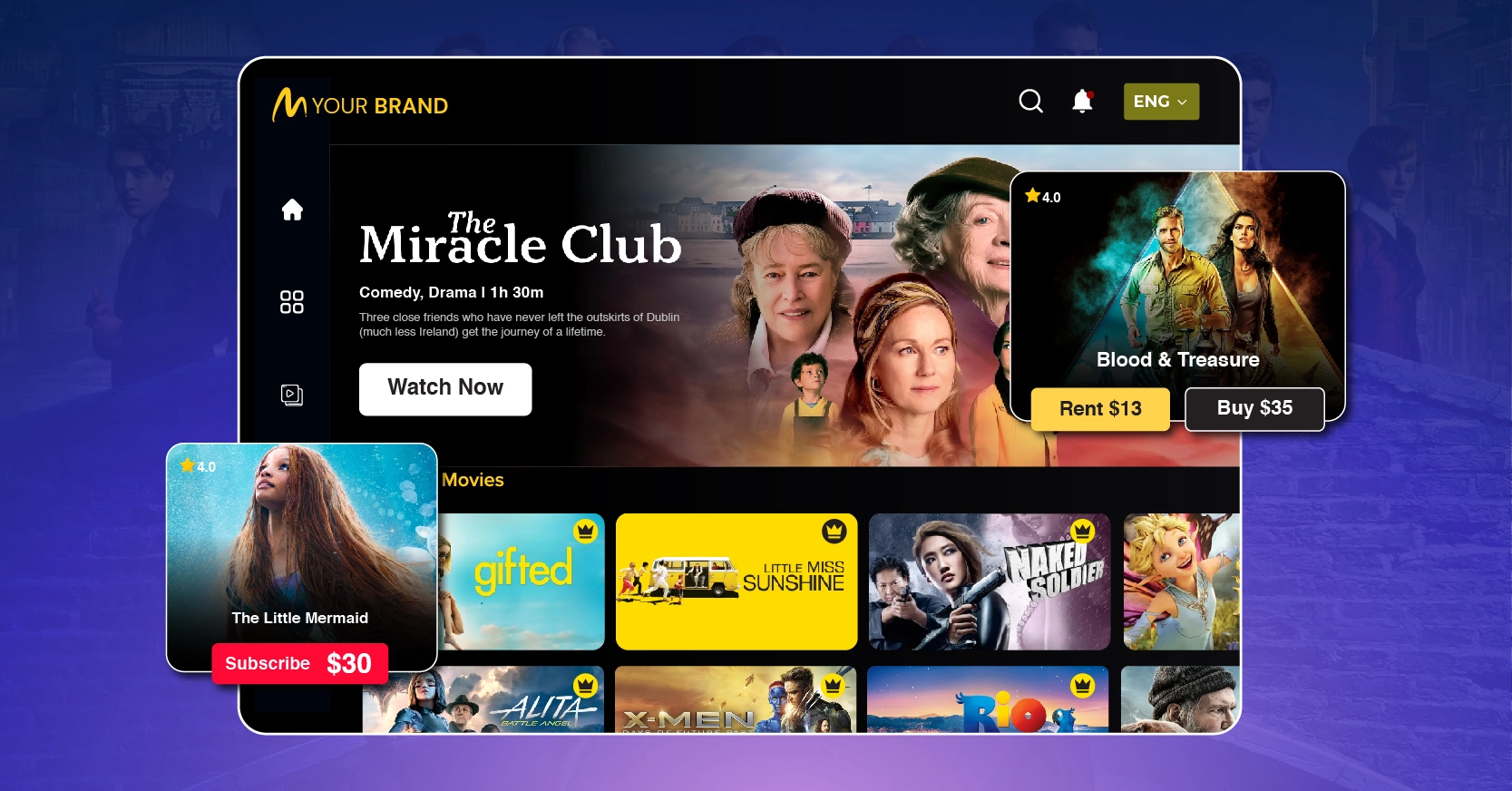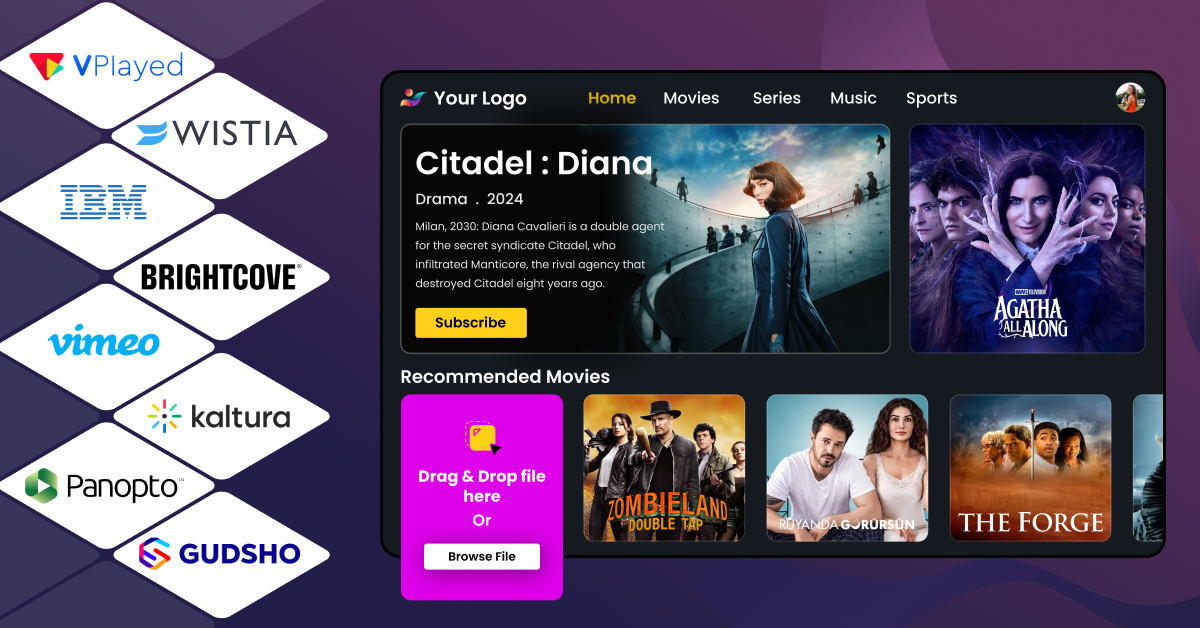

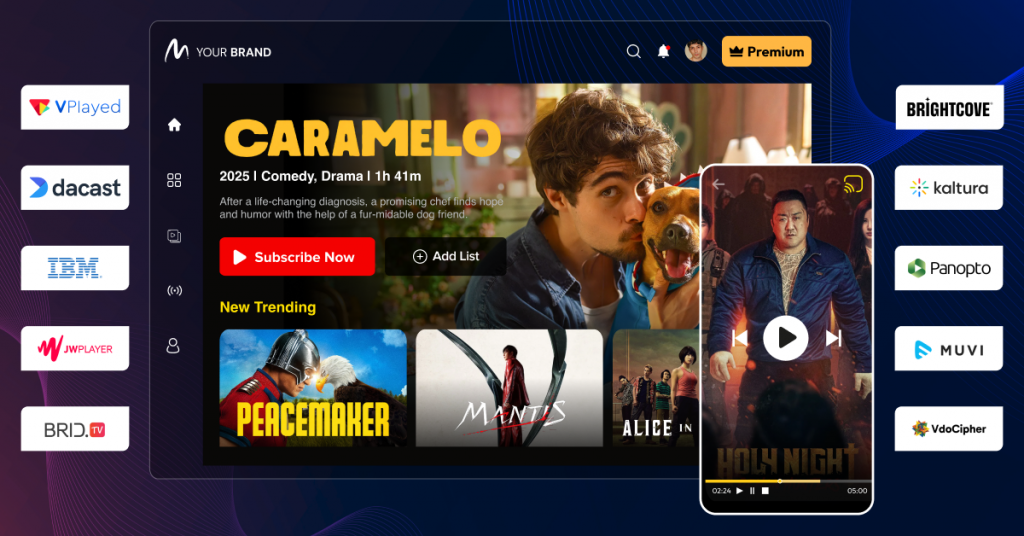
Online video platforms (OVPs) enable businesses to host, manage, stream, and monetize video content across web, mobile, and smart TV devices.
The blog compares top 10+ platforms such as VPlayed, Vimeo, Brightcove, Kaltura, Dacast, JW Player, Uscreen, and Muvi, highlighting features like video hosting, live streaming, analytics, security, and monetization models (SVOD, AVOD, TVOD).
It helps businesses choose the right platform based on scalability, customization, content control, and revenue capabilities to build and grow a successful video streaming service.
Consumers watch videos to learn, shop, and entertain themselves, and online video platforms are constantly competing for their attention. In fact, an average person watches 17 hours worth of video per week, according to a Sellers Commerce report.
You can tap into those watch hours and build a dedicated audience. But for that, you need a video platform solution that supports your monetization goals as well as audience expectations.
Here are the 15 best online video platforms: VPlayed, Dacast, Kaltura, Brightcove, Vimeo, JW Player, Panopto, Muvi, Vidyard, Vidizmo, viostream, Endavo Media, Castr, Enveu, and Maestro.
They are compared based on their features, pricing, ratings, pros, and cons to help you choose the best one for your video strategy.
- Fully Customizable
- Lifetime Ownership
- On-Premise/On-Cloud
- 100% White-label
- Zero Revenue Share
- Hire Developers
What Is an Online Video Platform & How It Works?
An online video platform (OVP) is software that enables content owners to upload, host, manage, deliver, and monetize video content across web, mobile, and connected TV devices. It handles everything from processing raw video files to securely delivering them to viewers worldwide.
An Online Video Platform works through four stages:
Video Upload & Transcoding
After uploading a file to an online video streaming platform, it goes through a transcoding process. It converts raw videos into multiple formats and resolutions (like 4K, 1080p, and 720p). This keeps your video compatible with every device, from smartphones to smart TVs.
Storage & CDN Delivery
Once transcoded, videos are kept in secure cloud storage. Online video providers use a Content Delivery Network (CDN) to avoid buffering. A CDN caches your videos on a global network of servers and then delivers the video from the location closest to the viewer. This reduces latency and improves load speeds.
DRM Protection
Digital Rights Management (DRM) encrypts your video data to prevent unauthorized access and content piracy. A decryption key for playback, and this ensures that only paid users can access your high-value content.
Playback & Adaptive Streaming
The video player detects the viewer’s internet speed and automatically switches between the transcoded video qualities. This prevents the video from buffering, which provides a high-quality viewing experience even on an unpredictable or weak network connection.
OVP vs OTT Platform: What Is the Difference?
The terms OVP and OTT platform are often used interchangeably, but they serve different roles.
An OVP (online video platform) is the backend infrastructure that handles video hosting, management, transcoding, and delivery. An OTT platform is the consumer-facing service that streams content to viewers over the internet.
An OTT platform is built on top of an OVP. For businesses, this means you may need both: a robust backend to manage video operations and a frontend experience to deliver content to your audience. Platforms like VPlayed combine both, enabling you to manage and launch your streaming service from a single solution.
Looking To Build Your Own Online Video Platform?
Start and Grow Your Video Streaming Service With 1000+ Features & 9+ Revenue Models.
 Highly Customizable
- Life Time Ownership
- Own 100% of Your Revenue
- Full-Branding Freedom
Types of Online Video Platforms. Which Category Fits Your Needs?
Not all online video platforms are built the same. Depending on your use case, whether you’re streaming live events, building a VOD library, or embedding video into your product, the right platform type changes. Here’s a breakdown of the main categories and what each is designed for.
Video Hosting and On-Demand Platforms (OVP for VOD)
Live streaming platforms are built for real-time delivery at scale. An online video streaming platform supports events, sports, webinars, and even webcast platform use cases. These platforms prioritize low latency, stable delivery, and large audience handling, often including live chat and DVR playback. Examples include Dacast, Castr, and Maestro.
Live Streaming Platforms (OVP for Broadcast)
Live streaming platforms are built for real-time video delivery at scale. They are commonly used for events, sports, webinars, and 24/7 broadcasts. These platforms prioritize low latency, stable delivery, and large audience handling. Some also include features like live chat and DVR playback. Examples include Dacast, Castr, and Maestro.
Video Sharing and Community Platforms
These video sharing platforms focus on content distribution and audience engagement. While consumer platforms rely on public discovery and ads, business-focused solutions offer branding, privacy controls, and analytics. They are ideal for marketing, sales enablement, and professional content sharing. Examples include Vimeo and Vidyard.
Video Platform as a Service (VPaaS) and API-Based Platforms
A video platform as a service (VPaaS) provides video infrastructure through APIs and SDKs instead of a ready interface. Businesses can embed streaming, recording, and playback into their applications. This model suits teams needing flexibility and customization. Examples include Kaltura and JW Player.
Enterprise and Internal Video Platforms
Enterprise video platforms are built for internal business use, such as employee training, corporate communication, and secure content sharing. They offer features like role-based access, SSO integration, and compliance tracking. These platforms integrate with existing enterprise tools. Examples include Panopto, Vidizmo, and Vidyard.
SaaP-Based Online Video Platforms
A SaaP-based online video platform operates on a one-time license model instead of recurring subscriptions. Businesses deploy the software on their own infrastructure, gaining full control over data, customization, and costs. This model suits organizations with strict security or hosting requirements. VPlayed is a well-known example offering self-hosted, white-label deployment.
Quick Online Video Platform Comparison Table
| Online Video Platform | Best For (Case Study-Based) | Live Streaming | Monetisation Models |
| VPlayed | OTT platforms scaling subscribers, broadcasters launching apps, fitness coaches, eLearning businesses, faith-based institutions, sports organizations | Yes | SVOD, TVOD, AVOD, PVOD, Catch-Up TV, Hybrid Models, SSAI, CSAI, Third-Party Ad Integration, Coupons & Promotions, Video Paywall |
| Dacast | SMBs running live events, webinars, and hybrid streaming with quick setup | Yes | TVOD, SVOD, AVOD |
| Kaltura | Universities, enterprises, and developers building custom video workflows and LMS integrations | Yes | SVOD, AVOD, TVOD, Hybrid Models, FAST, Promotional Tools (Coupons, seasonal passes, and free trials) |
| Brightcove | Global media brands, OTT services, and large-scale publishers | Yes | AVOD, SVOD, TVOD, Hybrid Models, FAST |
| Vimeo | Creators and brands focusing on professional hosting and OTT monetization | Yes | SVOD, TVOD, AVOD, PPV |
| JWP Connatix | Publishers optimizing ad revenue and video engagement | Yes | SVOD, AVOD, TVOD, SSAI, CSAI |
| Panopto | Universities and enterprises managing internal training and knowledge sharing | Limited | None |
| Muvi | Businesses launching subscription-based OTT platforms | Yes | SVOD, AVOD, TVOD, Video Paywall, Crowdfunding/Donation, and hybrid models |
| Vidyard | B2B sales and marketing teams using video for conversions | No | None |
| Viostream | Enterprises handling internal communications and secure distribution | Yes | TVOD |
| Vidizmo | Government and enterprise organizations requiring secure video management | Yes | SVOD, TVOD, AVOD |
| Endavo Media | Media companies building monetized OTT platforms | Yes | SVOD, TVOD, PPV live streaming, Donations, Merch Sales, Hybrid models |
| Castr | Creators and businesses focused on live streaming and simulcasting | Yes | SVOD, TVOD, AVOD, Hybrid models |
| Enveu | Media and entertainment companies launching OTT apps | Yes | AVOD, SVOD, TVOD, Hybrid models, Freemium/In-App Purchases |
| Maestro | Brands delivering interactive live streaming experiences | Yes | TVOD, SVOD, Live Commerce, Tipping, AVOD, Merch Bundling |
15+ Best Online Video Platforms in 2026 (Compared)
Not every platform is built for the same use case. Here are 15 online video platforms compared based on their features, pricing, pros, and cons to help you find the one that actually fits your specific needs.
1. VPlayed
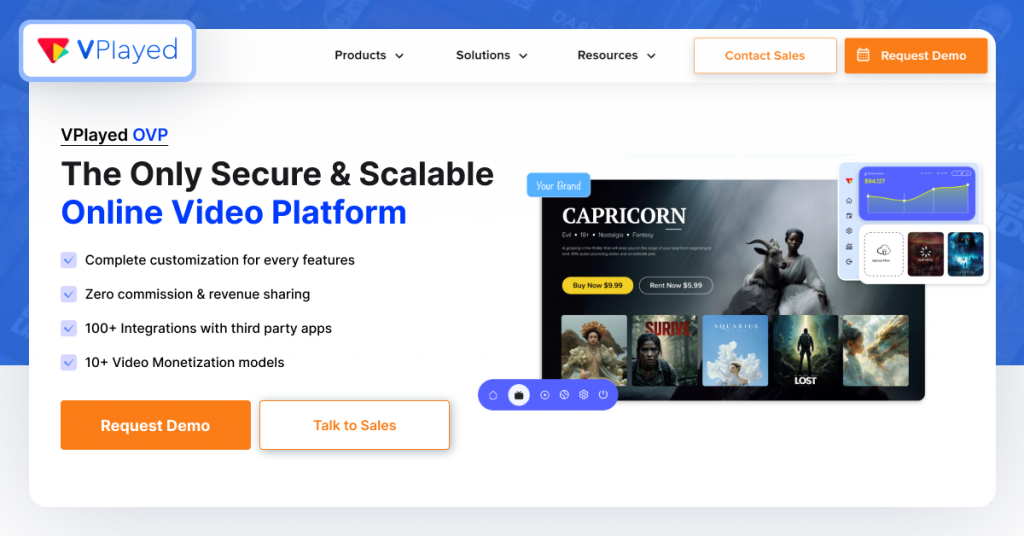
VPlayed is a highly customizable online video platform built for content owners who want to launch fully owned streaming platforms. It supports both live and on-demand streaming across web, mobile, and connected TV devices.VPlayed also offers 200+ integration support to extend platform functionality. It allows businesses to retain complete control over monetization and distribution without sharing revenue with a third party.
Key Features:
No recurring fees:Offers full source code access and complete ownership for a license fee
DRM Security:Multi-DRM protection with AES encryption, geo-blocking, and screenshot prevention tools
Live to VOD conversion:Automatically converts live broadcasts into on-demand content
AI suite:Recommends content based on viewing history and generates captions, dubbing, and UI localization
HLS video player:Offers smooth, high-quality playback across devices
Multiple monetization models:Supports 10+ monetization models, including SVOD, TVOD, AVOD, and pay-per-view, to increase content profitability
Pros
- Offers complete ownership of the platform and 100% of the generated revenue
- Flexible deployment options allow for both cloud-based and secure on-premise hosting
- Lossless migration of the entire video library and user data with minimal downtime
Cons
- The lack of a free trial makes it difficult to test before investing
- Implementation may require support from a development team
Pricing
VPlayed does not publicly disclose pricing on its website. The platform offers a one-time license model with custom quotes.
G2 Rating: 4.6/5
Capterra Rating: 4.8/5
2. Dacast
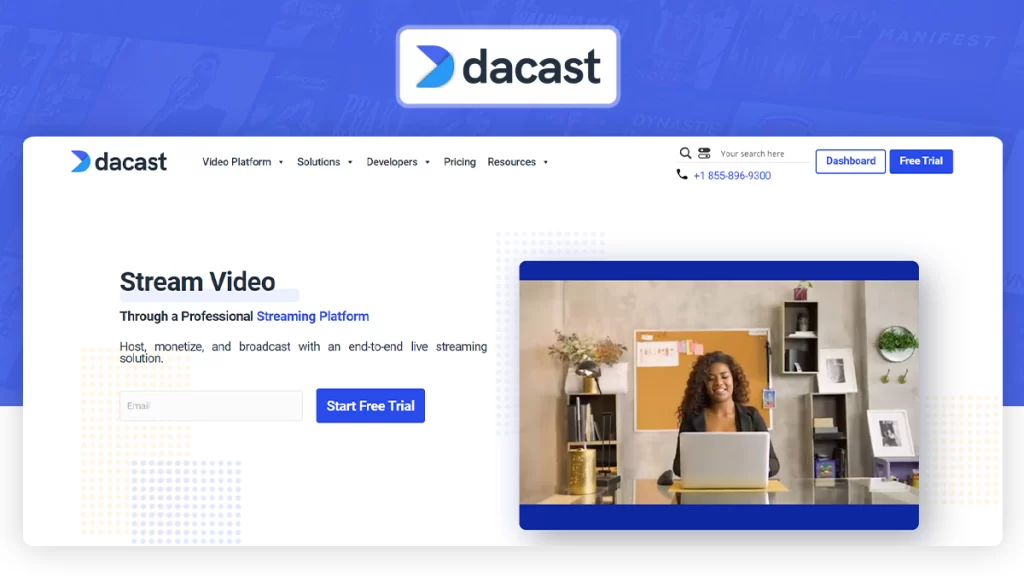
Dacast is a professional online video platform with live and on-demand streaming, monetization, and global delivery. Broadcasters appreciate its focus on proficient distribution using global CDNs like Akamai and Limelight. It is a solid choice when comparing online video platforms, as it delivers videos without any ads or viewer limits.
Key Features:
White-label player:Allows customizing the HTML5 video player to reflect brand identity
Adaptive bitrate streaming:Adjusts video quality automatically based on the viewer’s location and bandwidth for a smooth playback experience across all devices
Simulcast streaming:Allows you to stream simultaneously on different platforms
Real-time analytics:Track metrics such as viewer location, consumption habits, and device usage
Dynamic token security:High-level encryption, password protection, geo-blocking, and domain restrictions to protect premium content
Live stream recording & VOD:Instantly archives live streams for on-demand replays without any extra steps
Pros
- OBS and Larix Broadcaster integration for reliable broadcasting
- Highly-rated 24/7 support and phone access for higher-tier subscribers
- No startup fees on any plan; unused bandwidth rolls over monthly
Cons
- The dashboard interface feels slightly dated compared to other video platforms
- Some users report billing/auto-renewal issues
Pricing
Starter Plan: $39 per month
Event Plan: $63 per month
Scale Plan: $165 per month
All Dacast plans have a free trial option
G2 Rating: 4.3/5
Capterra Rating: 4.3/5
3. Kaltura
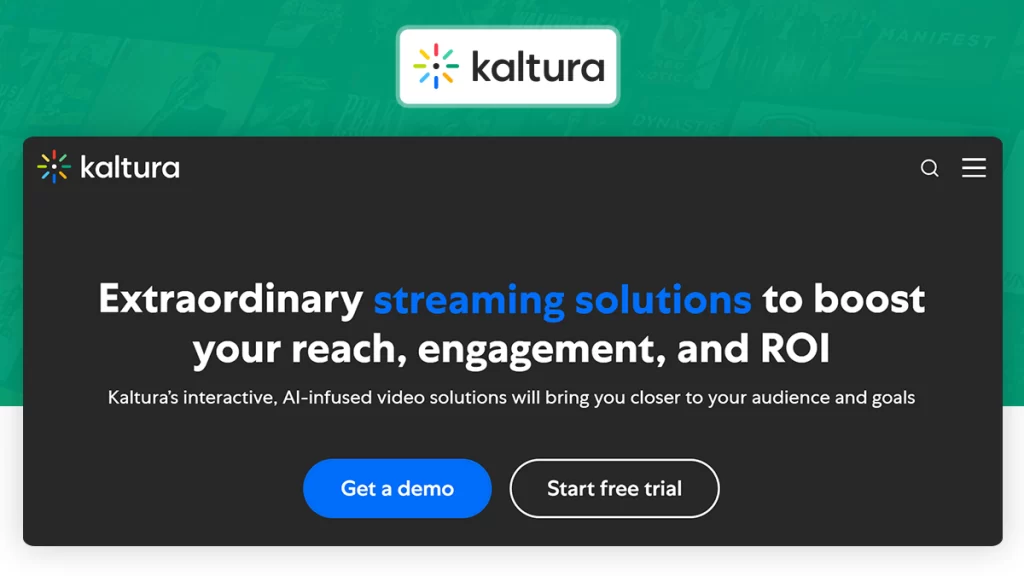
Kaltura is an open-source video platform known for deep customization for corporate and educational environments. Kaltura stands apart with its modular architecture and robust API support. It supports both live and on-demand content along with extensive video asset management. It helps organizations to transform passive viewing into active learning experiences through interactive video features.
Key Features:
Live streaming support:Low-latency streaming support for virtual classrooms, corporate town halls, and large-scale webinars
LMS video integration:Allows native embedding into educational ecosystems like Blackboard, Canvas, and Sakai
AI-powered content tools:Keep students engaged with video quizzes and help creators with content repurposing
Open-source & API-first:Media APIs and SDKs offer full developer access to build custom video workflows
Agentic AI avatars:Real-time AI agents offer personalized guidance for employees onboarding, sales, support, and learning modules
Engagement analytics:Detailed user interactions, quiz results, and heatmaps for gauging learner performance
Pros
- Easy LMS integration is ideal for educators and students
- Offers flexible hosting options: cloud, on-premise, and hybrid
- Responsive customer support
Cons
- Complex implementation requiring technical expertise
- The user interface can feel less intuitive for new users
Pricing
Custom quotes depending on uses, features, and support needs. Provides a 30-day trial of different products.
4. Brightcove
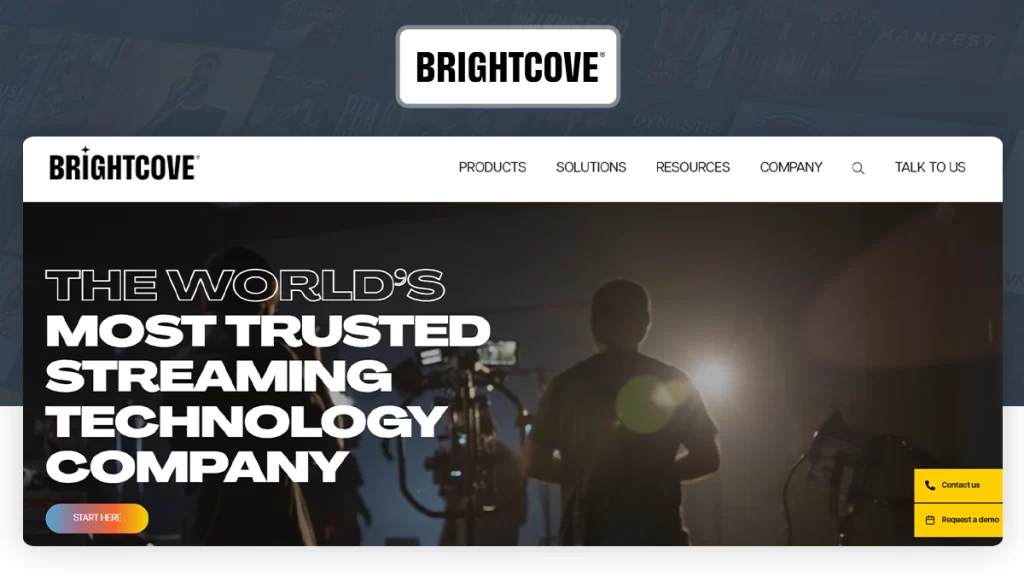
Brightcove provides high-end streaming infrastructure, video hosting, live streaming, and monetization tools. It has SLA-backed performance for a global-scale high-traffic audience. This is one of the best ovp solutions for organizations that need studio-quality video experiences and integrate complex marketing stacks to increase viewer engagement and ad revenue.
Key Features:
Server-Side Ad Insertion:Bypasses ad-blockers and offers TV-like ad delivery
AI suite:Automatically localizes content with dubbing, offers contextual advertising, and metadata tagging
Advanced multi-DRM:Protects content using encryption, forensic watermarks, and geo-blocking mechanisms
AI-assisted video clipping:Automatically clips live events for instant social sharing and VOD publishing
QoE analytics:“Quality of Experience” metrics help monitor playback issues before they impact viewers
Marketing integrations:Easy integration with MAP, CRM, and martech stacks for lead capturing and campaign management.
Pros
- Highly reliable global streaming infrastructure
- APIs and smooth integration make it easy to connect with existing tech stacks
- Low-latency playback with a maximum delay of eight seconds
Cons
- Entry-level pricing is significantly higher compared to other online video platforms
- Steep learning curve for non-technical users
Pricing
Brightcove’s pricing isn’t publicly available. Pricing is quoted on demand depending on their use, features, and support needs.
G2 Rating: 4.0/5
Capterra Rating: 4.2/5
5. Vimeo OTT
Vimeo is a versatile online video platform for professional, ad-free video hosting and management. It enables teams to create and share videos while offering advanced privacy controls and white-label player customization. Its user-friendly interface makes it easy to manage professional video content libraries without relying on a dedicated technical team.
Key Features:
Live & VOD support:Offers live event streaming and on-demand libraries
Video engagement analyticsHelps track viewer behavior, engagement graphs, and performance metrics across different devices
Screen and webcam recording:Provides built-in tools for capturing video suitable for demos and training content
Social publishing:Direct social sharing to YouTube, LinkedIn, Twitter, and Facebook straight from the dashboard
Team collaboration tools:Shared workspaces and approval workflows for creative teams to review content
Lead capture forms:Embeds data collection fields within the video player to drive conversions
Pros
- Guarantees no pre-roll or mid-roll ad interruptions to maintain the branded content experience
- Preserves superior visual fidelity, supporting up to 8K and HDR resolutions
- Intuitive interface makes embedding into websites and LMS platforms easy
Cons
- The “Starter” OTT plan is web-only. For mobile and TV app OTT customization, a higher-tier subscription is required
- Users on lower-priced tiers frequently report slow response times
Pricing
Usage-based pricing. Starter pricing usually costs around $1 per active subscriber per month. Enterprise plans custom pricing with advanced monetization and wider app support.
6. JWP Connatix
JW Player is an online video streaming platforms built for publishers and broadcasters. It specializes in fast playback, advertising monetization, and cross-device engagement. In 2024, it merged with Connatix to combine video management with advanced ad monetization capabilities. It has an API-driven architecture that allows developers to deeply customize the video experience across devices.
Key Features:
HTML5 Player:Allows rapid content rendering and smooth playback
Server-Side Ad Insertion:Helps bypass ad-blockers and increase fill rates by ingesting advertisements directly into the video stream
Article Matching AI:Automatically embeds relevant videos into articles and blog pages to increase time-on-page
Motion thumbnails:Replaces static images with looping video previews to increase play rates
Real-time analytics:Monitor audience behavior with detailed reports on engagement metrics and geographic data
A/B testing:Allows experimentation with video formats to see which offers better KPIs
Pros
- Scene-level ad targeting aligned with viewer interests for higher ad revenue
- Handles high traffic spikes for live events reliably
- Fast page load times and a responsive experience with optimized code
Cons
- Navigating the technical dashboard may be difficult and require developer support
- Significant cost increase when exceeding bandwidth or storage requirements
Pricing
Not disclosed to the public. Contact their team for custom quotes. A 30-day trial is often available to test the player and dashboard features.
G2: 3.4/5
Capterra: 4.0/5
7. Panopto
Panopto is designed primarily for universities and enterprises that need searchable video libraries for learning and training. This online video platform focuses on lecture capture, internal communications, and centralized knowledge management. It integrates deeply with learning systems and supports secure distribution across institutional networks. It also enables asynchronous learning across distributed teams and campuses.
Key Features:
Multi-stream recording:Captures video from multiple sources, such as the presenter, their screen, and a secondary document camera, and streams to multiple devices
Automated lecture capture:Allows scheduled capturing of recurring lectures through remote hardware integration
In-video interactive quizzes:Insert quizzes at specific timestamps to gauge viewer comprehension
LMS/CMS integration:Enables video embedding into platforms like Canvas, Moodle, and Salesforce with single sign-on access
Cloud editor:Provides editing tools to trim clips or splice multiple videos together without altering the original raw files
Offline recording support:Allows recording on laptops without internet and syncs content when connectivity is restored
Pros
- Robust security with encryption, role-based permissions, and SSO support
- Centralized video CMS for seamless bulk folder organization and metadata tagging
- Offers strong accessibility support with automated captioning, screen readers, and keyboard-based navigation
Cons
- Users find the dashboard and mobile application design feel dated and less intuitive
- The built-in editor lacks advanced transitions, color grading, and sophisticated post-production effects
Pricing
Not disclosed. Contact the sales team for a custom quote.
G2 Rating: 4.3/5
Capterra Rating: 4.5/5
8. Muvi
Muvi is built for businesses that treat video as a core product to launch streaming services without custom development. It supports live, VOD, and app distribution with built-in monetization, billing, and user management features. The platform is designed for technical and non-technical teams to distribute media globally without writing code.
Key Features:
White-label OTT platform:Fully branded websites, iOS, Android, and TV apps deployed under your name with no coding
Multi-DRM & watermarking:Widevine, FairPlay, PlayReady, geo-blocking, and domain restrictions available in higher-tier plans
Alie AI engine:Handles subtitles, translations, dubbing, chaptering, clips, and AI-powered content recommendations
No revenue sharing:Content owners keep 100% of their revenue as Muvi operates on a fixed monthly subscription model
Built-in monetization engine:SVOD, TVOD, and AVOD models with multiple payment gateway integrations
Integrated CDN delivery:Global distribution with reduced latency and buffering
Pros:
- Instant deployment with pre-built templates
- Studio-approved DRM, dynamic watermarking, and geo-blocking to protect premium IP
- Good user support and onboarding resources
Cons
- Small creators may find the high monthly starting cost higher compared to other online video platforms
- Bandwidth and storage exceeding the included limits lead to unexpected bill spikes
Pricing
Standard at $399/month
Professional at $1,274/month
Enterprise at $3,315/month
Ultimate with custom pricing
G2 Rating: 4.3/5
Capterra Rating: 4.5/5
9. Vidyard
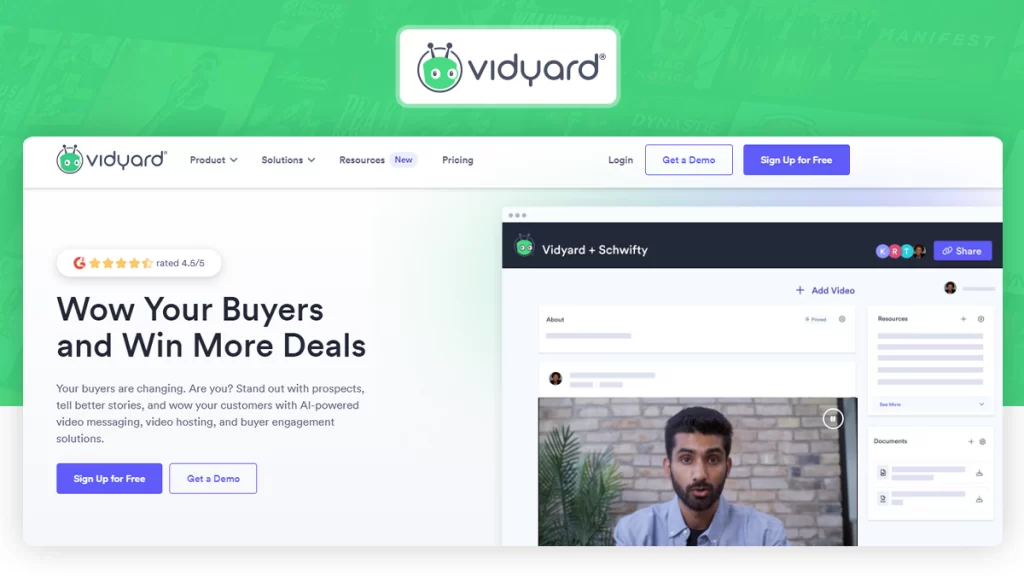
Vidyard is a business video platform widely used by sales and marketing teams for outreach and personalized engagement. It also focuses on recording and tracking viewer behavior across campaigns. This white-label online video platform connects video analytics with CRM workflows to record personalized clips that bridge the gap between automated digital outreach and authentic human connection.
Key Features:
Chrome extension:Easy screen and webcam recording from the browser.
Script generation:Generates automated scripts using AI for personalized outreach
CRM integrations:Connects with CRM applications like Salesforce, HubSpot, and SalesLoft to sync contact activity
Customizable CTAs:Interactive CTAs placed within the videos to increase conversions
Advanced security controls:Secure sensitive content with password protection, domain restrictions, and Single Sign On (SSO)
View notifications:Receive real-time notifications when prospects watch your videos for timely follow-ups
Pros
- Deep analytics that show exactly who is watching and for how long
- User-friendly interface with easy recording and sharing features
- 4K hosting and fast global delivery using reliable server networks
Cons
- The free tier is highly restrictive, with a limited number of video uploads
- Occasional glitches in the Chrome extension that require browser restarts
Pricing
Free plan available
Paid plans start around $59 per user/month
Teams and Enterprise plans require custom quotes
G2 Rating: 4.5/5
Capterra Rating: 4.5/5
10. Vidizmo
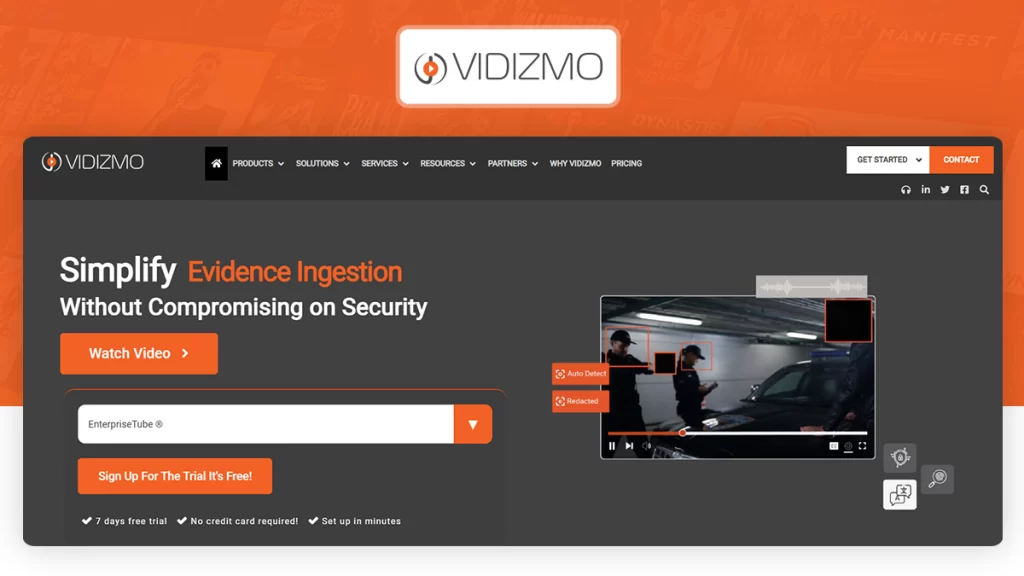
VIDIZMO combines a video content management system and internal communication to provide training tools for organizations. This online video platform for business supports live streaming, video-on-demand, and AI-based media processing. Its on-premise, cloud, or hybrid installations make it suitable for organizations with complex infrastructure requirements.
Key Features:
Advanced AI search:Find specific moments in thousands of hours of footage by searching for a spoken word, objects, or sentiments.
Meeting ingestion:Automatically syncs meeting recordings from Microsoft Teams, Zoom, and Cisco Webex into a searchable database
Tiered user access:Granular permissions including administrators, contributors, moderators, managers, and viewers
Digital evidence management:Law enforcement and legal sectors can use dedicated workflows to ingest and share forensic video evidence
Extensive format support:Processes 250 different file formats, including footage from body-worn cameras, drones, and CCTV systems
Centralized video CMS:Helps manage large enterprise video libraries efficiently
Pros
- Strong security and compliance features for enterprise environments
- Customer support with rapid response time and technical assistance
- Reliable video governance and content management capabilities
Cons
- The user interface can feel complex for first-time users
- Setup and configuration require technical expertise
Pricing
VIDIZMO does not disclose pricing publicly. Contact the VIDIZMO sales team to receive a custom quote.
No G2 and Capterra Rating available
11. Viostream
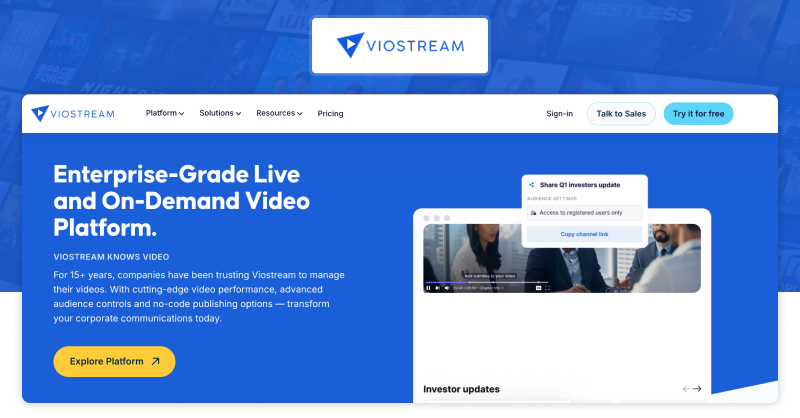
Viostream is built for corporate teams that need secure video content management and deeper audience controls. This is an online video platform with bank-grade security protocols that ensure that executive broadcasts remain private and accessible only to authorized stakeholders. It supports live broadcasting, centralized video management, and flexible deployment options.
Key Features:
Branded video channels:Allows creating customized video galleries that act as a secure “Corporate YouTube” for employees
Interactive player modules:Helps improve user retention by using clickable chapters and CTAs directly in the streaming window
Viewer-level analytics:Granular reports on individual viewer engagement and drop-off points that are exportable to Power BI and Tableau
Automated captions & transcripts:Auto-generates captions with audio descriptions and downloadable transcripts
API Access:Restful API for video management and player integrations
Live event streaming:Supports large-scale internal events with moderated Q&A and audience participation tools
Pros
- Responsive customer support with helpful assistance teams
- Highly customizable pages for brand consistency and client requirements
- Reliable streaming with automatic backup streams if the main feed fails
Cons
- Analytics depth needs improvement compared to other online video platforms
- Customization requires technical HTML and CSS knowledge
Pricing
Essentials: $125/mo
Premium: $515/mo
Enterprise: Custom pricing
G2 Rating: 4.4/5
Capterra Rating: 4.8/5
12. Endavo Media
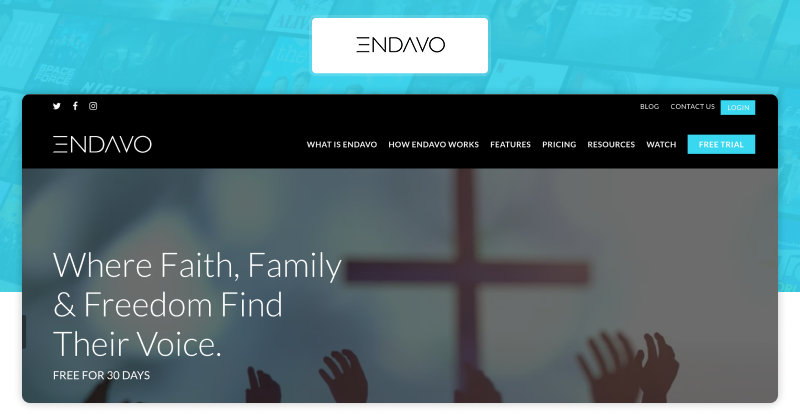
Endavo Media provides a versatile distribution environment and video monetization platforms built for content owners and media companies. It has a unique emphasis on “censorship-free” hosting and community engagement tools, which are suitable for faith-based groups and niche associations. It helps organizations deliver live and on-demand streaming experiences while maintaining brand control and audience engagement.
Key Features:
Multichannel creator networks:Distributes content simultaneously to YouTube, OTT partners, social networks, and internal Endavo-powered networks with centralized management
Hybrid monetization models:Supports SVOD, TVOD, AVOD, PPV live events, a-la-carte subscriptions, and sponsorships
Multi-DRM content protection:Widevine, AirPlay, and PlayReady DRM with advanced encryption for content security
Content Scheduling:Calendar-based publishing controls for managing multi-platform release
Centralized video content management:Allows administrators to publish and manage large video libraries efficiently
White-label streaming service:Enables businesses to launch branded OTT services without developing custom infrastructure
Pros
- Supports multiple monetization models
- Unified reporting saves time consolidating data from multiple sources
- Strong focus on building communities rather than just hosting one-off video files
Cons
- Takes a learning curve for new users
- Smaller ecosystem than other online video platforms
Pricing
OTT Channel: $199/month
OTT Platform: Custom Quote
OTT Network: Custom Quote
G2 Rating: Not listed
Capterra Rating: Not listed
13. Castr
Castr is a cloud-based live streaming platforms built for reliable simulcasting. The platform uses Akamai CDN infrastructure to keep the streaming performance reliable with minimal buffering or latency issues. Non-tech users prefer Castr for its easy setup and intuitive dashboard that requires zero technical training with automatic backup streams.
Key Features:
Adaptive bitrate streaming:Automatically adjusts video quality to maintain consistent playback for audiences using different internet speeds
Integrated paywall functionality:Supports monetization for paid live streams or gated video experiences
IP camera gateway:Pulls RTSP or SRT feeds from security cameras to broadcast them directly to web players or social media
VOD-to-Live scheduling:Transforms pre-recorded video files into “live” streams to increase audience engagement
Stream monitoring dashboard:Helps track real-time viewer analytics and connection stability
Reliable video feed:Supports advanced streaming protocols like SRT, RTMP, and HLS to ensure your audience sees flawless playback on any device
Pros
- Affordable entry-level pricing makes it accessible for independent creators and small non-profits
- Responsive customer support team available around the clock
- Reliable multistreaming with minimal dropped connections
Cons
- Limited customization options for large enterprises
- Pre-recorded scheduler occasionally experiences playback glitches
Pricing
Starter: $16.67/month
Standard: $41.67/month
Premium: $166.67/month
Ultra: $291.67/month
Events: $624.99/month
G2 Rating: 4.8/5
Capterra Rating: 4.7/5
14. Enveu
Enveu provides infrastructure for launching and managing streaming services across web, mobile, and connected television environments. This online video platform supports subscription, advertising, and pay-per-view monetization models. Also, the low-code environment helps brands to launch streaming platforms in weeks rather than months.
Key Features:
Multi-platform app deployment:Simultaneously launches apps on web, iOS, Android, smart TVs, Roku, and Fire TV without separate builds
Subscriber analytics:Deep insights into viewer behavior and churn patterns to optimize long-term retention
AI-driven recommendations:Helps increase session durations by delivering personalized content suggestions based on user viewing history
Campaign manager:Built-in tools handle coupons, push notifications, subscriber tiers, and event passes from one dashboard
Content scheduling:Calendar-based publishing controls for live and on-demand content
Audience engagement tools:Push notifications and targeted campaigns for viewer retention
Pros
- No-code interface allows non-technical teams to easily manage complex app layouts
- White-label apps available for major streaming devices
- Integrates with popular marketing and analytics tools
Cons
- No free trial available for testing platform capabilities
- High entry costs make it less accessible for individual creators or startups
Pricing
Lite: $549/month
Professional: custom price
Enterprise: custom price
All plans have a demo
G2 Rating: 4.5/5
Capterra Rating: Not listed
15. Maestro
Maestro is an interactive online video platform with built-in commerce tools. It prioritizes viewer engagement by integrating community tools such as polls, chats, and shoppable video features, ticketing, and subscriptions. Fitness brands and educational institutions that offer coaching sessions and workshops use it to host paid livestreams.
Key Features:
Event registration system:Allows hosts to manage ticket sales directly within the streaming environment
E-commerce integrations:Supports monetization through product sales tied directly to live streaming sessions
Multi-platform distribution:Offers simultaneous streaming across web, mobile, and connected TV devices
Live analytics:Real-time viewer behavior tracking to optimize engagement
Drag-and-drop builder:Helps build custom-branded landing pages using a no-code visual editor
Pros
- User-friendly interface that requires zero technical expertise
- Low-latency streaming capabilities that ensure real-time interactions feel responsive
- Customizable player matches brand identity requirements
Cons
- Revenue sharing models on lower tiers
- Advanced custom integrations are restricted to the more expensive Enterprise tier.
Pricing
Not disclosed. Contact the sales team for custom pricing
G2 Rating: 5/5
Capterra Rating: Not listed
Which Online Video Platform Is Right for Your Business?
Choosing the right online video platform depends on your business goals, audience, and content strategy. Instead of comparing online video platforms based on their features, it is much easier to decide based on your specific use case. Here is a quick guide to help you choose the right platform for your needs.
Best Online Video Platform for Broadcasters and Media Companies
For broadcasters and media companies, the ideal video platform must support large-scale streaming, multi-device delivery, and monetization flexibility. VPlayed stands out with full ownership, OTT app support, and zero revenue share. Brightcove is another platform for enterprise-grade streaming, offering global delivery. It also offers FAST channel support and high-performance infrastructure.
Best Online Video Platform for Education and Corporate Training
An online video platform for education and training should prioritize LMS integration, secure access, and structured content delivery. Kaltura offers customizable learning workflows and API flexibility, while Panopto is ideal for lecture capture, searchable video libraries, and internal knowledge management. Both platforms support accessibility and enterprise-grade security for institutional use.
Best Online Video Platform for Independent Creators and Small Businesses
For creators and small businesses, the right online video platform should be easy to use, affordable, and built for audience growth. Vimeo OTT and Uscreen offer simple setup, subscription-based monetization, and community-building tools. They are ideal for launching branded streaming services without technical complexity, while maintaining control over content and viewer experience.
Best Online Video Platform for Live Events and Sports Streaming
A reliable online video platform for live events must handle high traffic, low latency, and real-time engagement. VPlayed supports live streaming with OTT integration and pay-per-view ticketing. Castr is ideal for simulcasting across platforms and managing live audiences efficiently. Both options ensure stable delivery and replay access for events and sports streaming.
Best Online Video Platform for Video Distribution
For video distribution, a video platform must enable seamless multi-platform distribution and monetization. Brightcove is ideal for media networks since it offers powerful global distribution and FAST channel capabilities. Endavo Media focuses on content syndication and OTT monetization. It helps publishers distribute video across multiple channels while maximizing reach and revenue.
Key Features to Consider While Choosing an Online Video Platform
When comparing online video platforms, it is essential to look beyond basic hosting capabilities. Factors like video quality and playback, branding flexibility, security, player customization, and monetization options can significantly influence both viewer experience and business outcomes.
Multi-device Support
Choose a platform that streams smoothly across smartphones, tablets, smart TVs, and desktops. It should support multiple operating systems and browsers. This maintains consistent playback quality and interface experience, also reducing drop-offs caused by device incompatibility or poor optimization.
High-Quality Video Playback
Look for HD streaming and adaptive bitrate playback. This allows videos to adjust based on internet speed. It reduces buffering and ensures stable playback quality, even on slower networks or fluctuating bandwidth conditions.
Customizable Video Player
A customizable video player helps you create a consistent brand experience. Choose platforms that let you modify player colors, controls, and logos, ensuring your videos reflect your brand identity and enhance viewer experience.
Video Content Security
See if the platform offers DRM encryption, password protection, and access controls. These features restrict unauthorized viewing and downloads. They are necessary to safeguard premium content and stay compliant with industry security standards.
Scalability
Make sure the chosen online video platform can handle traffic spikes without performance issues. Check if it has features like global CDN delivery for high uptime support and reliable streaming. Built-in analytics is an added advantage to track performance and optimize content delivery as your audience grows.
Monetization Models
Look for support for models like SVOD (subscriptions), AVOD (ads), TVOD (pay-per-view), FAST channels, and hybrid approaches. Platforms offering multiple monetization options give businesses the flexibility to maximize revenue and adapt to changing audience preferences.
Pricing and Total Cost of Ownership
Pricing goes beyond monthly fees. Some platforms follow a SaaS model with recurring subscriptions, while others offer one-time licenses. Consider additional costs like bandwidth, storage, and revenue share. When you have a clear idea of the total cost of ownership, it helps you choose the right online video platform that will remain cost-effective in the long run.
Integration and API Support
Choose a platform that integrates with CRM systems, marketing tools, payment gateways, and LMS platforms. The more flexible the platform is to integrate with your existing tools, the easier it is to manage workflows. Also, make sure the platform offers API and SDK access. This lets you build custom workflows and extend functionality without relying on manual work or disconnected systems.
Which Online Video Platform Should You Choose in 2026?
Selecting the right online video platform is a high-stakes decision that directly impacts your content strategy, delivery, and long-term growth.
Each platform serves a different purpose. VPlayed offers full ownership, branding freedom, and flexible monetization. Dacast supports scalable streaming with reliable CDN delivery. Kaltura is well-suited for education and enterprise use cases, while Maestro focuses on interactive and live streaming experiences.
The right choice depends on your audience size, monetization model, and the level of control you need over your streaming infrastructure. Exploring free trials or requesting demos from platforms like Dacast and Brightcove can help you evaluate performance before making a decision.
For businesses that prioritize complete platform ownership, customization, and long-term scalability, VPlayed stands out as a strong choice. You can explore its capabilities by requesting a demo and assessing how it aligns with your specific business needs.
Conclusion
Online video platforms are the hub of video content distribution these days. Choosing the right online video platform shapes content strategy, content delivery & reach, and effective outcomes like conversion rates, monetization, and audience retention.
VPlayed endows platform control with complete ownership and branding freedom. Dacast delivers enterprise videos with scalable CDN infrastructure. GUDSHO combines a built-in video editor with a social media scheduling tool. Kaltura empowers educational content creators with its open-source platform.
Remember, as technology advances, these platforms continue to advance and incorporate more advanced features. So, it is advisable to closely follow the best online video platforms mentioned in this blog, explore their demo versions, before arriving at a final decision..
- Request Demo Book a Live, Personalized Demo
- Contact Sales Reach Out to Our OTT Experts
Frequently Asked Questions (FAQ):
1. What Is An Online Video Platform?
An OVP is internet software or application used to upload, manage, store and to distribute video content. It acts as a source for content creators and business owners to make money with monetization plans like SVOD, TVOD, AVOD and Pay-Per-Vcmsiew.
2. How Does An Online Video Platform Work?
An online video solution works by transferring the digital data from recording devices like camera to encoder for encoding and then to the server to display them on the user gadgets like computer or smartphone in the OVP websites or applications.
3. What Are The Revenue Models Available In Online Video Streaming Platforms?
The following revenue models are available in online video streaming platforms to generate income from video content –subscription models like SVOD, TVOD, advertising models like AVOD, pay-per-view, and in-app purchases with products or merchandise.
4. What Are The Features To Look For In An Online Video Solution?
The key features to look for in an online video solution are video streaming, Video AES, video DRM for security, video analytics, video tool integration, extended scalability, and user permission log-ins and video marketing tools like social share. Adding artificial intelligence integration also builds value.
5. How To Choose The Best OVP Platform For Business?
To choose the best OVP platform for your business, study and research the current toppers in the OVP sector. Understand your required features and devise your business plan and goals. And then look for customization, white-label streaming, scalability, user-friendliness, and customer support offering from the platform end. If all these criteria’s align with your business then go for the platform.
6. What Are The Benefits Of Building An Online Video Platform?
The benefits of building an online video platform include cost-cutting, complete ownership of revenue, secured video assets, product customization, increased conversions, exposure and self governance of the brand.
7. What Is the Purpose of Using an Online Video Platform?
The purpose of utilizing an online video software is to deliver live and recorded video content. Via the internet. Online video platforms also cater to on-demand video streaming and revenue generation for video platform owners and content creators.