

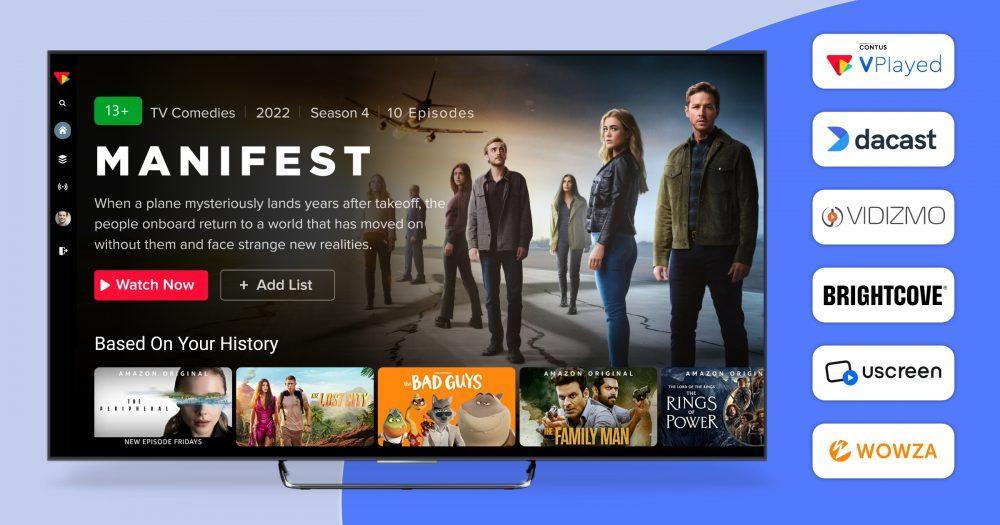


Kaltura alternatives are gaining attention among businesses seeking simpler platform management, flexible pricing models, and easier OTT customization. Kaltura is one of the most established OTT platforms, offering live and on-demand video SaaS solutions for businesses worldwide.
Kaltura was launched in 2006, and its mission was to help transform video into a more engaging, collaborative, and accessible experience for organizations. In this blog, we will discuss Kaltura and why businesses look for Kaltura alternatives, and also present a list of the best Kaltura competitors.
- Fully Customizable
- Lifetime Ownership
- On-Premise/On-Cloud
- 100% White-label
- Zero Revenue Share
- Hire Developers
Why Businesses Look for Kaltura Alternatives
Kaltura offers a variety of services for video hosting and monetization. Kaltura users sometimes look for other options because of technical constraints, limited customization options, and the unpredictable expenses of crucial security functionalities.
Limited Web/Application Customization: Kaltura is SaaS based platform, which means that while you can make tweaks to media entry display, there are limits on how you can customize a website or app. For 100% white label control, businesses can consider Kaltura competitors with more flexibility in terms of infrastructure.
Limited Revenue Models: Kaltura’s basic packages are sometimes not equipped with advanced revenue models. While the platform’s standard revenue models are typically limited for businesses looking to test coupons, credits, and dynamic paywalls, they offer the flexibility to work with other models as well.
Complex Security Setup: This platform provides protection, but the Digital Rights Management (DRM) solution must be paid for and complicated to set up. The resulting friction makes many people seek out alternatives that are more streamlined and have built-in security.
CMS and Upload Challenges: Users often report a learning curve when it comes to institutional privacy settings and download permissions. This can lead to unintended worldwide sharing or to problems in handling private internal video libraries.

Kaltura Pricing
Starter Plan: Starts at $39/month for live streaming
Event Plan: Starts at $63/month
Scale Plan: Starts at $165/month
Custom Plan: Contact the Dacast sales team for enterprise-level features and customized pricing plans
6 Best Kaltura Alternatives Compared
| Platform | Pricing | Best For | Monetization Support | Customization Level |
| VPlayed | Custom pricing | Enterprise OTT platforms and video businesses needing a self-hosted, 100% customizable OTT | 10+ monetization models (SVOD, TVOD, AVOD, Hybrid, SSAI, CSAI, and more) | Very high |
| Dacast | Starts at $39/month | Live streaming, event broadcasting with an integrated pay-per-view paywall | SVOD, AVOD, TVOD, Pay-Per-View | Moderate |
| VIDIZMO | Custom pricing | Compliance-heavy industries and enterprises that need advanced AI indexing & transcription | SVOD, TVOD | High |
| Uscreen | Starts at $49/month | Membership and creator-led streaming platforms requiring native apps for mobile and TV | SVOD, TVOD, Hybrid, Donations/Tips, Product bundling, In-app purchases | Moderate |
| Brightcove | Custom pricing | Enterprise broadcasting and media streaming that need Server-side ad insertion (SSAI) | AVOD, SVOD, TVOD, Hybrid Models, FAST (Free Ad-supported Streaming TV) | High |
| Wowza | One-time purchase (1 month streaming): $149 (cloud streaming), $295 (streaming engine) | Custom live streaming infrastructure with massive protocol support (WebRTC, SRT) | SVOD, TVOD, AVOD, and interactive live commerce | Very high |
How We Tested and Picked the Best Kaltura Alternatives
We’ve taken a few factors into account before choosing the top Kaltura alternatives: flexibility, deployment choices, streaming reliability, and enterprise video functionality. We wanted to find solutions that would work for OTT platforms, education, enterprises, and media companies.
Infrastructure Adaptability: We examined platforms that provided either a modular SaaS approach or a self-hosted source code alternative, meaning that businesses wouldn’t be restricted to a single ecosystem.
Monetization Flexibility: All platforms were challenged to accommodate a variety of monetization approaches, including SVOD, TVOD, and hybrid delivery models for video monetization.
Security & Compliance Standards: We focused on security features for solutions such as multi-DRM, forensic watermarking, and secure delivery of protected information for sensitive corporate or educational live stream content.
Cross Geographic and Cross Network: We tested global delivery performance and verified that each platform can deliver low-latency streaming, high-quality playout across various geographic regions and network conditions.
Onboarding & Support: The speed of deployment and the provision of dedicated technical support for a seamless transition from legacy systems were also taken into account.
Top 6 Best Alternatives for Kaltura
The top 6 kaltura alternatives like VPlayed, Dacast, Wowza, holds the best of streaming features and functionalities like video DRM, video AES, video CDN, these list of companies offer video streaming services at it’s best, dig deeper to know more,
The following is a list of best kaltura alternatives that offer video streaming services:
1. VPlayed
A Pioneer video streaming platform
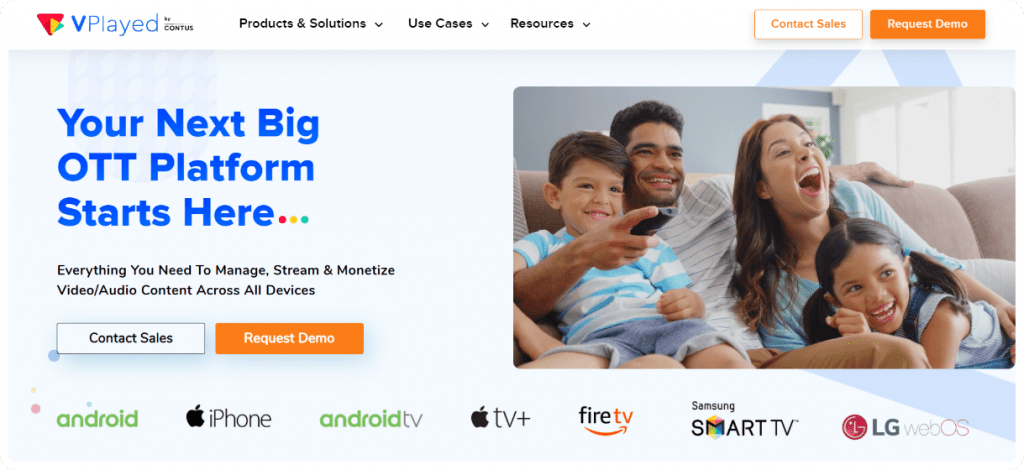
VPlayed is the top streaming platform provider and a leading Kaltura alternative for content owners and business owners facilitating supreme streaming features for an online video platform.
VPlayed is known for serving the best Ott platforms in the current market with high compatibility in all worlds- Android,iOS & Web apps.
When compared to Kaltura, VPlayed’s live streaming solution is highly customizable, budget-friendly and a leading marketing solution.
🥁Some of its exclusive features are:
- Full -source offering with customization features
- Unified streaming platform like AES encryption, Video CDN and multiple monetization models.
- A complete built-in CMS to manage, organize and to upload videos easily.
- 10+ revenue models to make video streaming money.
- SEO friendly marketing tools and social sharing to increase brand visibility.
VPlayed Pros:
- Provides businesses with complete control of the platform, source code, and monetization ecosystem.
- Supports comprehensive OTT infrastructure, including video CMS, multi-device streaming, app deployment, and revenue generation features.
- Supports live streaming platforms and on-demand video management in a single platform.
- Provides high-level security, including DRM, encryption, geo-blocking, token authentication, and anti-piracy.
VPlayed Cons:
- For smaller or simpler streaming needs, the platform’s advanced OTT features might be overkill.
- For non-technical teams, initial setup and platform management can be tricky.
- No free trial, but product demos are available upon request.
VPlayed Pricing:
VPlayed provides custom pricing based on business needs. Reach out to their sales team to get a customized quote and demo.
2. Dacast
Stream with integrated video services
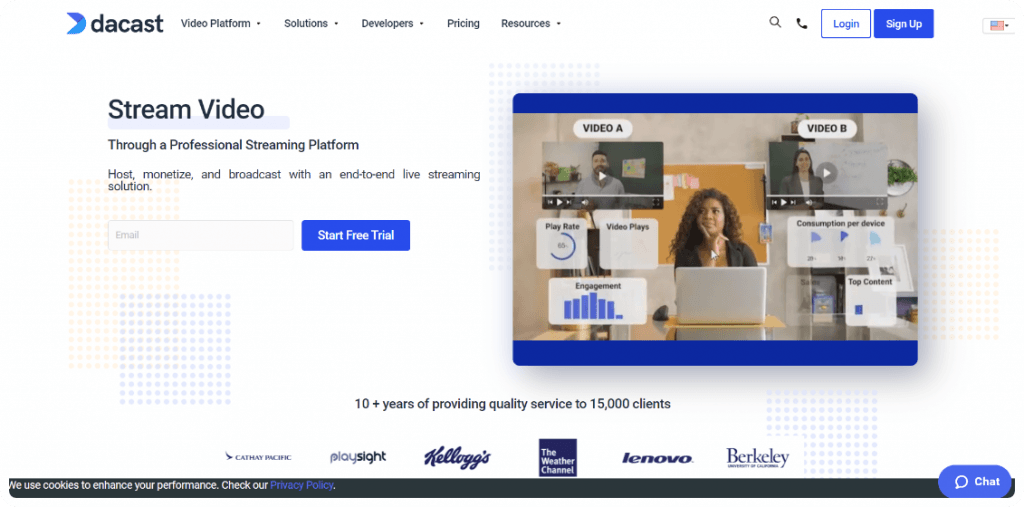
One of the best alternatives to Kaltura, the team of Dacast offer a secure, & feature-rich solution for any genre of professional needs.
The live video streaming platform provides integration to Facebook which isn’t part of Kaltura.
While it is understood that an ideal option works better for many customers, there are several other options to explore further, especially if your goal is to monetize education videos effectively.
🥁Some of its exclusive features are:
- Dacast is completely embedded with streaming protocols like Akamai CDN
- The features of the platform ensures different subscription for premium functionalities
- Platform provides analytical tools to fasten the performance of video streams
- This streaming hub lets you upload, manage content & start broadcasting live
- During monetized video views they can see payment option directly in player
- Dacast video API uses the RESTful standard for allowing access to all streaming features.
Dacast Pros:
- Offers scalable revenue generation options for scalable streaming enterprises.
- Includes secure streaming with advanced access control features.
- Provides responsive technical support.
- Offers flexible pricing options for various business needs.
Dacast Cons:
- Lacks developed native interactive features such as polls and overlays.
- For more granular tracking of performance, analytics capabilities might be felt as constrained.
- There are users reporting latency or synchronization problems during live streaming sessions.
Dacast Pricing
Custom Plan: Contact the Dacast sales team for enterprise-level features and customized pricing plans
Starter Plan: Starts at $39/month for live streaming
Event Plan: Starts at $63/month
Scale Plan: Starts at $165/month
3. VIDIZMO
Premium video platform for any media business
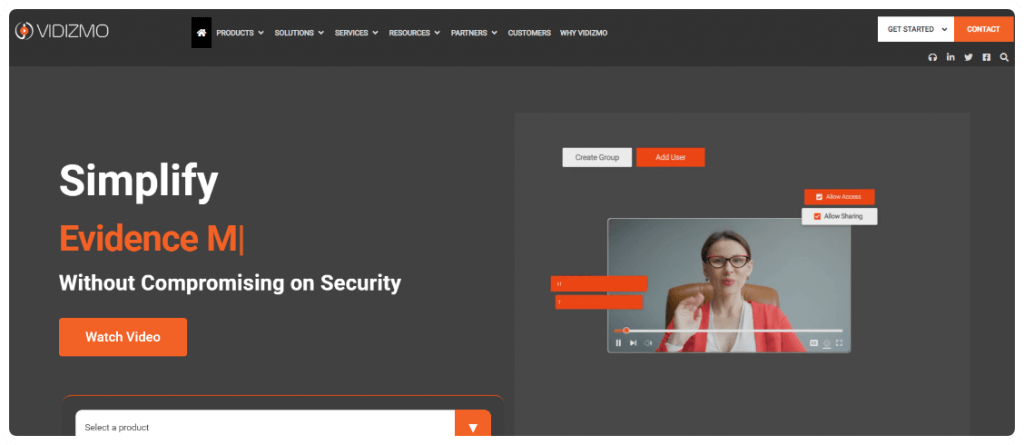
As one of the strong Kaltura competitors, Vidizmo is a vod platform that makes digital media management much more easier.
Recognized as one of the video on demand platforms, it is an intuitive solution for organizations across various industry verticals, including healthcare, sports, and more.
The experts of Vidizmo have designed it to simplify content storage, management and analyzing videos for numerous purposes. The digital media can be completely customized with security and user access.
🥁Some of its exclusive features are:
- The platform provides ease of use to increase video consumption
- They successfully assist in delivering video projects from start to end
- Provides video access and sharing on a granular level, groups, etc
- Customize integrations on-cloud or on-premise solves unique challenges
- Platform helps you to solve multiple video issues with 100+ packed features
- Streams as many content as you like with ultimate scalability infrastructure
VIDIZMO Pros
- AI-powered transcription, indexing, metadata tagging, and video search features included.
- Supports enterprise flexibility and deployment options to the cloud, on-premises, and hybrid environments.
- Offers in-depth analytics for tracking content performance and viewer engagement.
- Provides robust security features such as role-based permissions, encryption, audit logs, and compliance checks.
VIDIZMO Cons
- Screen recording and capture are very basic.
- For smaller teams and businesses, the platform can be daunting.
- Specific technical expertise and set-up planning may be needed for integration and deployment.
VIDIZMO Pricing
VIDIZMO’s pricing model is custom for specific business and streaming needs. Businesses can get custom pricing information and a demo of the product from the sales team.
Want To Find The Best Kaltura Alternative For your OTT platform
Request Demo

4. Uscreen
Distribute content with end-to-end video monetization solution
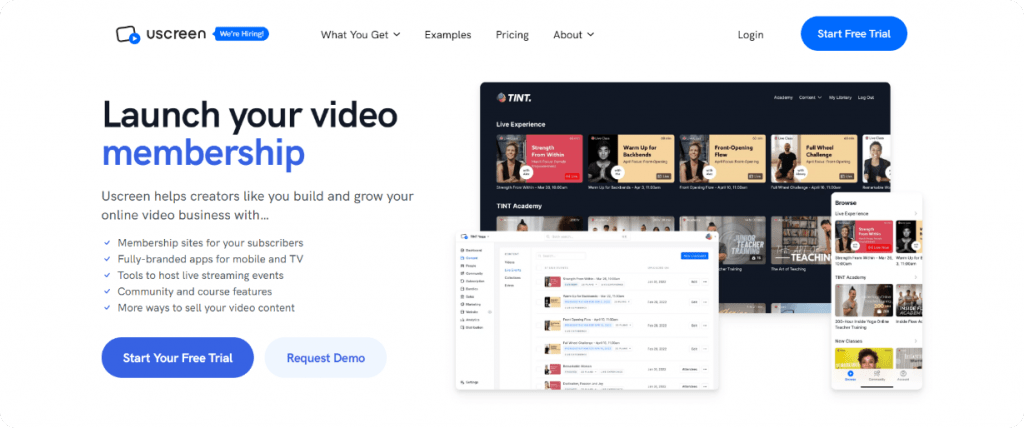
Among the other kaltura alternatives, our next kaltura alternative talks about the leading video monetization platform none other than Uscreen.
It allows video creators or media owners from all industries to launch a profitable subscription service to monetize their content anytime online.
As a white label VOD platform, Uscreen empowers businesses to deliver branded video experiences while maintaining full ownership and control over their content.
Uscreen allows communication flow both ways for delivering your audience with an added level of transparency. Naturally, people prefer to pay for a service that lets them know the business story behind it.
🥁Some of its exclusive features are:
- Monetizes & manages on-demand videos in all-in-one platform
- Provides feasibility with branding apps to download & stream
- Operates on monthly subscription base with no revenue-sharing
- Get maximum liberty to upload content in bulk and organize videos
- Pick ready-to-use themes for customizing according to your brand
- Launch branded video streaming apps & distribute to any device
Uscreen Pros
- Easy-to-use interface for non-technical streaming and content teams.
- Seamless branded OTT apps across various streaming devices.
- Has inbuilt features for community engagement and audience interaction.
- Has solid analytics and subscription management functionality.
Uscreen Cons
- Advanced feature scaling and storage can be limiting.
- Some third-party integrations might need extra configuration workarounds.
- A subscription-based pricing model could be expensive for smaller creators.
Uscreen Pricing
Custom Plan: Contact the sales team.
Starter Plan: $49 per month
Growth Plan: $149 per month + $1.99 per subscriber fee
App Essentials: $449 per month + $0.99 per subscriber fee
5. Brightcove
🥁Unleash professional-grade streaming at any scale

Brightcove is one of the premium kaltura competitors with video streaming solution as compared to reviewing Kaltura. In terms of streaming functionality Brightcove rivals with Kaltura when it comes to endless streaming possibilities.
The product is priced based on features that you demand according to your business objectives with added benefits.
🥁Some of its exclusive features are:
- Live streaming provides flexible integrated streaming architecture
- Platform delivers unique monetization facility to reap high profits
- Integration of video platform with social media extending reach
- Capacitates you with real-time analytics on video ad performance
- Ensures optimal ad placement & supports multi-screen captions
- Ability to schedule video launch time based on geographics
Brightcove Pros
- An easy-to-use interface makes video and content management easy.
- In-built analytics allow for tracking audience engagement and performance.
- Uses CRM, CMS, and marketing tools integration.
Brightcove Cons
- The analytics dashboard can be cumbersome and a bit confusing.
- The price structure might not be appropriate for smaller business teams.
- Migration from the light platforms has a longer learning curve.
Brightcove Pricing
Brightcove follows a custom pricing model rather than fixed subscription plans. Businesses can contact the sales team to request a personalized quote and platform demo.
Is Brightcove Holding You Back?
6. Wowza
Scalable live video streaming service
Wowza is one of the powerful kaltura alternatives with a streaming engine service that can deliver video content to a wide spectrum of devices that includes TVs, mobile, computers and even set-top boxes. Furthermore, it can deliver video content up to 4K ultra HD resolution.
It is a powerful solution for transrating, transcoding as well as transmuxing. It is utilized in delivery of live as well as on-demand streaming, making it an ideal platform when considering OTT vs VOD strategies.
🥁Some of its exclusive features are:
- Get accurate number of viewers country-side along with viewing location
- A 24×7 billing option is available to customers running their streams all time
- An ideal solution for passthrough streaming with IP camera feed to Youtube live
- Allows seamless CDN distribution of your realtime streams to publish smoothly
- Customizable branding can be implemented for your videos for future purpose
- Engage your audience by knowing their viewing interests with real-time analytics
Wowza Pros
- Extremely flexible platform to build custom video streaming infrastructure solutions.
- Easily supports deployment in cloud, on-premises, and hybrid environments.
- Manages large-scale live streaming events without any performance loss.
Wowza Cons
- Monetisation tools must be set up separately and integrated with third parties.
- Operating costs may be substantial for support and licensing.
- Needs continuous technical and infrastructure support.
Wowza Pricing
Custom pricing is also available, along with a one-time purchase option that starts at $149 for one month of cloud streaming and $295 for the Streaming Engine solution.
Which Kaltura Alternative Should You Choose? Use Case-Based Recommendations
The best Kaltura alternative is the one that will best suit your business’s needs. For some, the ideal platform management is simpler; for others, it’s OTT monetization, deployment flexibility, or scalable live streaming infrastructure. A quick breakdown that can help narrow down your options:
1) Replacing Kaltura for Complete OTT Control
Top pick: VPlayed
For those who want complete ownership of OTT and more customization, then VPlayed is a solid option. It provides more flexibility than Kaltura in terms of white-label apps, built-in monetization models, source-code ownership, and customizable workflows for enterprises and broadcasters.
2) Replacing Kaltura for Budget-Friendly Streaming
Top pick: Dacast
Dacast is ideal for companies that are looking for an easier and cheaper streaming infrastructure. It offers live streaming, video hosting, monetization support, and analytics without all the technical complexity commonly found in Kaltura.
3) Replacing Kaltura for Secure Enterprise Video Management
Top pick: VIDIZMO
VIDIZMO can be used by companies that have to deal with sensitive video materials and compliance-driven processes. It has the following advantages: granular access controls, hybrid deployment support, enterprise security, and advanced media management capabilities.
4) Replacing Kaltura for Creator Subscription Businesses
Top pick: Uscreen
Uscreen is perfect for creators, educators, coaches, and membership-based streaming platforms. It is more user-friendly and has subscription, branded apps, and community engagement capabilities that no other service provides, like Kaltura.
5) Replacing Kaltura for Enterprise Broadcasting
Top pick: Brightcove
Brightcove is designed for large-scale media businesses that demand enterprise-class streaming, analytics, and advertising. Ideal for businesses that prioritize high-volume streaming or cross-platform video distribution.
6) Replacing Kaltura for Custom Streaming Infrastructure
Top pick: Wowza
Wowza is ideal for businesses with a flexible streaming infrastructure and a low level of workflow control. It can be deployed on cloud, on-premises, or in a hybrid configuration and supports streaming, large-scale live streaming, and multi-device streaming.
In the end, it will be up to you to determine which Kaltura alternative is best for your needs, depending on whether you are looking for OTT growth, enterprise video management, monetization flexibility, or scalable streaming infrastructure. If you have a specific streaming goal in mind, then you will be able to compare platforms accordingly and find the right one for you.
Migrating from Kaltura: What to Consider Before Switching
Getting ready to move away from Kaltura involves doing a strategic assessment of current video content and processes. Make sure that you know how your wide content library, metadata tags, and custom taxonomies will be migrated before you switch to Kaltura alternatives. If you are using Kaltura with an open source configuration, check whether your player plugins/API integrations require a complete rebuild.
Also, evaluate video monetization and security measures, particularly those that use specialized DRM or institutional privacy settings. A phased migration, with analytics continuity and testing in a staging environment, is essential to ensure no downtime and a smooth experience for viewers.
🥁Conclusion:
Although Kaltura operates in similar video markets, it still has fundamental differences as compared to other platforms. This can mean a lot to a customer like you, since you can make a perfect decision based on its prime technicalities.
Kaltura’s video platform requires a great deal of configuration and functionalities for creating essential & custom-made video solutions.
In this time, you can get to capture ideas from other competitive solutions that can be used for lifelong purpose and keep upscaling in the business streaming industry in no time.
- Request Demo Book a Live, Personalized Demo
- Contact Sales Reach Out to Our OTT Experts


