

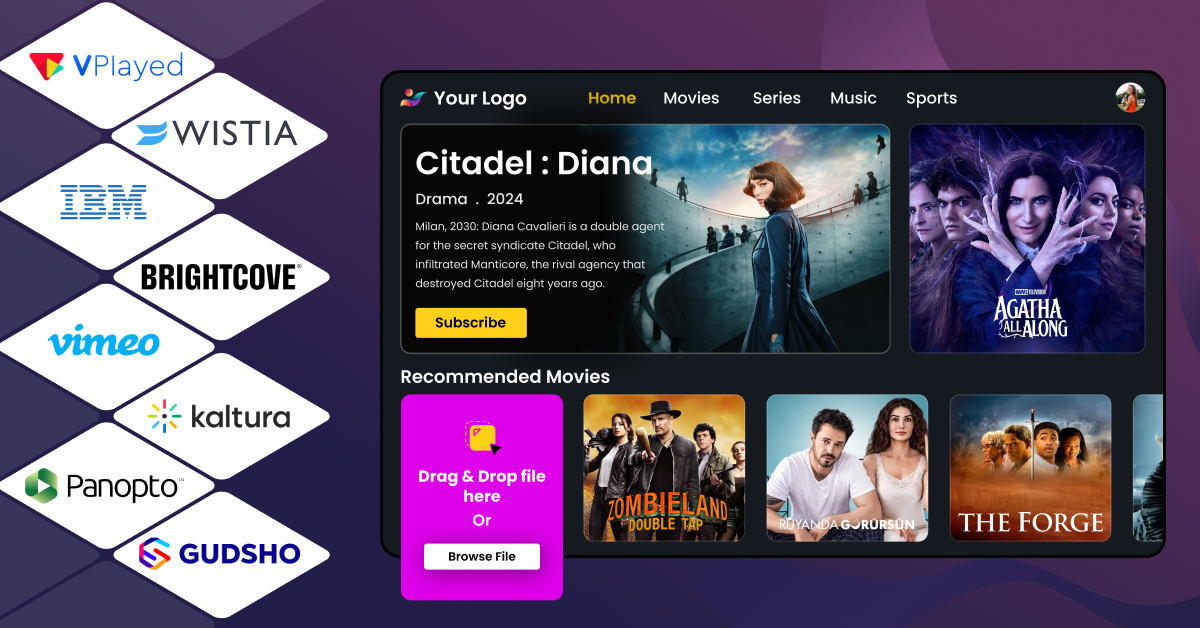


Video content is everywhere, and it is clear that there is a growing reliance on video in business strategy and growth. 93% of surveyed marketers ranked video content as the primary pillar of their strategy.
Managing a large volume of video content can become overwhelming without a robust video content management system. Standard storage systems do not facilitate the management of video playlists and upload schedules.
Videos require a level of processing beyond a typical website’s textual content. A Video Content Management System (CMS) is capable of such processing. Such systems are designed to manage advanced operations like adaptive bitrate streaming and automated video encoding.
Video Content Management Systems are designed to standardize the process of managing video content, regardless of the size of the Video On Demand (VOD) library, and whether the content is streamed live.
This post will review various Video Content Management Systems, providing an overview of their features along with the systems’ advantages and disadvantages and pricing.
- Fully Customizable
- Lifetime Ownership
- On-Premise/On-Cloud
- 100% White-label
- Zero Revenue Share
- Hire Developers
What is a Video Content Management System?
Video Content Management Systems are applications that allow users to manage and distribute video content. Such systems are capable of managing video content and playback across multiple devices, and they do so by performing video transcoding and embedding automated playback controls.
Unlike standard video hosting, Video CMS offers team collaboration tools within a secure environment using custom access controls and digital rights management (DRM) tools. The system’s built-in analytics provides a centralized view of user engagement and offers a means to optimize the video content based on the length of time users interacted with the content before leaving.
Who Needs a Video CMS?
A video content management system addresses various challenges for various teams. So, who gains the most, and what are the features they really require? Let’s get a deeper look.
1. Marketing & Content Teams
- Centralized Hosting & Storage: Safely host content, storing raw, high-resolution source files in an organized media repository.
- Multi-Channel Publishing: Sends video content directly to corporate websites and social layers at the same time, optimizing playback to each screen.
- Multi-Channel Engagement Functions: Integrates viewer behavior with your CRM and marketing automation systems for scoring inbound leads.
2. Corporate Communications & HR
- Collaboration Tools: Provides secure review, comment, and edit for internal production teams of internal town halls.
- Metadata & Tagging: Automatically tags video titles, descriptions, categories, ownership, and dates for long meetings to make them easy to search.
- Security & Encryption: single sign-on (SSO) and limited domain controls to keep executive announcements private.
3. E-Learning & Educational Institutions
- LMS Integration & Direct Video Publishing: Enables professors the ability to integrate interactive lectures directly into digital classrooms such as Canvas or Moodle.
- Adaptive Streaming through Video CDN Integration: Provides buffer-free lessons through a network of geographically distributed servers, dynamically adapts the quality of the lessons for users with weak Internet access.
- Engagement Tracking: Tracks exactly how users finish and assesses student participation.
4. Media & Entertainment Companies
- Hybrid Monetization Models: Supports flexible monetization models that integrate AVOD, SVOD, and Server-Side Ad Insertion (SSAI).
- Payment Gateway & Content Bundling & Tiering: Supports premium paywalls, couponing, and curated multi-tier subscription access across the world.
- Enterprise DRM Protection: Prevents digital piracy, credential sharing, and unauthorized stream ripping.
5. Independent Creators & Small Businesses
- Turnkey Playback Engines: Deploy a fully branded, customized viewer space without hiring a dedicated software engineering team.
- Analytics & Collaboration Functions: Provides simple interaction dashboards for solo operations to monitor audience expansion and fine-tune content strategy.
Video Content Management System Comparison: Top 8 Platforms at a Glance
| Platform | Best For | Pricing | Free Trial | Live Streaming | Monetization Support |
| VPlayed | Media companies, businesses, major broadcasters, special interest providers | One-time License is offered with 0% revenue sharing | No (Free demo available) | Yes | 10+ monetization models, including SVOD, TVOD, AVOD, Hybrid |
| Panopto | Educational institutions, corporate training | Custom Pricing | Yes | Yes | Limited monetization models. Primarily LMS-focused |
| Brightcove | Media houses, big businesses, and marketing teams | CustomPricing | No (Free demo available) | Yes | Audible and Visual On Demand (AVOD), TVOD, and SVOD |
| IBM Cloud Video | Large-scale live streaming & enterprise communications | Silver Plan: $154 per month, 100 hours of viewers per month | Yes (30 days) | Yes | Limited monetization support |
| Wistia | B2B video marketing and lead generation | Business Plan: $79 monthly (annual payment) | Yes (14 days). In addition, there is a free plan available that has limited features | Yes | Limited (lead generation focused) |
| Vimeo OTT | Independent creators who would like to provide subscription content | Basic plan: $1 per subscriber/month + 10% TVOD. Enterprise plan: custom pricing. | No | Yes (as part of the Enterprise plan only) | TVOD & SVOD are included with the Starter Plan |
| GUDSHO | Small video businesses and sole proprietors | Custom pricing | Yes | Yes | AVOD, SVOD, TVOD, and Hybrid |
| Kaltura | Schools and companies in need of the open-source platform | Custom pricing | Yes | Yes | AVOD, SVOD, TVOD, FAST, and Hybrid models |
How We Evaluated These Video CMS Platforms?
We looked at each platform against the most critical factors that affect video management, video distribution, security, and business growth to determine the best options.
Data Security & Access Controls
Defending proprietary media means that defense-in-depth security structures are needed. Web-based video platforms with strong encryption, authentication and permissions were given priority for their ability to provide the granular access that allows for corporate, role-based access.
Target Use Cases & Functional Alignment
Each company has its own unique specialized processes. For each software, we’ve correlated its main abilities to specific operational scenarios, resulting in a separation between enterprise learning environment, marketing engines, and media broadcast software.
Core Systems Integration
A modern media asset hub should work well with your current technical infrastructure. We tested the effectiveness of these tools at handling third-party integration, looking at API flexibility and direct integration with enterprise core systems.
Analytics & Pricing Models
To capture each platform’s data capabilities, we analysed engagement metrics, video heat maps, and reporting depth. We dissected the different pricing approaches and identified the hidden costs, if any. We also assessed whether it’s based on a flat-rate licence, variable bandwidth fees, or one-time licensing.
Top 8 Best Video Content Management Systems For 2026
We’ve curated a list of top video content management systems, based on key factors including content organization capabilities, distribution efficiency, analytics depth, and overall value for investment.
- VPlayed: A self-managed Video CMS with full ownership of source code, 10+ monetization models, and content partner portals.
- Panopto: An education video content management system with LMS integrations and AI-based in-video searches.
- Brightcove: An API-centric cloud CMS. High-volume enterprise content publishing across the globe is its primary use case.
- IBM Cloud Video: Enterprise Video CMS with multiple CDN distributions and SSO for secure internal communications.
- Wistia: Marketing-focused CMS for video streaming with direct integrations for lead-capture forms and CRMs.
- Vimeo OTT: Specialized video CMS with churn analytics and subscriber management.
- GUDSHO: Hybrid enterprise video content management with integrated marketing automation and social media planning tools.
- Kaltura: Modular video CMS, fully customizable for virtual training and interactive videos.
1. VPlayed
Enterprise Video CMS built for Scale and Performance
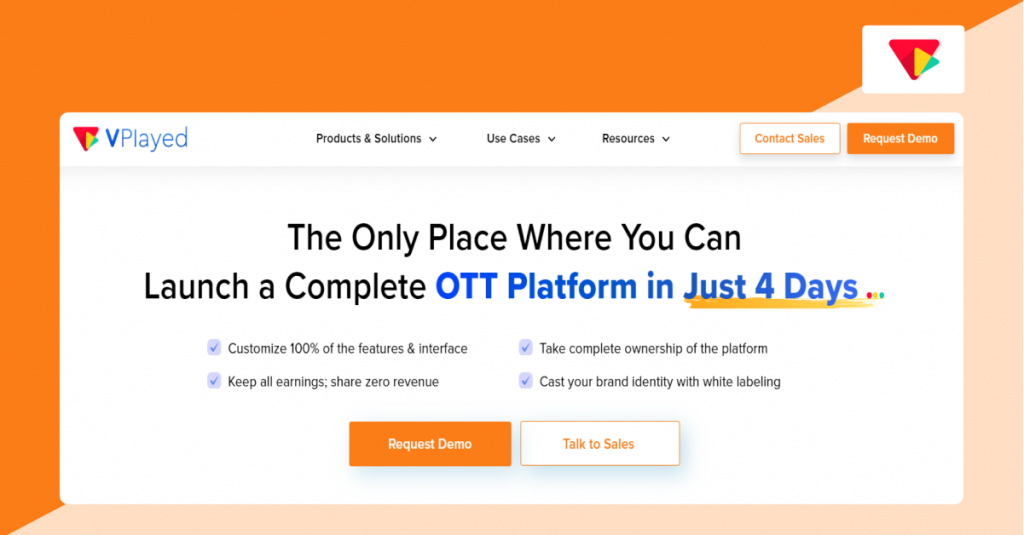
VPlayed is an enterprise video CMS that is self-hosted and customizable. Designed for media owners, digital publishers, broadcasters, and and content partners for handling the management of large volumes of video content. It allows businesses to centralize video libraries and provide custom video streaming experiences across devices. The platform provides white-label control to businesses that wish to have ownership over brand and experience.
Key Features of VPlayed CMS
- Intuitive asset management using drag-and-drop functionality
- AI-generated appealing thumbnails, tags, titles, and descriptions for video libraries
- Bulk upload feature for quick upload and automated publish scheduling to multiple platforms
- 10+ native monetization models including SVOD, TVOD, AVOD, hybrid, SSAI, CSAI, and more
- White-labeling with customizable HTML5 player with Picture-in-Picture controls, playback speed controls, and player branding
- Enterprise security and compliance with multi-DRM (Widevine, FairPlay), geo-blocking, dynamic watermarking, and AES-128 with multi-DRM
- Real-time analytics for view and revenue tracking
- Over 200 integrations including Shopify, Stripe, Google Analytics, Slack, Mailchimp, and custom APIs
Pros
- Self-hosted deployment option
- Source code ownership
- Supports custom workflow integrations
- No revenue-sharing model
- Has 10+ monetization models to make money with videos
Cons
- Custom pricing is not publicly available
- May need technical resources for implementation
Pricing
VPlayed Pricing: Custom pricing and free demo is available on request.
VPlayed CMS Integrations
Integrations include: Shopify, Google Analytics, Google Calendar, Asana, Mailchimp, Slack, Stripe, Google Drive, Google Sheets, Calendly, and 200+ third party integrations.
Why Choose VPlayed?
For businesses with the need for full control over content operation and platform ownership VPlayed is a considerable choice. It also enables complex video distribution needs, without locking businesse into a fixed ecosystem.
2. Panopto
Video CMS built for Educational Institutions
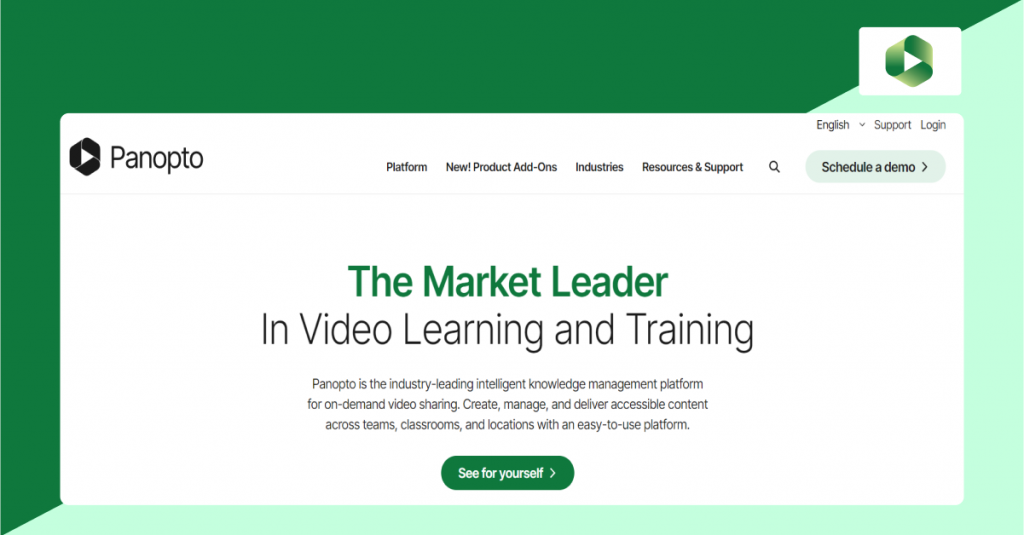
Panopto is an AI-powered video CMS designed for educational video streaming and organizations that host corporate training and academic lectures. The platform also integrates with Zoom, Teams, and leading LMS platforms to create an efficient video platform that allows organizations to host and record videos and manage content in one place. It is one among the best online video platforms with a smart search feature that helps viewers find and skip directly to specific moments within videos.
Key Features of Panopto CMS
- Direct LMS integrations with Canvas, Blackboard, Moodle, and Brightspace
- AI-powered Smart Search for video lectures with indexed spoken words and slide text for pinpoint notes
- Multi-source screen recording for automated lecture capture for scheduled physical and virtual meetings
- In-video quizzes for embedded multiple-choice questions
- Web-based video editing for trimming and slide switching
- Accessibility captioning creates WCAG-compliant automated captions in multiple languages.
- Viewing analytics track student drop-off and lesson participation.
Pros
- Purpose-built for learning environments
- Fast deployment with minimal setup
- High level of searchability in video libraries.
- Able to be used for knowledge retention & training
Cons
- Built-in browser video editor offers only basic trimming functions
- Administrative user interface feels outdated and hard to navigate
Pricing
Panopto Pricing: Custom pricing is available on request, and there is a free trial available.
Panopto CMS Integrations
Works with the main LMS (Learning Management System) platforms such as Canvas, Blackboard, and Moodle. Furthermore, Also, can integrate with authentication systems (SSO, OAuth, SAML, Active Directory), and can be connected to CRM and other enterprise systems by API.
3. Brightcove
Centralized Video Management for Growing Enterprises
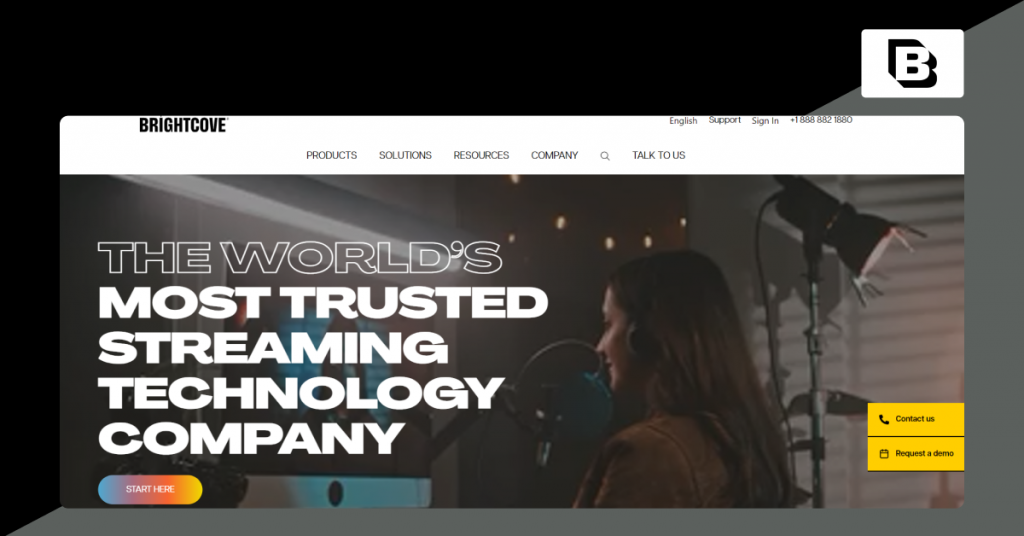
Brightcove is a cloud-based video content management platform for businesses hosting large video libraries across multiple channels. It is ideal for teams that need to integrate video operations with existing content management workflows and business applications through APIs and deliver video content securely from a single source.
Key Features of Brightcove CMS
- Dynamic Ingest API automates batch uploads, video encoding, and processing.
- Server-Side Ad Insertion allows ad-blocker bypass by stitching ads directly into video streams.
- Omnichannel video distribution allows easy publishing to web, mobile apps, and Smart TVs.
- Flexible paywall options support subscription, pay-per-view, and ad-view monetization.
- A campaign analytics dashboard evaluates video play rates, completion rates, and ROI.
- Developer-first design with flexible REST APIs and mobile SDKs.
- Multi-CDN networks route video streams around the globe to enable fast, buffer-less viewing.
- Comprehensive CRM integrations with Salesforce, HubSpot, Marketo, and WordPress.
Pros
- A strong API ecosystem for developers
- Supports integration with external CMS platforms
- Handles high-volume video operations efficiently
- Suitable for enterprise video distribution
Cons
- Pricing is not publicly available
- Advanced reporting features might require additional configuration
Pricing
Brightcove Pricing: Custom pricing is available on request, and a free trial is available.
Brightcove CMS Integrations
Connects with tools like Salesforce, Eloqua, Sitecore, Hootsuite, and Shopify to seamlessly enhance video operations. In addition, Brightcove integrates with external systems (such as WordPress) to control video content directly via its familiar interface.
Why Choose Brightcove?
Brightcove’s API-first application process makes it easier to create custom publishing and management processes around existing business tools.
Is Brightcove Holding You Back?
4. IBM Cloud Video
Enterprise Video Management in the Cloud
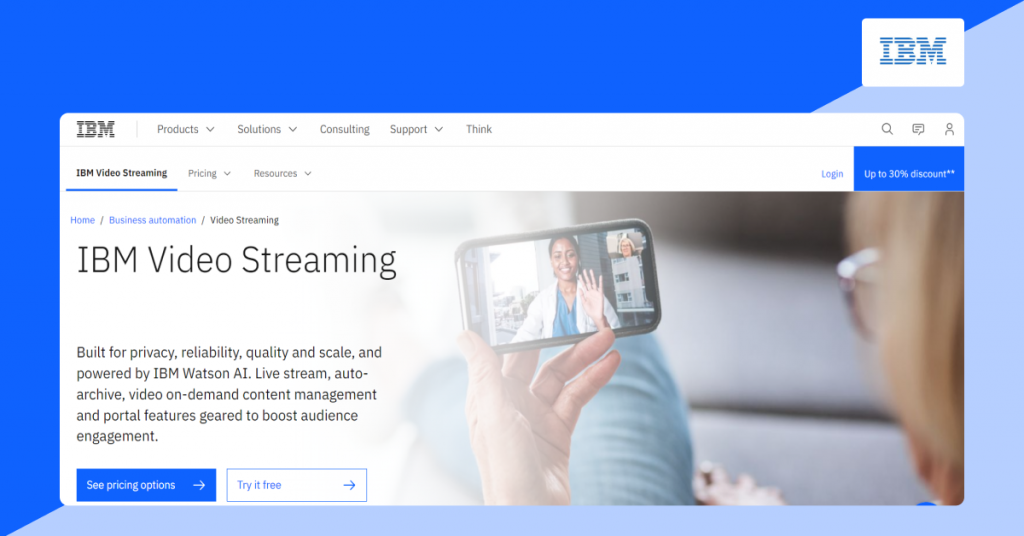
IBM Cloud Video is an enterprise video content management platform focused on a secure video distribution solution. It allows businesses to host virtual events and manage internal communications through customizable video portals while ensuring secure video streams and centralised video workflows.
Key Features of IBM Cloud Video
- AI speech search enables search for a video by a topic that was spoken.
- Automated speech captioning provides accurate real-time closed captions on live broadcasts.
- Enterprise Single Sign-On secures corporate video communications via SAML and Active Directory.
- Multi-CDN creates a dynamic and adaptive network that eliminates downtime and always provides a fast connection.
- Branded video portals allow for personalized video hubs for staff onboarding and training.
- Tools for viewer participation such as live chat, Q&A, and other interactive digital buttons
- Embed domain protection allowing embeds to corporate-sanctioned sites only
- Automatic VOD archival to searchable libraries of previous streams
Pros
- Enterprise single sign-on (SSO) directory tracking
- In-built tools to engage employees and customers
- Adaptive bitrate switching for mobile devices
Cons
- Limits video embeds for non-registered users
- The price of the pricing can be high if it is used for growing requirements.
Pricing
Silver: $154/month
Gold: $773/month
Platinum: $1550/month
IBM Cloud CMS Integrations
Integrates with existing corporate directory systems, external analytics platforms (like Google Analytics), and generic platforms (like Asana, Calendly, Slack, etc.).
5. Wistia
Cloud Video CMS with Deeper Marketing Analytics

Wistia is a video-hosting, management, and marketing-focused architecture for digital publishers and inbound marketing teams. It enables teams to build video libraries, develop a branded video experience, and gain insight into video interactions. Wistia’s built-in analytics, editing, and recording features empower marketing teams to convert videos into business assets.
Key Features of Wistia Video CMS
- Engagement heatmaps to analyze skippers, rewatchers, and every viewer
- Lead capture with email forms in video players
- Custom color and logo video players
- Video thumbnail and CTA with A/B testing for optimized conversions
- Improved video SEO with automated schema microdata
- HubSpot and Salesforce integration for video engagement metrics
- Custom domains for video galleries with customizable, branded, Netflix-style galleries
- Social media video publishing to LinkedIn, Facebook, and YouTube
- AI dubbing for video audio translations in any language
Pros
- View behaviour engagement graphs with high accuracy at the frame level
- Easy integration with big CRMs such as HubSpot and Salesforce
- Content sharing options
- Easy to use and easily customizable UX
Cons
- The editing features may seem restrictive
- Wait times for customer support can be long
Pricing
Free plan with limited features (25 GB max of storage and can support 1 user)
Business: $79 monthly (paid annually). It provides a 14-day free trial, storage for up to 250GB, and 3 users.
Enterprise: Custom Plan. It has 1TB of storage space and custom users.
Wistia CMS Integrations
Works with tools such as Descript, Google Analytics, Mailchimp, Salesforce, Zoom, Zendesk, and more. Plus, it also supports social media management with longer support of social media tools such as Hootsuite, Facebook, LinkedIn, and YouTube.
Why Choose Wistia?
Wistia works well for businesses that require customer communication and marketing campaigns. Its clean interface and marketing tools help convert viewers into leads.


6. Vimeo OTT
Video CMS Built for OTT Distribution
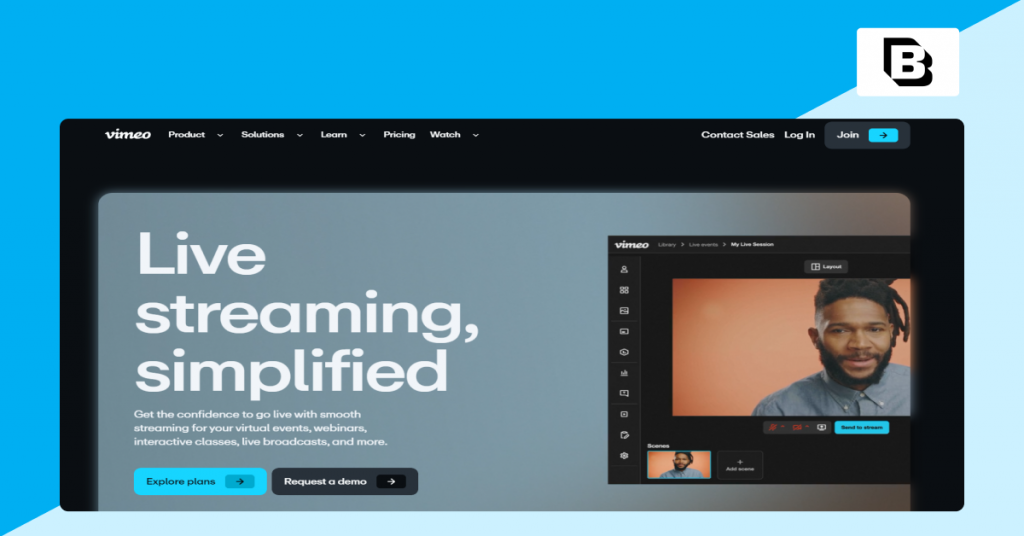
Vimeo OTT is a powerful video CMS designed for streaming service providers who want to offer video subscription services. It makes it easy to share your video content and enables you to create a movie streaming website, providing an embeddable video player for your online video library. It also features secure content management and live and on-demand video delivery support.
Key Features of Vimeo OTT:
- Full support for subscription, ad, and transactional OTT monetization
- Apps for iOS, Android, Roku, & smart TVs use custom streaming with multi-device branded apps
- Monthly subscriber churn, active growth, & user churn are tracked using churn analytics
- A built-in CRM dashboard provides management for users, refunds, promo codes, and billing
- A white-label player provides engaging playback with domain lock embeddability
- International transactions made via credit cards & mobile wallets are made secure with global payment gateways
- Enterprise-level DRM is designed to protect your videos, and geographic access control restricts videos by country
Pros:
- Branded streaming services with quick time-to-launch times
- With an intuitive interface, video management will be easier
- In-depth performance monitoring and churn analytics
- Granular permissions for backend management
Cons:
- Limited player customizations
- Very limited surface for custom integrations
Pricing
Monthly fee: $1 per subscriber, plus 10% TVOD fee; free upload up to 1 hour
Enterprise: Custom pricing
Vimeo CMS Integrations
Works with tools such as HubSpot, Dropbox, Asana, Mailchimp, Kapwing, Shopify, Tumblr, Slack, and more. In addition, this video CMS supports Adobe applications (such as Adobe Express, Adobe Premiere Pro, and Adobe Media Encoder).
Why choose Vimeo OTT?
Vimeo OTT is a viable choice for media enterprises looking to create direct-to-consumer streaming services without having to create an infrastructure from scratch. It has inbuilt commerce and distribution features that make the working for managing a video organization much easier.
7. GUDSHO
Professional Video CMS with Built-in Marketing Tools
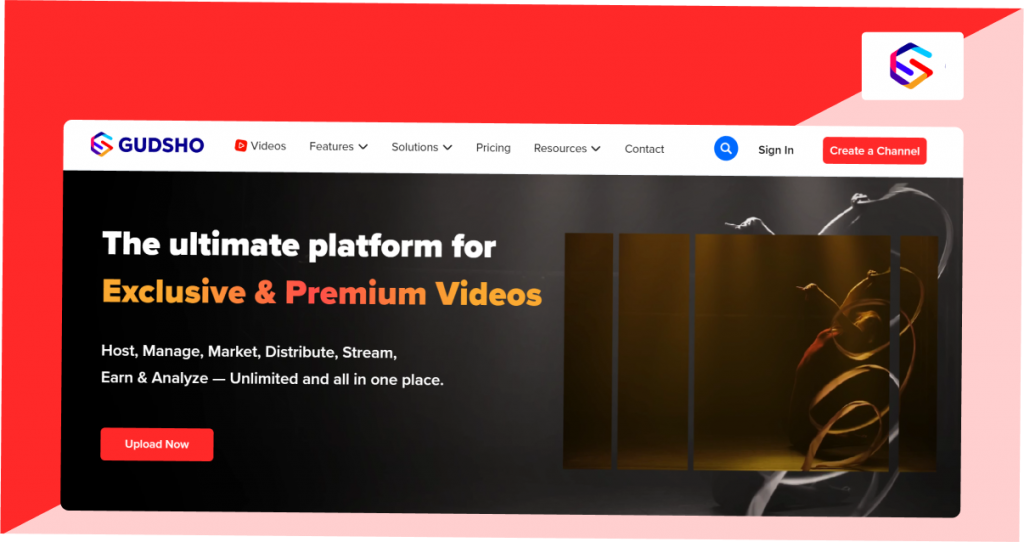
GUDSHO is a professional video CMS that provides ad-free video hosting and video content management for independent content creators and marketing teams. The platform offers one of the best HLS video players for seamless video streaming, as well as video editing features. Social scheduling is also available for multiple social media platforms, and One-Click File Sharing is available in the dashboard.
Key Features of GUDSHO Video CMS
- Social media sync schedules video posts with bulk publishing to all selected social media
- Video editing in the browser allows video editing functions (crop, trim & polish) directly in the browser
- HLS Video Player offers ultra-fast delivery, optimizing playback for an ad-free, adaptive bitrate for all devices
- Webinar landing page templates customizable for a live event with high conversions
- Cataloging system brought order to video libraries built around channels, categories, and playlists
- Lead capture overlays integrated into the video player for lead generation forms and links
- Unified analytics for reach/tracking video views, completion rates, and social analytics
- Pay-per-view billing system allowing patrons to rent individual videos or purchase a subscription for a channel
Pros
- Integrates video management & marketing.
- Integrates a variety of video tools into a single platform
- An in-depth video analytics dashboard.An extensive video analytics dashboard
- On-demand webinar funnel landing page templates that can be customized
Cons
- There are not a lot of options for branding on the embed player
- There is no free trial for this product
Pricing
TNot publicly disclosed. Businesses can request a custom quote based on their requirements.
GUDSHO CMS Integrations
Some of the more notable integrations include HubSpot, Instagram, Facebook, LinkedIn, X (Twitter), and YouTube. It supports direct, bulk posting and scheduling on these platforms, but it doesn’t have a public API.
Why choose GUDSHO?
GUDSHO is a video marketing platform that has everything in one place, making it easier to use than having various tools spread out. It’s an affordable solution that combines video hosting, editing, and marketing in one place.
8. Kaltura
Open-Source, Cloud-Based Video CMS for Big Corporations

Kaltura is an open-source video CMS platform that offers cloud-based video content management solutions to large enterprises and educational institutions. It is built on the API paradigm, which enables the easy, flexible, and modular deployment of the full media lifecycle from ingest to distribution. It offers high-quality playback, interactive features for viewer engagement, and AI-powered search functionality to enhance e-learning and corporate training.
Key Features of Kaltura Video CMS
- Open-source API architecture to build completely personalized video apps with varied APIs
- Virtual learning spaces and online video classrooms with digital whiteboards and breakout rooms
- Multi-stream personal recorder video recorder that records a screen and a webcam along with presentations
- Native LMS integrations integrated directly with Canvas, Blackboard, Moodle, and Brightspace
- AI summary tools with automatic transcription and video summary generators with chapter markers
- Low-bandwidth playback offers the capability to stream video with low bandwidth
- Interactive video branching video with interactive quizzes
- Advanced drop-off analytics viewer heatmaps that capture video pause and rewind activities
- Flexible deployment options supporting fully managed cloud SaaS, hybrid, or on-premise setups
Pros:
- Effective LMS ecosystem integrations
- Open source flexible approach with self-hosted or SaaS deployment options
- Real-time playback over low-bandwidth, remote connections
- Improved interactivity elements to encourage sustained viewer engagement
Cons:
- A greater learning curve than other competitors
- The UI may be confusing and complicated to new users.
Pricing
Depends on the needs of each individual, including the number of viewers, storage, bandwidth, features, and deployment model. For a tailored quote, companies can reach out to their sales team. There is a free trial available.
Kaltura CMS Integrations
Supports popular Learning Management Systems (LMS) such as Moodle, Blackboard, and video players.
How to Choose the Right Video CMS: Key Features and Considerations?
The best video content management software encompasses key business functions combined with important technical capabilities. When evaluating options in the market, here are the main features you should consider.
1. Ingestion and Storage (Scalability and Performance)
The best video CMS systems centralize the storage of company media. Look for automation in video ingestion, large file (bulk) uploads, and global CDN delivery with multi-bitrate streaming.
What to look for: The infrastructure should automatically scale for burst traffic and be able to process live streams with no latency.
2. Metadata & Tagging (Organization and Searchability)
Searchability in a video library is largely dependent on the structure of the metadata (title, description, classification, ownership, etc.).
What to look for: Video content management systems that incorporate automated AI tagging that can extract speech, scene, or object tags.
3. Distribution and Playback (Flexible Video Publishing)
A comprehensive video CMS system provides the ability to playback videos on any device through any web browser.
What to check: Assess your video player’s flexibility for custom branding and if it allows multi-channel publishing to social and external channels.
4. Security & Compliance (Access Control & DRM)
Access control via role assignment, single sign-on, and Digital Rights Management with Widevine and FairPlay is very important to protect your assets.
What to check: If your business is in the healthcare or education industries, and especially if it is in these regulated industries, check the safety of the site providing these services and if they comply with HIPAA, GDPR, and FERPA.
5. Monetization Suite (Revenue Models & SSAI)
Be paid for views, with your choice of flexible options – Subscriptions (SVOD), Ads (AVOD), Pay-Per-View (TVOD), or a combination.
What to check: Look for Server-Side Ad Insertion (SSAI) for a method to circumvent ad blocking, a flexible, multi-currency payment system, and no hidden revenue-sharing costs.
6. Analytics & Integration Ecosystem (Deployment & TCO)
Engagement analytics are integrated, viewer data is actionable, and heat maps and drop-off points are easily integrated to your tech stack (e.g., CRM, LMS) and via a custom API.
What to check: The Total Cost of Ownership (one-time licensing/on-premise installation vs. recurring SaaS subscription) and if your staff has the skills and expertise to manage and integrate the system.
Conclusion
Choose the appropriate video CMS by matching platform capabilities with your core business goals. This video content management system comparison highlights how different platforms meet unique needs from enterprise marketing and education workflows to subscription OTT monetization.
Instead of selecting tools based on feature lists alone, evaluate platforms by their core strengths: API flexibility, security compliance, lead generation, or monetization options.
Selecting one that aligns with your primary operational model ensures seamless library management, improved audience engagement, and long-term scalability for video operations.
- Request Demo Book a Live, Personalized Demo
- Contact Sales Reach Out to Our OTT Experts
Frequently Asked Questions (FAQ):
1. What is a video content management system?
Video content management system or Video CMS is a built-in tool enabled in the video streaming platform for managing, organizing and delivering video content online.
2. Why do businesses need a video CMS platform?
With a large volume of video content, it is hard for businesses and content creators to manage content, video CMS provides solutions for improved search results and enhances the user experience, creating more video engagement.
3. What are the key features of a video CMS?
Content categorization, video content protection, content accessibility, content presentation, content management, content scheduling are some of the key features of a video CMS
4. How much does a video content management system cost?
The price range of a video content management system differs based on the video content platforms video content management systems functionalities and the requirements demanded by the platform.
5. What are some examples of popular CMS platforms?
The popular CMS platforms include VPlayed, WordPress, Webflow, Magneto, shopify and Drupal.
6. What are the benefits of video content management software?
Video management, video analysis, video storage management, video security and organizing the videos based on categorization.


