


OTT software enables streaming growth as users shift from traditional TV. Consequently, we compare VPlayed, Dacast, Kaltura, Brightcove, Accedo, Simplestream, Muvi, Castr, Vodlix, Viewlift, and Lightcast, detailing their unique features, pricing, and performance pros.
Consumer migration from traditional TV to OTT is driving the worldwide OTT market and is expected to reach $626.69 billion by 2031. This signals an irreversible shift in content delivery and monetization.
Given the vast array of options, it’s essential to select an OTT software provider that offers both excellent video streaming quality and diverse monetization capabilities to sustain future growth.
This article makes it easy for you to check out 10+ leading OTT software providers, comparing their features, prices, and growth potential, to help you start your service.
- Fully Customizable
- Lifetime Ownership
- On-Premise/On-Cloud
- 100% White-label
- Zero Revenue Share
- Hire Developers
Best OTT Software Providers at a Glance: 2026 Comparison
| Tool Name | Best For | Pricing Tier | Free Trial | Key Differentiator |
| VPlayed | Enterprises that require complete ownership of the platform. | Custom quote | Free demo | One-time licensing model; no recurring SaaS fees |
| Dacast | SMBs & cost-conscious event broadcasters on a budget | Starter plan: $39/month | 14-day free trial | Affordable entry with Akamai/Cloudflare CDN backing |
| Kaltura | Educational institutions & large enterprises | Custom quote | Free demo | Open-source roots with deep LMS & API integrations |
| Brightcove | Large media houses & broadcasters | Custom quote | Free demo | Enterprise-grade reliability with advanced SSAI ad tools |
| Accedo TV | Brands that require OTT strategy + execution | Custom quote | Free consultation | OTT roadmap consulting and UX-driven OTT app experiences |
| Simplestream | Broadcasters and linear television operators | Custom quote | Free demo | Built for live linear streaming & channel management |
| Muvi | All-in-one OTT launchers (no-code) | Standard: $199/month | 14-day free trial | Zero revenue sharing + built-in payment gateway |
| Castr | Creators & small businesses multistreaming | Starter at $16.67/month | 7-day free trial | Multistreaming with built-in monetization tools |
| Vodlix | SMBs needing white-label OTT | Professional plan available at $1,550/month | 14 days | Full white-label ownership with VR/XR streaming support |
| Viewlift | Sports & media with multi-platform reach | Custom quote | Free demo | 16+ platform native deployment, including Xbox & PlayStation |
| Lightcast | Churches, nonprofits & broadcasters | Custom (signature plans) | Free consultation | Full-stack OVP with built-in ticketing & PPV for live events |
1. VPlayed
Most Popular White Label OTT Video Software
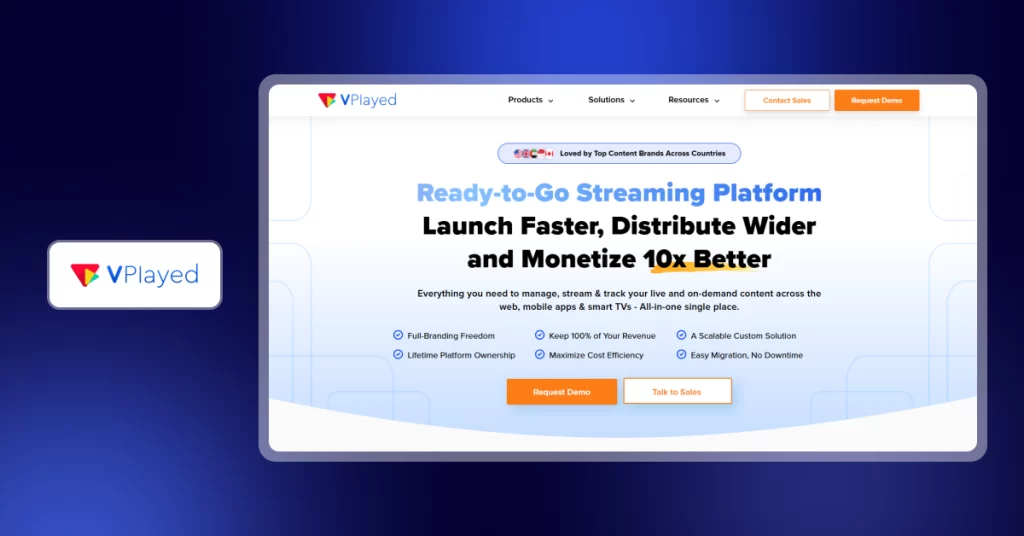
VPlayed is an OTT software with white-label capabilities that enables businesses to have full control over their brand, content, and revenue. VPlayed is a one-time licensed platform, unlike most SaaS streaming tools, which tie you to a recurring subscription where you pay once and own the platform.
It includes the entire streaming stack: live, VOD, and audio. Whether you are a local television and radio station, a sports media house, or an educational technology brand, the platform is designed to be deployed, customized, and scaled without reliance on a vendor.
✨ VPlayed Key Features
- Provides multi-DRM security (SSL certification), dynamic watermarking, prevention of screenshots, paywall integration, geographic controls, and AES encryption.
- Supports 10+ monetization models, such as SVOD, AVOD, TVOD, SSAI, Pay-Per-View, and hybrid models, and promo codes.
- AI-based algorithms recommend content, generate metadata tags, and generate subtitles to enhance cross-linguistic accessibility.
- Automatically turns on-demand content out of live streams without having to do it manually.
- Provides 200+ in-app integrations with CRMs, payment gateways, and marketing automation tools.
- Organizations can decide between self-hosting on-premise and a cloud hosting solution.
✅ VPlayed Pros
- Access to source code and a one-time pricing model imply no repeat SaaS charges.
- Creator- and business-friendly features, and zero revenue sharing with its 10+ revenue models.
❌ VPlayed Cons
- VPlayed operates exclusively on custom quotes.
- This customization is a strength, yet it also implies that the onboarding process will be more time-consuming.
⭐ G2 Rating: 4.8
🏆 Capterra Rating: 4.6
💰 VPlayed Pricing
Custom pricing based on business requirements. Contact sales for detailed plans and enterprise quotes

2. Dacast
Unparalleled OTT Streaming Software
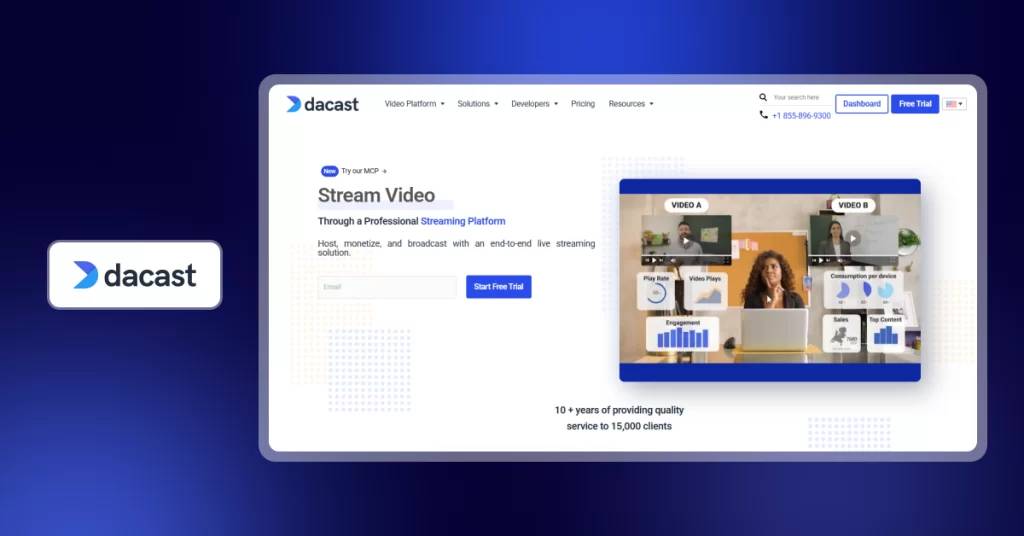
Dacast provides OTT software development to companies interested in a rapid, SaaS based-video streaming entry. It puts emphasis on simplicity, speed, and non-heavy infrastructure installation.
The service is a subscription service, with users having their content hosted on the Dacast platform and delivered by it. Dacast provides live streaming, video-on-demand, built-in monetization, and cloud hosting. It also helps in the RTMP, SRT, and HLS ingest to stream through various formats with ease.
✨ Dacast Key Features
- Inbuilt paywall enables SVOD, TVOD, and PPV. It also has a 9.9% + $0.40 per transaction commission structure and AVOD ad insertion.
- An HTML5 video player that supports the M3U8 media format to access mobile, desktop, and smart TV audiences.
- Specialized analytics dashboard to monitor the viewer demographics, consumption patterns, and content trends.
- Provides broadcast support options like live countdown timers, automatic archiving of immediate VOD replays, and multi-user access to work in teams.
- Offers dedicated functionality to evade the “Great Firewall” so that content can be legally and reliably streamed to viewers in Mainland China.
- Provides API access to third-party integrations and custom workflows.
✅ Dacast Pros
- Users can install a professional live stream or paywall within minutes without the assistance of a tech team.
- Offers an affordable entry point, which makes it perfect for small businesses
- Auto-converts live streams into Video on Demand resources, enabling repurposing of content without transcoding.
❌ Dacast Cons
- There have been reports of auto-renewal policy challenges that have resulted in unwanted automatic subscription renewals.
- It lacks the deep source-code level customization found in other OTT software providers
⭐ G2 Rating: 4.3
🏆 Capterra Rating: 4.3
💰 Dacast Pricing
- Starter: $39/month (2.4 TB bandwidth/year)
- Event: $63/month (6 TB initial, suitable when doing large events occasionally)
- Scale: $165/month (24 TB/year, includes phone support and advanced library management)
- Custom: Enterprise plan comes with custom SLAs, migration services, and exclusive support
- Offers a 30-day free trial
Tired of using Dacast?
3. Kaltura
OTT Video Software For Effective Streaming
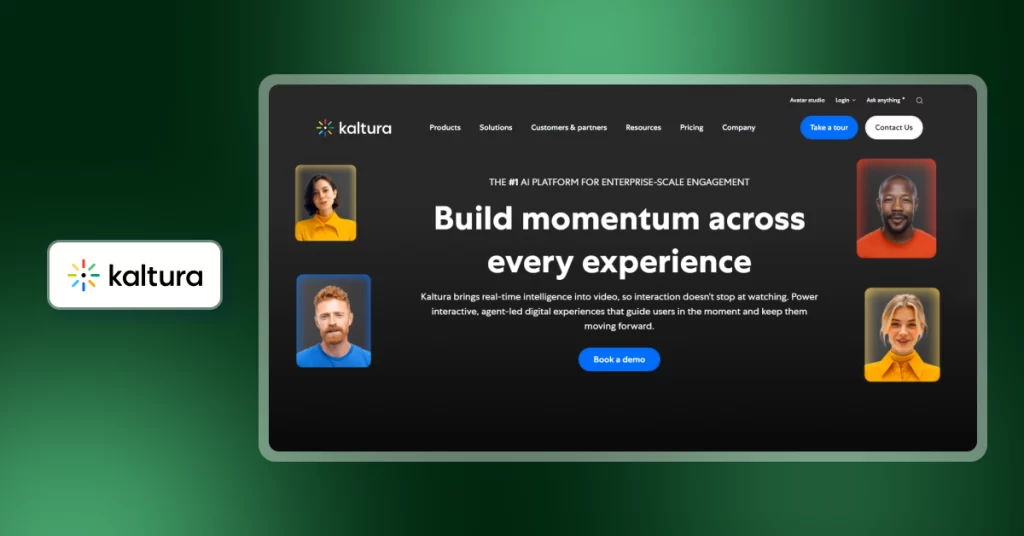
Kaltura is an open-source OTT software platform enabling businesses and higher-education institutions to create custom streaming workflows. The developers will have complete API access, and non-technical users will have ready-made webcasting, video portal, and LMS integration modules.
Enterprises that require videos to be highly embedded in the current Learning Management Systems (LMS) or corporate intranets usually select it. Kaltura also provides conversational avatars and automated content generation, and can be directly embedded into the streaming stack.
✨ Kaltura Key Features
- AI-powered automation tools that suggest content, create metadata, and respond to queries from viewers
- Interactive video technology like DVR controls, live polls, Q&A, and customizable branding of large events
- Simultaneous multi-source recording (screen, webcam, camera) with auto-generated chapters
- Automatic cloud transcoding, which generates various video quality formats to stream easily across devices
- Role-based access and secure SSO login that teams can use to allow or deny access to content
- Seamless integration with LMS and CMS platforms like Moodle and Blackboard
✅ Kaltura Pros
- Highly adaptable and configurable platform that can be used in a complex enterprise setting.
- Native LTI (Learning Tools Interoperability) support enables smooth video integration into platforms such as Canvas, Moodle, and Blackboard.
- Allows concurrent screen, web camera, and external camera recording (up to two sources)
❌ Kaltura Cons
- The user interface is not intuitive, which complicates navigation.
- It does not constitute a plug-and-play solution; thus, implementation frequently needs other support materials.
⭐ G2 Rating: 4.3
🏆 Capterra Rating: 4.1
💰 Kaltura Pricing Plans
Custom pricing based on business requirements
4. Brightcove
Unmatched OTT Software Provider
Brightcove is an enterprise OTT software designed to support the extensive video business. The platform is aimed at minimizing the latency and providing a seamless playback experience.
Recent additions feature a strong AI package of automatic captioning and metadata. This assists creators in the handling of huge libraries without manual work. Cloud Playout 2.0 allows the rapid creation of linear channels using the existing content. Deep CRM integrations with Salesforce, HubSpot, and Marketo are also offered to businesses.
✨ Brightcove Key Features
- AI-based metadata creates tags and descriptions to enhance the searchability of videos.
- Contextual Ad insertion is AI-based, and it uses natural transition points to make non-disruptive advertising.
- Offers Liquid Glass Player, a high-performance web and mobile player that is compatible with modern devices.
- Brightcove Beacon is a dedicated software for developing branded applications on various smart TV platforms.
- Close connectivity with Google Tag Manager provides accurate tracking of ad revenue.
- The Zencoder Integration is a high-speed file converter into various formats.
✅ Brightcove Pros
- Reliable platform with 99.99% uptime and consistent streaming.
- Proactive technical support and robust engineering support on complicated matters.
- Globally distributed CDN infrastructure that guarantees rapid and uniform content delivery in different geographical areas.
❌ Brightcove Cons
- Video processing may be slower following the original uploads.
- There is no hierarchical sub-folder arrangement of the content management system
⭐ G2 Rating: 4.0
🏆 Capterra Rating: 4.2
💰 Brightcove Pricing Plans
Personalized pricing in accordance with business needs. Contact sales for detailed plans
Tired of using Brightcove?
5. Accedo TV
Innovative OTT Software For Digital Businesses
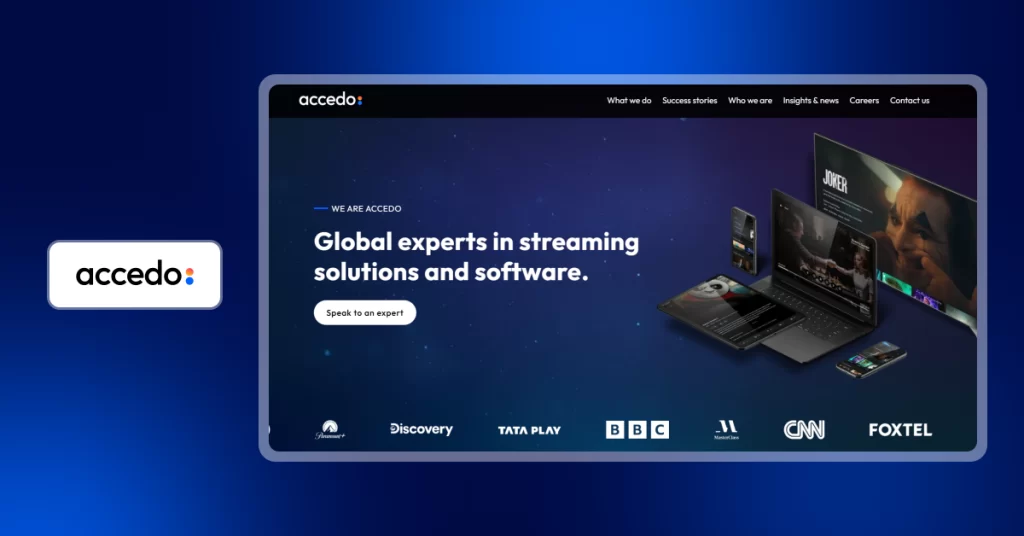
Accedo offers complex, modular high-end OTT software development platforms. Its flagship platform, Accedo One, has a no-code visual editor, which manages multi-screen applications. This enables the teams to update user interfaces on all devices in real-time with just one hub.
Its structure enables reusable components to save on development time and effort. Accedo also facilitates the creation of similar experiences within mobile, web, and connected TVs.
✨ Accedo TV Key Features
- No-code design studio enables teams to create and customize UI layouts visually, deploying and integRating third-party tools in real-time.
- The ability to quickly build proofs-of-concept allows teams to demonstrate platform capabilities in hours.
- Modern fan analytics can give information about viewer behavior and preferences, allowing them to make data-driven decisions to enhance engagement.
- Cross-device OEM partnerships with platforms like Samsung, LG, and Roku help reduce certification issues and streamline deployment processes
- XR sports consultancy services aid in the development of immersive extended reality experiences by means of strategic partnerships in the industry.
✅ Accedo TV Pros
- Quick time-to-market using a SaaS model to deploy OTT applications faster.
- Integration is flexible and can switch between third-party services and tools easily.
- Cross-platform development allows efficient re-use of code and enhances the development process because it allows the development of the same system to run on a wide range of tools.
❌ Accedo TV Cons
- No on-premises implementation option, and a cloud-only model that can restrict data control and compliance flexibility.
- It may be too complicated to use as a simple streaming service, particularly when users need simple video hosting services.
⭐ G2 Rating: Not listed
🏆 Capterra Rating: Not listed
💰 Accedo TV Pricing
- Starter: $3000/month
- Growth: $5000/month
- Enterprise: Custom pricing
6. Simplestream
Top OTT Video Software For Everyone
Simplestream is a cloud-native service that focuses on fast OTT software development for live and on-demand broadcasting. It employs a modular Mediaflow and AppFlow architecture to simplify complicated video workflows.
This design enables the content owners to roll out applications with rich features on many devices within a record time. The system is also good at automating high-value processes such as converting live broadcasts into instant VOD properties. The platform is successful in filling the gap between the traditional broadcast and the contemporary digital delivery.
✨ Simplestream Key Features
- Live2VOD automation turns live streams into full replays and short clips within minutes, allowing content to be reused faster and made on-demand.
- AppFlow framework allows design-based application development to provide a consistent user experience across smart TVs, mobile devices, and gaming consoles.
- Modular MediaFlow CMS is a system where metadata, transcoding and content distribution are handled through one central interface.
- Server-side ad insertion (SSAI) is an approach that adds video ads directly into video streams so that they can play seamlessly and ad blockers cannot filter them.
- VOD-to-live channel development enables planning of virtual live channels with the help of already available content libraries to raise viewer engagement and retention.
- DRM and geo-blocking security to restrict content access per region and device.
✅ Simplestream Pros
- Server-side ad delivery is pre-integrated and serves large ad networks, allowing high-level targeting with smooth ad playback
- Shorter deployment schedules enable the introduction of complete multi-screen OTT services within a brief time.
- High platform stability guarantees reliable performance even when there is peak traffic and large-scale live streaming.
❌ Simplestream Cons
- The user interface may be complicated at first, in particular when handling complicated backend functionality.
- Flexibility in integration can be constrained when dealing with third-party platforms that are not partners.
⭐ G2 Rating: 4.5
🏆 Capterra Rating: Not listed
💰 Simplestream Pricing Plans
Price differentiation based on business requirements. Contact sales for detailed plans


7. Muvi
OTT Software Solutions For Smarter Streaming
Muvi is a simple, all-in-one OTT platform software that does not require coding. It enables content owners to activate branded streaming services on 20+ platforms immediately.
The system has automated cloud hosting, cross-device applications deployment, and so forth. All of the digital storefronts can be managed using a single, unified dashboard. Muvi Playout develops 24/7 linear channels without complications. The platform also offers AI-based content recommendations.
✨ Muvi Key Features
- AI-based features create the subtitles, metadata, translations, and visual assets to facilitate content discovery.
- One- click app generation enables ready-to-run deployment of native applications across mobile devices, smart TVs, and game consoles without extra development.
- In-built encoding and transcoding automatically transform raw video files to various resolutions to ensure seamless playback on various devices and on the network
- Global CDN delivery system is a low-latency streaming performance across geographic areas through efficient distribution of content using multiple network endpoints.
- Integrated ad server support allows client-side and server-side ad insertion, which can be used to optimize revenue by enabling flexible advertising approaches.
- Supports multiple currencies that enable transactions in more than 100 different currencies, including major payment gateways and local billing systems.
✅ Muvi Pros
- No initial infrastructure costs, which makes it deploy fast without significant investment.
- Receptive technical assistance to help with installation, migration, and management of the platform.
- Flexible monetization options provide support for various revenue models on a single platform.
❌ Muvi Cons
- The CMS interface may be less intuitive, and navigation and workflow structure may need a learning curve.
- The site design templates are limited, potentially limiting layout flexibility relative to other available OTT software.
⭐ G2 Rating: 4.6
🏆 Capterra Rating: 4.4
💰 Muvi Pricing Plans
- Standard: $399/month
- Professional: $1,274/month
- Enterprise: $3,315/month
- Ultimate: Custom pricing
8. Castr
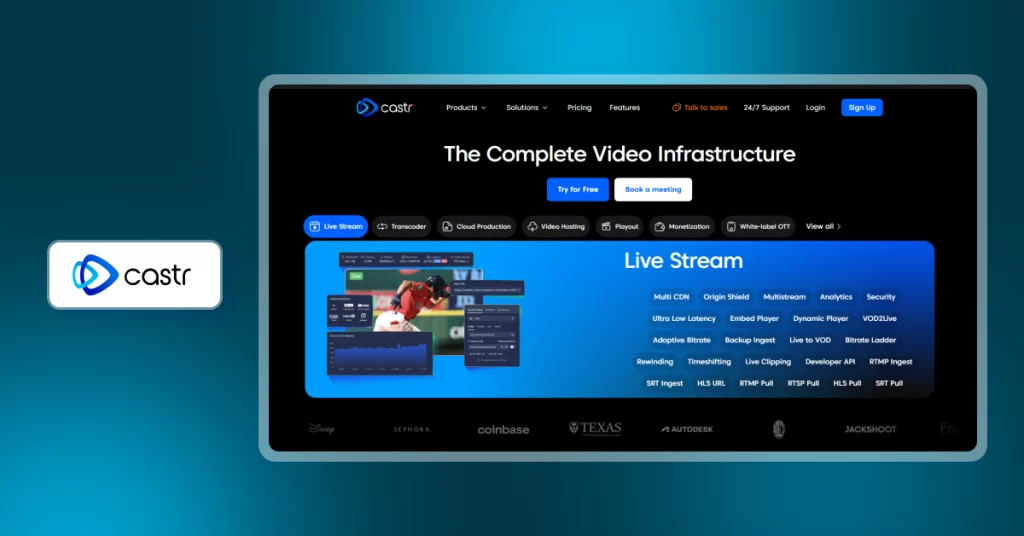
Castr provides professional OTT software for live streaming. It enables multi-platform broadcasting to Facebook, YouTube, and Twitch simultaneously. The platform provides a centralized dashboard to manage both 24/7 linear channels and VOD libraries.
The platform includes stream health monitoring to detect technical issues early, along with cloud-based transcoding that adapts video playback across devices. It also supports DVR functionality for pausing and rewinding, role-based team collaboration, and global CDN delivery for consistent streaming performance.
✨ Castr Key Features
- Multi-destination streaming enables broadcasting to 30+ social platforms and custom RTMP or SRT endpoints from a single source
- Akamai-powered CDN delivery ensures low-latency streaming with support for high-quality playback across global regions
- Instant live-to-VOD conversion automatically records live streams and makes them available for on-demand viewing immediately
- The cloud-based video switcher allows seamless switching between live feeds, images, and pre-recorded content during broadcasts
- Built-in email system supports sending transactional and promotional messages without relying on external marketing tools
- 24/7 linear playout scheduling enables continuous streaming by running pre-recorded content as a live channel
✅ Castr Pros
- Efficient bandwidth usage reduces local upload load by distributing a single stream across multiple platforms
- 24/7 technical support provides real-time assistance for resolving complex streaming issues
- Fast web deployment enables launching a branded streaming platform within a short timeframe
❌ Castr Cons
- Limited mobile management capabilities, as the full administrative dashboard is optimized for desktop use and lacks a dedicated mobile app
- Advanced features are restricted to higher-tier plans, which can limit access unless upgrading to more expensive pricing options
- Initial setup can have a learning curve, especially when configuring complex multi-stream workflows for the first time
💰 Castr Pricing Plans
Castr’s pricing for its live streaming and video hosting:
- Starter at $16.67/month
- Standard at $41.67/month
- Premium at $166.67/month
- Ultra at $291.67/month
- Events at $624.99/month
⭐ G2 Rating: 4.8
🏆 Capterra Rating: 4.7
9. Vodlix
Vodlix is a high-speed, white-label OTT software engine designed for rapid video-on-demand deployment. It allows creators to launch fully branded streaming services without any coding requirements.
The platform provides an all-inclusive infrastructure covering global hosting, automated encoding, and security. Users can choose between a managed SaaS model or a self-hosted on-premise setup. Vodflix supports multiple languages for international audiences and also provides VR 360-degree video streaming capabilities.
✨ Vodlix Key Features
- Cross-monetization engine allows managing subscriptions, pay-per-view, and ad-based models together to maximize revenue from a single content library
- Automated partner portal helps manage content providers, track performance, and handle revenue sharing without manual intervention
- AI-driven retention tools analyze viewer behavior to identify churn risks and trigger automated re-engagement campaigns
- Smart device management enables control over the number of devices linked to each account for better access security
- TMDB integration support allows quick import of movie and show metadata, reducing manual content management effort
- VR and XR streaming capabilities support immersive video formats, enabling advanced viewing experiences beyond traditional streaming
✅ Vodlix Pros
- Easy platform setup enables faster launch without complex development or infrastructure requirements
- Multi-currency payment support enables smooth international transactions in a broad spectrum of currencies.
- A high level of UI and UX customization allows offering various design options, such as modern themes of interfaces and viewing modes.
❌ Vodflix Cons
- Some platforms, such as Samsung Tizen and LG WebOS, may require extra fees to submit their apps
- Expensive initial cost relative to other OTT software platforms, which can augment total platform costs
💰 Vodflix Pricing
- Vodlix offers three tiers:
- Professional plan available at $1,550/month
- Enterprise plan at $3,850/month
- Ultimate plan (custom pricing for enterprise needs)
- Every plan has a 14-day free trial
⭐ G2 Rating: 4.6
🏆 Capterra Rating: 5.0
10. ViewLift
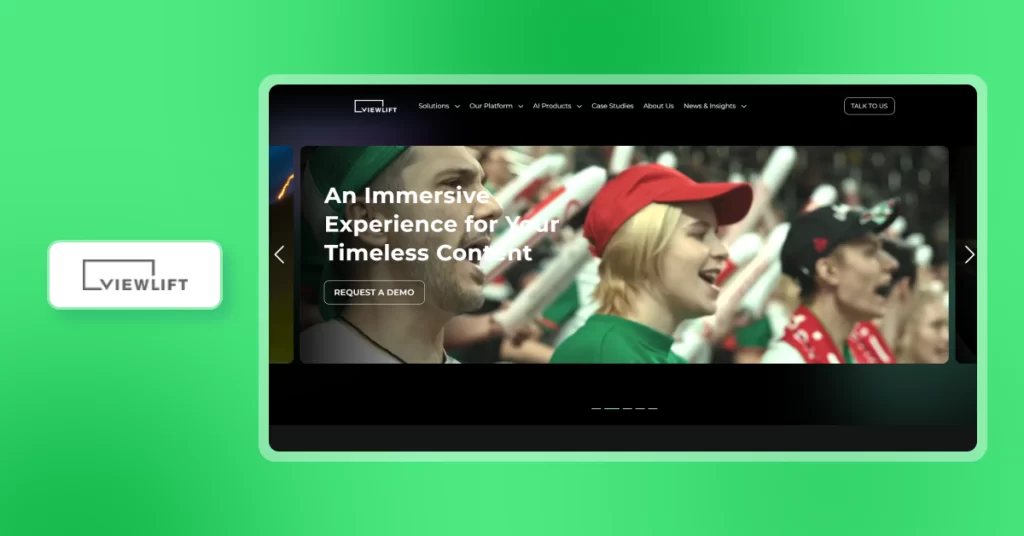
ViewLift is an OTT software provider that focuses on providing a proprietary technology stack to guarantee quick time-to-market on sixteen different device platforms. It is specifically designed to cope with huge spikes in concurrent viewership of global live events.
The latest updates include conversational AI search engines that allow users to find the right content within seconds. It is a cloud technology that is designed to work closely with the established broadcast workflows to facilitate a smooth digital transition. The platform also offers high-level DRM and next-generation encryption to secure content.
✨ Viewlift Key Features
- Conversational AI search enables users to find content based on natural language searches, enhancing accessibility and the content discovery experience.
- AppCMS builder supports real-time mobile and smart TV apps that can be updated on both the UI and UX without the need to redeploy the whole system.
- Automated sports clipping identifies live highlights and transforms them into brief, shareable videos that are social media-friendly.
- To enhance viewer engagement, fan engagement modules incorporate interactive systems such as a live chat, polls, and real-time statistics
- Dynamic ad insertion support allows individualized delivery of ads via smooth server-side stitching without disrupting playback.
- Advanced entitlement manages access using regional access, device access, and complicated content license policies
✅ ViewLift Pros
- Live streaming scalability to support large concurrent audiences during peak traffic periods
- The shorter deployment cycles allow the rapid deployment of fully branded multi-platform streaming services
- The analytics dashboard includes in-depth data on traffic, revenue, and user engagement
❌ Viewlift Cons
- When using large datasets in the platform, search performance can be reduced
- The complexity of the platform may demand technological skills to handle advanced settings and back-end platforms
⭐ G2 Rating: 4.2
🏆 Capterra Rating: Not listed
💰 Viewlift Pricing Plans
Custom pricing based on business requirements.
11. Lightcast
Lightcast is a complete OTT software platform that values real-time content control on all platforms. It uses a centralized Media Cloud to synchronize updates in 30+ integrated device environments in real-time.
The platform is designed to support large-scale live events and large video-on-demand libraries at the same time. Its infrastructure is used to manage the whole app lifecycle, including the initial development process and the automated maintenance of the app stores. This is a cloud-based system whereby organizations can expand their online presence without the need to deal with several technical vendors.
✨ Lightcast Key Features
- Real-time app synchronization enables real-time update of navigation, branding, and content in all live applications without resubmission of apps in the app store.
- A 24/7 cloud playout system allows scheduling of 24/7 live channels based on available on-demand video libraries in a simple drag-and-drop interface.
- A multi-platform app builder allows the deployment of branded native applications on smart TVs and streaming devices and has controlled publishing workflows.
- Task presets, such as transcoding, archiving, and distribution, can be automatically activated when new content is uploaded as part of the automated workflow.
- The advanced analytics center offers a more in-depth view of the viewer location, device usage, engagement, and real-time revenue performance.
- Live-to-VOD recording is used to transform live broadcasts into high-quality on-demand videos in real-time, allowing for more rapid content availability and reuse.
✅ Lightcast Pros
- Simple platform setup enables quick launch without complex technical implementation requirements
- Full data ownership ensures complete control over audience insights and transaction data
- No revenue-sharing model allows platforms to retain full earnings from subscriptions and pay-per-view content
❌ Lightcast Cons
- Pricing is not publicly available, which requires direct consultation to understand full pricing plans
- Feature depth can be a steeper learning curve, especially for teams without a technical team to manage advanced workflows
⭐ G2 Rating: 4.6
🏆 Capterra Rating: Not listed
💰 Lightcast Pricing Plans
Custom pricing based on business requirements
How These OTT Software Providers Were Evaluated
To evaluate the OTT software providers, we examined how well they enabled streaming performance, platform control, and scalability. The software provider was evaluated on the following criteria:
Streaming Quality & CDN Performance
Platforms were evaluated on how consistently they deliver content across regions. Low latency and smooth playback were key factors. Stable performance during peak traffic was also considered, along with support for adaptive bitrate streaming and CDN delivery.
Content Security & DRM
To ensure robust protection, we assessed each platform’s support for DRM, encryption, and access control. Platforms that help prevent unauthorized distribution and meet licensing requirements were prioritized.
Monetization Support
Support for monetization options like subscriptions, pay-per-view, and advertising was considered. Platforms that support flexible pricing structures were given preference.
Multi-Device Compatibility
Compatibility with web, mobile, and smart TVs was evaluated. Seamless playback across devices was deemed critical for accessibility and viewer experience.
Analytics & Performance Insights
The platforms were assessed for the types and quality of analytics available (viewer engagement, revenue, etc.) to drive data-driven decisions.
Integration & Scalability
Frontend and backend flexibility were evaluated. This includes API support, third-party integrations, and the ability to scale infrastructure as business needs evolve.
Summing Up
Choosing the right OTT software shapes your streaming business in the long run. Every platform has various operational requirements and audience sizes.
Dacast and Muvi are fast SaaS with non-technical deployment. Brightcove and Kaltura provide enterprise-level capacity to support large media networks. Castr has the capability of broadcasting on multiple platforms at once. Vodlix provides white-label control with VR-ready infrastructure. Viewlift and Lightcast power sports and global broadcast workflows seamlessly.
VPlayed remains the definitive choice for organizations seeking full platform ownership without recurring vendor fees. It provides permanent access to source code and zero revenue sharing. You have full ownership of your infrastructure and deploy ten monetization models on your own.
The best OTT software providers are those that will match your growth roadmap, not only the current needs. Look at content volume, target devices, and long-term revenue plan before committing to any platform.
- Request Demo Book a Live, Personalized Demo
- Contact Sales Reach Out to Our OTT Experts


