





I ranked and reviewed the best AI team chat and messaging APIs for enterprise businesses to help teams collaborate, chat, video call, group call, and stay connected from anywhere, on any device, without delay.
The Top 10 Team chat api builders: TL;DR
- MirrorFly: Secure AI group messaging solution
- ApphiTect: Best White label messaging SDK for Android
- Getstream: A highly Scalable group messaging service
- Sendbird: Comprehensive messaging with video call integration
- Twilio: Flexible messaging with video call APIs for teams
- CometChat: Powerful group messaging & video call solution
- Proofhub: Team messaging with video call features for collaboration
- Twist: Structured group messaging with integrated video calls
- Flock: Fast group messaging with video call capabilities
- Mattermost: An open-source solution for secure group messaging
Let’s explore MirrorFly first. We will cover everything in detail.
1. MirrorFly: Secure AI group messaging solution
MirrorFly is one of the leading providers of in-app video, voice, and chat SDKs that are loved by developers around for its quick integration capabilities, high scalability, low-latency, and its two communication models : cloud and self-hosted solutions.
Its cloud model also known as SaaS helps developers to quickly add chat and call capabilities on a monthly subscription basis.
Whereas, our self-hosted chat SDKs lets you take complete control on deployment, data, and security. Plus, you can add your own branding elements to reflect your identity on chat apps using our SDKs. Such an amazing thing is our API suite.

✅ MirrorFly API & SDK Features
- Real time Chat API
- AI Voice Agent
- AI Chatbot
- Speech to Text
- Smart Network Optimization
- Audio Output Selection
- Video Mirroring
- Server-relayed Call Connections
- Multi-platform messaging
- Language translation integration
- Document Collaboration/Share Files and Multimedia
- Hire a dedicated team of developers
- Unlimited Messaging with endless storage
- Automated actions
✅ Pricing
- Self-managed chat software (one time license cost)
- On-cloud (monthly subscription) pricing model
✅ Supportive Platforms
- iOS, Android, and Web Applications
2. ApphiTect: Best White label messaging SDK for Android
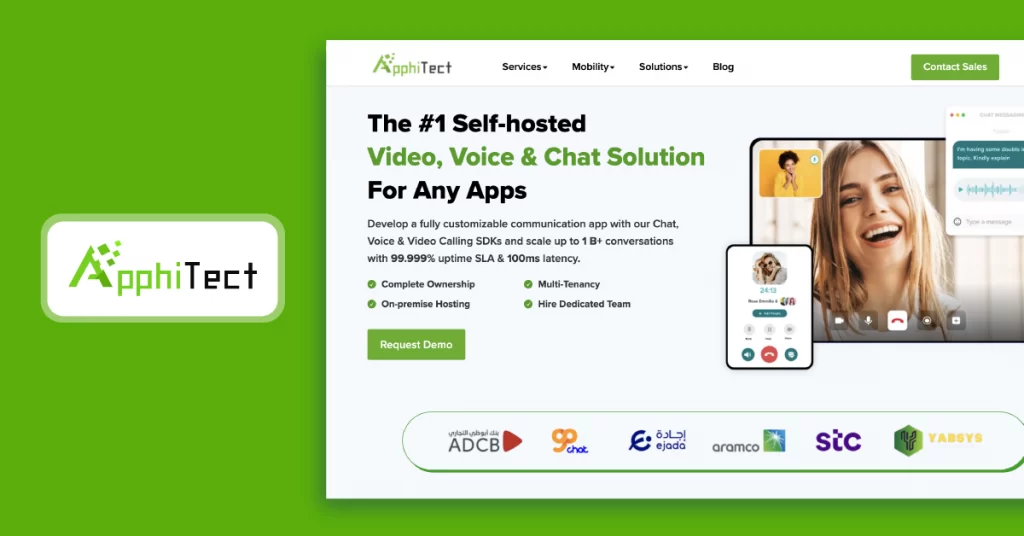
ApphiTect is a leading self-hosted chat API and messaging SDK provider with high customization and personalization capabilities to build Android team chat apps. This on-prem enterprise chat app supports 500+ in-app communication features with custom branding to change the app’s logo and color with your brand elements.
With flexible hosting, you can deploy on your own server, an on-premise server, or ApphiTect’s dedicated cloud to have complete control over data ownership, scalability, and security.
✅ ApphiTect Team Chat API and SDK Features
- Instant messaging, 1:1 voice call and video call
- Upload and send unlimited files and docs without size limit
- Multi-tenant chat server
- Dedicated team to support
- Cross platform compatibility
- Ultra low latency communication
✅ Pricing
- White label chat solution with one time licence costs and data ownership
SaaS based pricing model with monthly subscription.
✅ Supported Platforms
- Android, iOS, & Web.
3. Getstream: A highly Scalable group messaging service
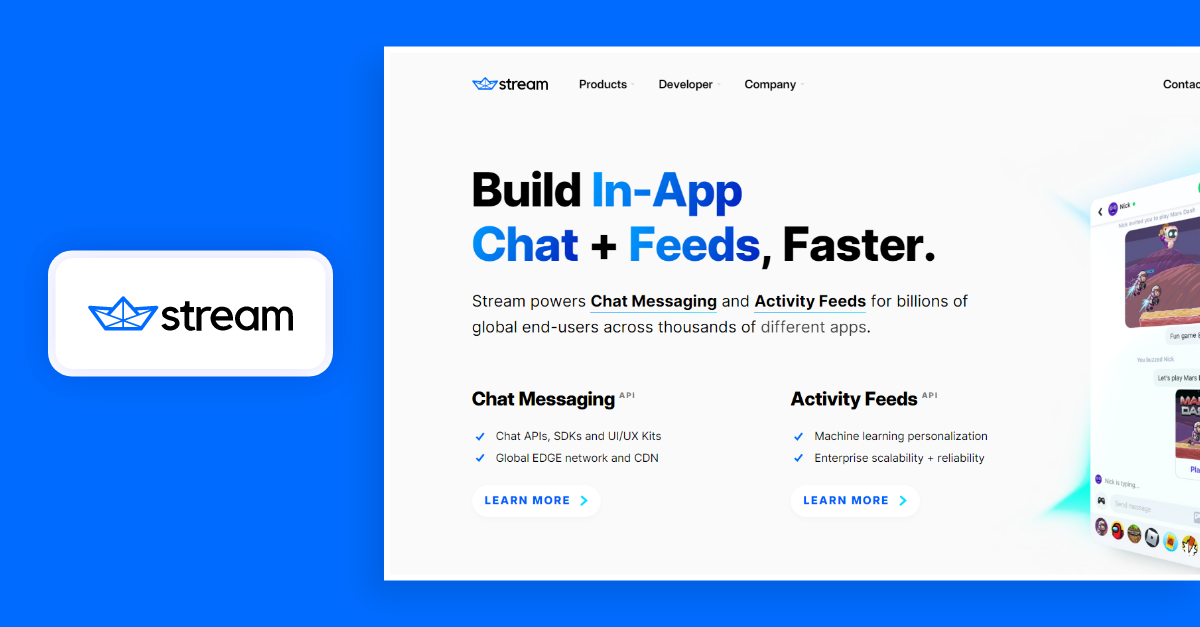
Getstream powers real-time team chat messaging with highly reliable enriched AI chat features. Their APIs are quick to integrate and ship, especially when it comes to team collaboration.
It mainly focuses on simplifying the way of communication among the employees by forming separate groups of users and channels within a single application.
Irrespective of the industries this platform provides the ultimate team communication APIs. This certainly eliminates the functional complexities across devices by promoting genuine communication.
✅ Getstream API & SDK Features
- Multi-tenancy
- Easy Integration
- Fully customizable
- High-end security
- Emotions and reactions
- Direct and group chat
✅ Pricing
- Monthly subscription pricing model
✅ Supportive Platforms
- Mobile & Web Applications
4. Sendbird: Comprehensive messaging with video call integration
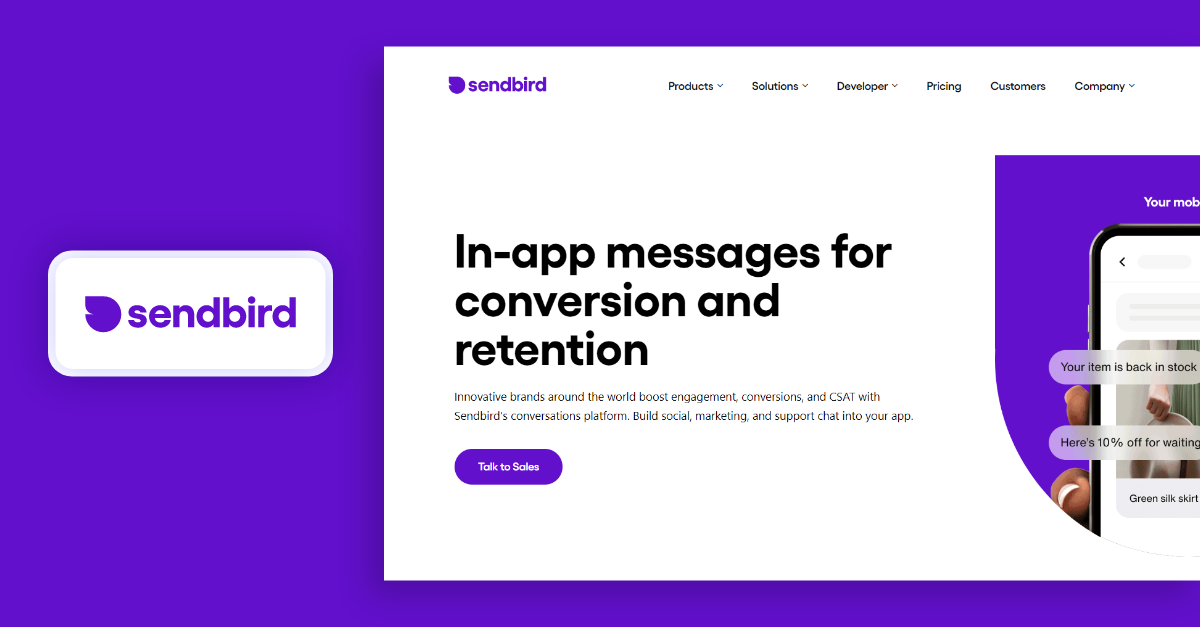
Sendbird, a well structured team messaging APIs and chat SDKs that enables you to integrate real-time chat audio/video to build a well collaborative enterprise level instant messaging app.
Its APIs and SDKs are highly capable to minimize the complexities of messaging with an easy-to-use UI across all kinds of platforms for every business.
✅ Sendbird API & SDK Features
- Typing indicator
- Auto translation
- In-app chat system
- In-app voice/video calling
- Multimedia file sharing
- Push notifications
✅ Pricing
- Monthly subscription pricing model
✅ Supportive Platforms
- Mobile & Web Applications
5. Twilio: Flexible messaging with video call APIs for teams
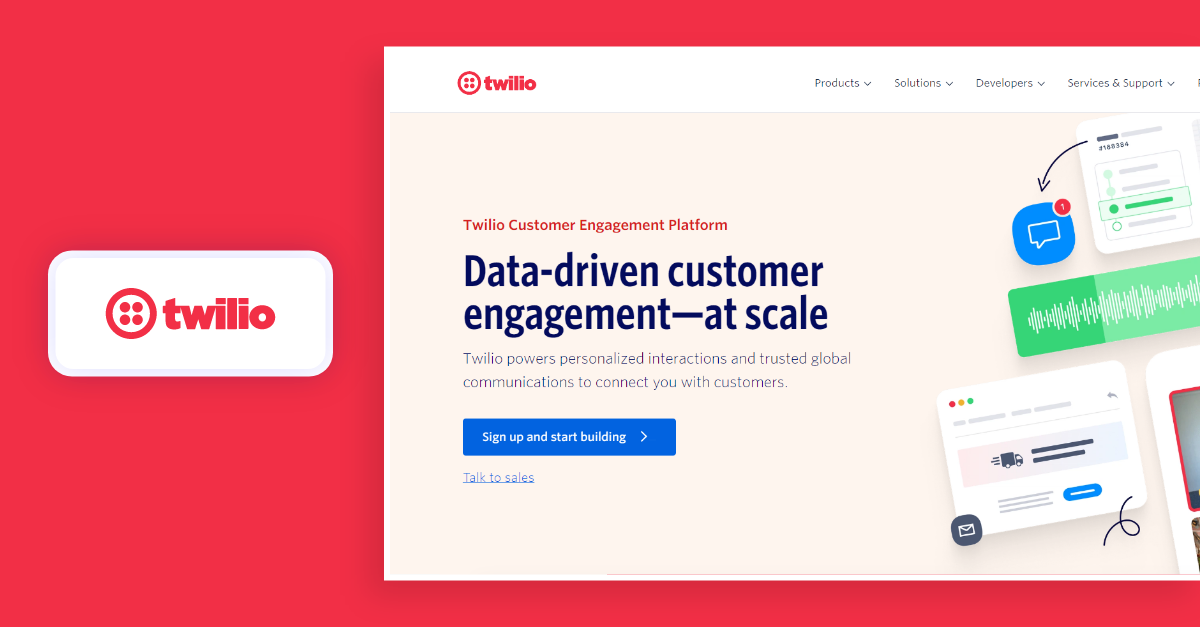
Twilio is a single platform whose flexible APIs engage global organizational team channels with built-in intelligence functionalities to support effortless team connections.
This user-friendly software provides space to create and build a fully-functional enterprise grade instant messaging app for mobile and web within a considerable time period, thanks to its endlessly adaptable team chat APIs, SDKs, UI kit, and backend security for all-time support.
✅ Twilio API & SDK Features
- Read Receipts
- Message storage
- Private & group chat
- Multimedia chat
- Location tracking
✅ Pricing
- Monthly subscription pricing model
✅ Supportive Platforms
- Mobile & Web Applications
6. CometChat: Powerful group messaging & video call solution
CometChat is a live company chat platform that allows the employees to engage with one another and explore to enhance the productivity. It creates a supporting system with third-party integration, which makes the team collaboration more engaging and comfortable anytime around despite platform differences.
When it comes to end-to-end encryption, Cometchat’s enterprise instant messaging chat software is truly effective and uncompromisingly protective over any team chats and confidential data within the group chat app.
✅ CometChat API & SDK Features
- Custom message
- Rich media attachment
- Single sign on(SSO)
- Message history
- Message indicators
✅ Pricing
- Monthly subscription pricing model
✅ Supportive Platforms
- Mobile & Web Applications
However, the above mentioned are a few but you can find many more in the pond. But, I believe now you have obtained some idea about these enterprise grade instant messaging apps in terms of employee team engagement in the organization.
7. Proofhub: Team messaging with video call features for collaboration
Proofhub is a popular team chat app that provides features like task management, time tracking and file sharing, beyond messaging.
It is an ideal choice for enterprises that are looking to implement collaborative experiences among their employees.
Apart from this, Proofhub also ensures that all the employees are on the same page and delivers productive work output by means of effective communication.

✅ Proofhub API & SDK Features
- Task management
- Gantt charts
- Time tracking
- File sharing
- Discussion threads
- Calendar integration
✅ Pricing
Monthly subscription and Enterprise plans
✅ Supported Devices
Web, Android, and iOS
8. Twist: Structured group messaging with integrated video calls
Twist is a unique team chat app that helps organizations to improve clarity through communication between their employees.
It lets users make topic-based discussions, ensures that every confidential information is protected.
Twist adapts an asynchronous communication approach that promotes deep work and distractions. This makes Twist an excellent choice for remote work.
✅ Twist API & SDK Features
- Threaded conversations
- Asynchronous communication
- Channels and threads
- Markdown support
- Searchable history
- Integrations
✅ Pricing
Monthly subscription and Enterprise plans
✅ Supported Devices
Web, Android, iOS and Desktop
Recommended Reading
9. Flock: Fast group messaging with video call capabilities
Flock is one another interesting team productivity app that gathers all the essential tools and communication channels in one platform.
It offers real-time messaging, video conferencing, project management, file sharing and many other communication features.
It has a user-friendly UI and offers great integration capabilities. Also, it streamlines workflows and reduces context switching, which results in better business outcomes.
✅ Flock API & SDK Features
- Instant messaging
- Video conferencing
- Project management
- File sharing and collaboration
- Integrated search
- Polls and surveys
✅ Pricing
Monthly subscription and Enterprise plans
✅ Supported Devices
Web, Android, iOS and Desktop
10. Mattermost: An open-source solution for secure group messaging
Mattermost is one of the secure team chat apps out there. It offers on-premise chat solution and robust encryption features to protect the conversations in a business environment.
This app is an ideal choice for regulated industries for offering enterprise-grade administration and compliance.
Mattermost would be a great option if you are planning to build industry-specific apps with strict adherence to privacy regulations.
✅ Mattermost API & SDK Features
- Self-hosted deployment
- Secure messaging
- Compliance controls
- Enterprise administration
- Channel-based communication
- Searchable message history
✅ Pricing
Monthly subscription and Enterprise plans
✅ Supported Devices
Web, Android, iOS, and Desktop
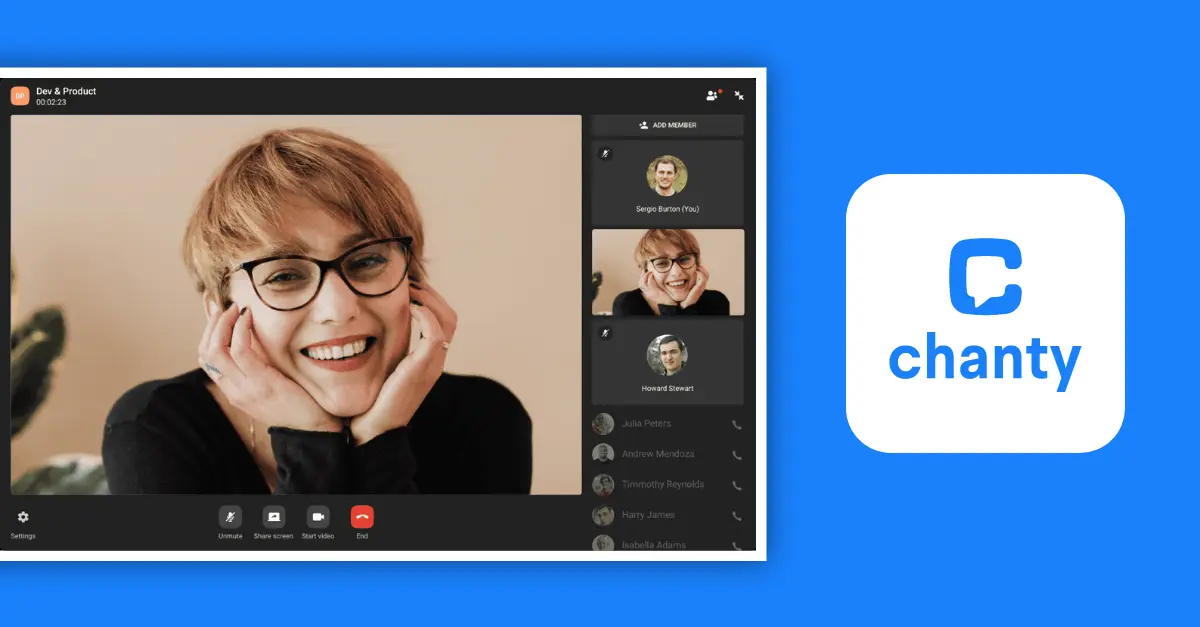
11. Chanty: Simple team messaging with built-in video calls
If team engagement and collaboration is your focus, go for Chanty.
With its simple and intuitive interface, Chanty offers a great space for employees, employers, management and businesses to communicate with each other.
It has features like instant messaging, voice calls, and task management.
Overall, chanty helps you build active participation among your users, boost team morale and elevate the overall productivity.
✅ Chanty API & SDK Features
- Self-hosted deployment
- Secure messaging
- Compliance controls
- Enterprise administration
- Channel-based communication
- Searchable message history
✅ Pricing
Monthly subscription and Enterprise plans
✅ Supported Devices
Web, Android, iOS and Desktop
What is the difference between team chat and group chat?
A team chat typically refers to a dedicated platform for a specific group or department within an organization. It is basically used for team collaboration and project management. A group chat, on the other hand, is a real-time chat app involving multiple participants, often for casual discussions.
How Instant Messaging Apps Accelerates Operational Efficiency?
All highly productive teams rely on a team chat app for smooth functioning. A building a chat app for company communication can bring together all communication easily under one window and provide following benefits:
❇️ Productivity: Catalyzes team coordination through file sharing
❇️ Connectivity: Epic productivity through all-hour, anyplace connectivity
❇️ Security: Highly private and secure solution for confidential conversations
❇️ Cost-effective: Slash domestic and international communication costs to a bare minimum
❇️ Improves work ethic: Fixing responsibility, decision making, employee interaction improves drastically.
❇️ Communication: An Instant chat messenger for offices enabled with Voice and video calling integration for omni-channel communication.
5 Key Feature for Enterprise Chat Software
Whether could be a small or a large business, communication is an essential key component of any business. Businesses rely on interaction despite external or internal customers, end users or employees.
Although, the mode of communication differs depending on the industry that includes broadcasting information, team chat app messaging, voice, live video calling, etc.
Depending upon the needs of the business, the real time instant messaging communication platform also varies, but at the end of the day all were brought together on the table with their unique features.
Let’s have an insight over the incredible features that plays an essential role when it comes to building most secure messaging app,
1️⃣ Customization
The term customization is used to reveal individuality of something and when it’s about to build a chat app, the entire theme focuses on personalizing the needs of end users, end-to-end scalability, quality, and the need of the enterprises that can meet the customer satisfaction. In general, real time chat communication solutions are considered to be the best if they are adaptable and flexible enough to integrate into any existing web application, iOS, and Android.
Customization can be elaborated as in future if an enterprise wants to add or remove any number of features as per their business needs, can go ahead with that without any worries just by fusing their needs into the existing application.
2️⃣ Instant Messaging
It is a feature where the real time chat messaging is used to communicate instantly over the internet, but if the user goes offline they will still be updated with the notifications. However, these chat SDKs and messaging APIs can communicate via messages from a variety of platforms that includes enhanced functionalities with an enriched features like,
- One to One and Group Chat
- File sharing
- Push notifications
3️⃣ Video and Voice Calling
Video Calling : Video calling talks about something being communicated visually, either could be in group or individual calling. Mostly, this feature is enhanced with the customized SDKs that allow any enterprise to fulfil their needs when it comes to collaborating with any number of customers across the world concurrently.
Voice Calling : Voice calling solution is very important for any business as they allow you to make and receive calls over the browsers, and web applications. With regards to the enterprises they target towards cost-effective strategy as a special feature that stands out by allowing the businesses to communicate with unlimited calls encouraging the call queuing and routing process. Moreover, these features allow the businesses to have increase in productivity with a high rate of growth in business.
4️⃣ Media File Transmission
For any business it is very important to share the documents ensuring safety measures. Henceforth, checking out something that can contribute more into this feature by ensuring the security while transferring any confidential data is mostly appreciable. This feature allows to share multiple files of any type with the users in private or public, all these are performed in an easy term.
5️⃣ Push Notification
There are chances that you might miss some of the important messages sometimes in your busy schedule. To overcome this make sure that all the notifications whether they are from one user to another user or from the on-demand industries, all must be presented to you in a single shot then and there, so that you can be updated every moment.
Prime Features For Team Messaging App
Although the above session has shed some light over the regular but extraordinary features that can be looked for while thinking of building a chat Software with SDKs & APIs that can enhance the value of any business. There are certain additional features too that count into them as well, considered to be the best among all other realtime chat solutions. Some of these features are,
❇️ Scheduling Messages in advance.
❇️ Text to Speech – This is a feature that converts the text to lifelike speech.
❇️ Speech Recognition – It can also be called as speech to text. This is the feature that talks about the.z ability for the machine to recognize words that have been spoken aloud and later convert them into readable text.
❇️ Voice Callkit – It is a new framework where VoIP app integrate with the native phone UI.
❇️ Scheduling Voice Conference.
❇️ Clear and Crisp voice quality.
How to Build a Team Chat App?
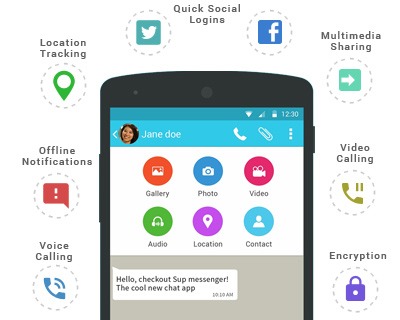
MirrorFly is the best-in-class in-app communication sdk provider to develop any business instant messaging platform or team chat app with features like video/voice, file sharing, push notifications, group video calls, and much more.features like video/voice calling, file sharing, cross-device access, social integrations, location sharing and much more.
❇️ Market-ready software that comes with rock-solid stability and bug-free code.
❇️ Message delivery notifications and alerts that enhance work accountability.
❇️ HMAC encryption fortifies privacy and confidentiality from all corners.
❇️ 100% customizable SDKs
❇️ White-labeled Solution
❇️ Hire a dedicated development team
❇️ Mukti-tenancy
❇️ Topic-based chats
❇️ On-prem/cloud hosting.
MirrorFly Boasts of Stellar Enterprise Instant Messaging Features
MirrorFly as an team messaging app for enterprise is crafted with brilliant attributes that will uplift enterprise communication to its zenith.
→ Direct messaging: The power of ‘NOW’ in direct one-on-one messaging or group chats for sharing instructions & information.
→ File sharing: Employees can share spreadsheets, documents, images, video files, audio recordings, etc. on the go.
→ Voice & Video calling: One device for all kinds of voice and video communication to all devices across the world at local prices.
→ Screen sharing: Screen sharing for employees to share real-time information that can be shown only with images.
→ Group Conversations: Chat windows that can accommodate any number of employees from any location for real-time team communication.
→ Chat Presence: Prompt display of real-time presence status like Online, offline, Busy, Available, Unavailable or custom status.
→ Delivery Notification: Every message sent to a coworker is marked with a notification confirming successful or failed delivery.
→ Real Time Connectivity: Employees can participate in office meetings through voice or video from any corner of the world, real time.
→ Chat Trail: Complete chat trail for future reference. All chats/files can be traced to for future reference.
→ Sync and store: Automatic sync and store ensures chats and files are accessible across all devices at all times.
→ All-device Compatibility: One-size-fits-all team messaging app for Windows, Android, iOs or any other OS platform.
→ Social app Integration: Upped user convenience with social credentials based logins. No more need for multiple usernames and passwords.
→ Push notifications: Text alerts to to keep teammates in loop about official alerts, reminders or notifications.
→Heightened Security: End-to-end encryption and high profile data protection that thwarts hacking and piracy threats.
→ Ongoing tech support: All-caring and anytime available Technical, admin-level or user-level support.
→ Location sharing: Location maps to trace location or even to ease employee navigation to a new plant or branch office location.
→ Pixel-perfect UI Design: A well-thought and clutter-free UI that facilitates quicker and easier company group chat apps.
→ Fully searchable: Conversations and files from the long past can be easily retrieved with smart search using MData retrieve.
Technologies Deployed in CONTUS MirrorFly

CONTUS MirrorFly has under its hood several ground-breaking technologies that can deliver unparalleled communication experience for enterprise communication.
Final Words!
Whether you are an enterprise looking out to bring in chat functionality in your application or a keen-to-learn developer, you would have got a clear picture of how to build a team chat, how instant messaging drives efficiency, and how easy it is to create an team messaging app with an API.
The article describes only the top five APIs, there are still a lot more in the market. Each varies with another by API uptime, latency, customizations, and pricing. So, you need to do a little more research on which to use.
Still unclear on which API to use? Why don’t you sign up for a free trial with MirrorFly and see what features it holds in its repositories?
Ready to Integrate Chat Api for Android & IOS?
Get our enterprise-grade communication solution, that can be set up on your company servers.
Contact Sales 100% customizable
-
White-label solution
-
Full source code
 100% customizable
Frequently Asked Questions:
What are the best team chat API providers?
There are several team chat API providers available in the market. But the most popular ones are
1. MirrorFly
2. Sendbird
3. PubNub
4. Cometchat
5. Twilio
6. Getstream
also has several benefits for building chat apps for teams.
Which industries use team chat apps?
Industries like healthcare, retail, education, finance, defense, government services, transportation, logistics, telecommunication, social and dating use chat apps to connect their users with each other, across their business.
What is a team chat app?
A team chat app is a communication tool that lets users send and receive messages in real time between individuals or groups. It is specifically designed to connect teams belonging to the same organization, for effective communication between the employees, whether they are in the same office or working remotely.
How much does it cost to build a group chat app?
The cost of building a group chat app depends on various factors like the features you want to include, the purpose of your app, the industry you build for, scale of your development team and many other criteria. However, in general, you can expect to spend anywhere around $1000 to $100000. However, you can save this huge cost of building your app from scratch by using a pre-built chat SDK.
How can I create my own chatting app?
In order to create your own chat app, you can follow the procedure given below.
1. Define the core features and choose the right tool.
2. Design the UI and develop the backend.
3. Test and launch your chat app.
Or else you can simply purchase the license key from in-app API providers like MirrorFly, ApphiTect, Apptha, etc. and integrate chat functionalities in just 5 minutes. This will save you development costs, time, and effort.
Why build a team chat app?
Building a team chat app provides you with enhanced team collaboration tools to increase and monitor your team productivity. Some of the advanced features of the team chat app are private and group chat, presence indicators, chat metadata, read receipts, typing indicators, push notifications, file sharing, video conferencing, and more.
Can I use third-party APIs or SDKs for certain features?
Definitely yes. You can use third-party APIs or SDKs for certain features to integrate with your existing or new apps. For example, there are in-app chat APIs and SDK providers on the market like MirrorFly, ApphiTect, Apptha, etc. You can easily integrate their in-app chat, voice, and video SDKs with your app to activate communication features.
What are the steps to develop a team chat app?
In order to develop a team chat app, you can follow the basic protocols mentioned below.
1. Define your requirements and features.
2. Use the right team collaboration tool.
3. Design the UI and develop the backend.
4. Test and deploy your app.
If you feel these steps are too time-consuming, then you can easily integrate team chat app APIs and SDKs from providers like MirrorFly, Twilio, Agora, etc. These SDKs can be integrated with your app in less than 20 minutes, saving you a ton of money and time.
Which software is used for the chat process?
There are numerous chat platforms and tools used in a chat process. Some of them are instant messaging apps, customer support for chat, AI chatbot, Team collaboration, web chat widgets, and voice assistants. You can use any of these tools to connect and engage your users on your messaging apps.
What is an example of chat software?
Some of the most popular IM services include Signal, Telegram, WeChat, Line, Viber, QQ Messenger and Snapchat. Each of these services are used across different countries and for a wide range of use cases.
What is team chat software?
Team chat software is a platform that lets users interact with each other in a secure space. It offers more than just communication in a business environment.
What is the most common chat app?
According to Statista, WhatsApp is the most popular chatting app in the world. It has over 2 billion monthly active users and is the frequently used social messaging app in the world.
What is the best chat for work?
Hive, Slack, Chanty, Microsoft Teams, and Ringcentral are the most popular chat apps for work. They are secure and ensure confidential communication within a business setting.
Is there a chat app for teams?
Yes. Chanty is a team chat app that lets your teams collaborate with each other easily. It offers features like chat, voice and video calls along with screen sharing. It also provides a feature where you can turn your chat into tasks.
What is the best platform for group chats?
6 most popular group chat apps include Facebook Messenger and Instagram for easy communication, WhatsApp for text messages, Discord for multi-platform flexibility, Slack for business communication and Microsoft Teams for tasks.
What are team messaging applications?
The most popular team chat apps include Microsoft Teams, Slack, Google Chat, Discord, Workplace Chat from Meta, Flock, ChatWork and Chanty.


