



- The best overall shortlist for the Dacast alternatives in 2026: VPlayed, Castr, Brightcove, GudSho, Kaltura, IBM Cloud Video, JWP Connatix, Vimeo OTT, Muvi, and Wowza.
- The main reasons media owners, broadcasters, and publishers migrate from Dacast: clunky control panel and saving bugs, rigid auto-renewal and billing systems, limited auto-renewal (simulcasting) features in basic tiers, strict transcoding restrictions for basic tiers, and a notoriously weak/outdated legacy API that creates playback hassles (like cookie requirements) for macOS and iOS viewers.
- What features matter most: Developer-friendly APIs and SDK control, adaptive multi-bitrate streaming with seamless cloud transcoding, ultra-low latency infrastructure, multi-platform OTT deployment, full-featured live/post-event analytics, and flexible monetization models (SVOD, AVOD, TVOD, or hybrid paywalls).
We first encountered Dacast through a fitness creator who initially found its simple setup perfect for her growing side hustle. However, as her audience expanded, persistent latency issues began to disrupt the smooth live interaction her viewers expected.
This tipping point forced her to look beyond basic tools toward more robust solutions that could handle higher traffic without compromising performance. So we set out to find which platforms could actually deliver on that next level of performance. In this guide, we review the top Dacast alternatives designed to solve these exact challenges, providing the reliability and deep customization needed to support your long-term growth.
- Fully Customizable
- Lifetime Ownership
- On-Premise/On-Cloud
- 100% White-label
- Zero Revenue Share
- Hire Developers
What is a Dacast Alternative?
A Dacast alternative refers to a professional video platform or a media infrastructure system that can serve as a substitute for the core broadcasting system offered by Dacast. Any real alternative has to be able to handle the core functions of a digital media business or content creator, such as secure streaming video on demand (VOD), professional streaming support, and low-latency live streaming engines.
Instead of operating in the confines of conventional video subscription systems, modern video operators move to other platforms for more control of their operations. They are usually prompted by the need for flexible monetization models, custom white-label branding and fixed pricing models to ensure that scaling organizations are protected from unpredictable data and bandwidth surcharges.
Why Businesses Look for Dacast Alternatives?
Dacast offers reliable live streaming and VOD hosting capabilities, but growing businesses often need greater flexibility and control. As requirements evolve, limitations in pricing transparency, analytics depth, and platform performance lead companies to explore Dacast alternatives that better support long-term streaming goals.
Here are some key limitations that drive this shift:
* Auto-Renewal Friction: Automatic renewals can occur without sufficient visibility. Users have little or no say/control over billing.
* Limited Analytics: Analytics tools may lack depth or clarity, making it harder to track performance and audience engagement.
* UI Glitches: Occasional bugs and dashboard instability can impede platform usage and disrupt workflows.
* High latency: Significant delays in live streaming happen due to unreliable encoding. This hinders real-time interactions.
* Bandwidth Pricing: Pricing structure can spiral in no time. This leaves live event streamers with no option but to cap their users/viewers.
Dacast Pricing Plans
| Plan | Starter | Event | Scale | Custom |
| Pricing | Starts at $39/month (Live Streaming) | $63/month | Starts at $165/month | Custom pricing |
| Streaming | Live + VOD | Live + VOD | Live + VOD at scale | Live + VOD at scale |
| Bandwidth | 2.4 TB/year | 6 TB upfront | 24 TB/year+ | Custom |
| Storage | 500 GB | 250 GB | 2000 GB | Custom |
| Monetization | Not included | Paywall + ads | Paywall + ads | Advanced monetization |
| Features | Basic streaming, analytics | Scheduling, ads, China streaming | DRM, unlimited channels, API | SLAs, integrations, scale |
| Support | 24/7 support | 24/7 support | Priority + phone support | Dedicated support |
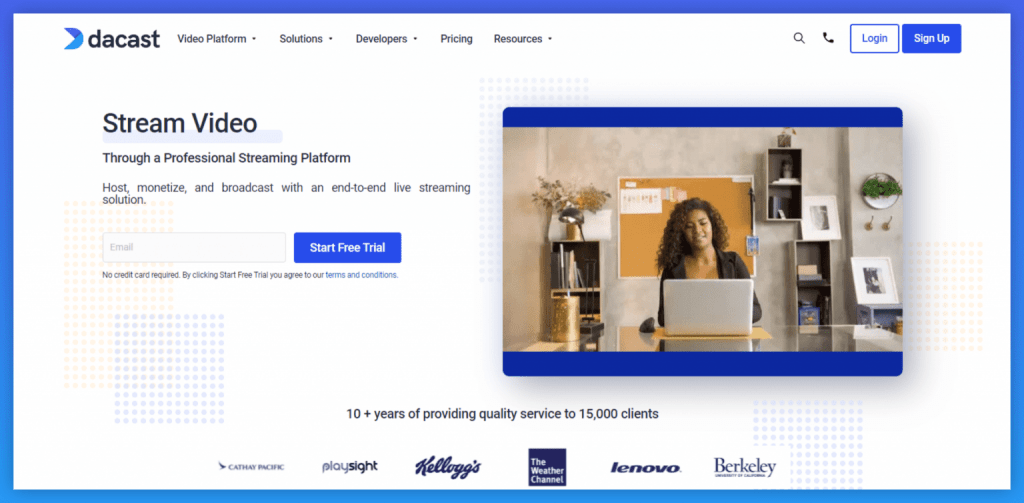
The Best Dacast Alternatives at a Glance
| Platform | Best For | Pricing | Free Trial | Monetization Models | White-label |
| VPlayed | Enterprises & OTT businesses | Custom | Demo only | 10+ monetization models (SVOD, TVOD, AVOD, Hybrid, FAST, and more) | ✅ |
| Castr | Live streamers & simulcasting | Starts at $16.67/month | Yes | SVOD, AVOD, TVOD, Hybrid | ✅ |
| Brightcove | Enterprises & broadcasters | Custom | Demo only | SVOD, AVOD, TVOD, Hybrid | ✅ |
| GudSho | Content creators | Custom | Yes | SVOD, TVOD, AVOD | ✅ |
| Kaltura | Education & enterprise video | Custom | Demo only | SVOD, AVOD, TVOD, Hybrid | ✅ |
| IBM Cloud Video | Large-scale live events | Starts at $154/month | Yes | SVOD, AVOD, TVOD, Hybrid | ✅ |
| JWP Connatix | Media publishers | Custom | Demo only | AVOD, SSAI, CSAI | ✅ |
| Vimeo OTT | Content creators & small OTT launches | Starts at $1/month + 10% of subscription revenue | Yes | SVOD, TVOD, AVOD | ✅ |
| Muvi | End-to-end OTT businesses | Starts at $339/month | Yes | SVOD, AVOD, TVOD, Hybrid | ✅ |
| Wowza | Custom workflows | One-time purchase (1 month streaming): $149 (cloud streaming), $295 (streaming engine) | Yes | SVOD, TVOD, AVOD, Interactive live commerce | ✅ |
How We Picked the Dacast Alternatives?
So, before we get into the alternatives, let’s take a brief moment to get to know our process of evaluating. Certain factors make people look for a different solution, including high latency, inconsistent encoding quality, and unexpected billing.
We spent hours trying out each platform’s free trials and demo versions to give you an accurate and unbiased review. The following aspects were assessed:
- Content management and organization: Dacast is user-friendly and straightforward. But occasionally, configuration adjustments to the backend will not be saved on the Dacast control panel. For this reason, stability and a glitch-free management dashboard were a top priority.
- Pricing transparency and scalability: Users say that the bandwidth fees can add up rapidly with Dacast, especially for self-serve plans, which start at $39/month. One-time licensing and platforms with clear pricing were the main factors we focused on.
- Latency and streaming performance: Immediate delivery is a crucial indicator for live broadcasts. Evaluation tests showed baseline connection latencies between 30s to multiple minutes, with varying encoder stability. The alternatives were all tested against the real-time delivery and encoding reliability requirements.
- VOD recording reliability: Archival test showed data loss in some recorded live streams, leading to loss of 10-20 minutes of content. One of the key test criteria was that the VOD generation shall be seamless and without gaps.
A Deep Dive into the Top 10 Alternatives and Competitors to Dacast
Now that you familiarized yourself with the shortlisted platforms, let’s look at each platform one by one:
1. VPlayed – Best for Enterprise OTT and Video Monetization
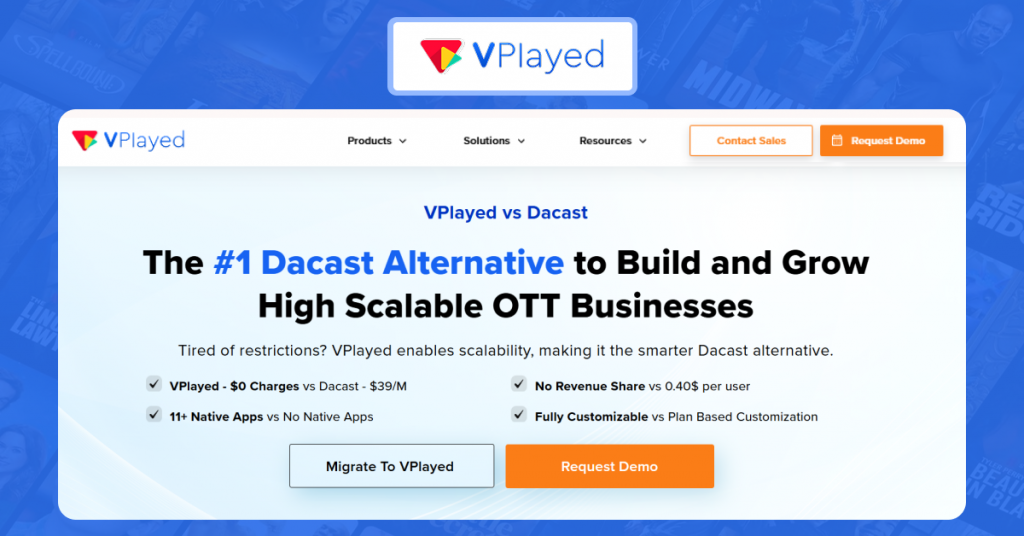
While Dacast focuses on streaming infrastructure, VPlayed focuses more on monetization flexibility, branding freedom, and full OTT ownership. With extensive customization and multi-model monetization support, it serves as a strong alternative to Dacast for video businesses. VPlayed can distribute video content across multiple platforms, including Web, iOS, Android, Smart TVs, Fire TV, and Apple TV. Businesses can integrate VPlayed with existing systems or third-party applications (for marketing, communication, analytics) for smooth streaming operations.
Key Features at a Glance:
Drag-and-drop interface: Build professional workflows using an intuitive visual editor with reusable blocks without writing code.
Customizable solutions: Provides 100% customizable solutions, allowing brands to build personalized streaming platforms.
Security: Built-in DRM (Digital Rights Management) and AES encryption ensure content protection.
Infrastructure: Operates as a self-hosted solution that can be deployed on-premise or in the cloud.
Multi-device support: Launch OTT apps across web, iOS, Android, and TV platforms (Roku, Apple TV, etc.)
Monetization options: Support various monetization models like subscription (SVOD), advertising (AVOD), and transactional (TVOD) to maximize revenue.
VPlayed Pros:
* Comprehensive platform combining video, security, and monetization
* Great platform onboarding
* Reliable platform with minimal technical issues
* Hybrid monetization support with great flexibility
* User-friendly interface for starters
* Proven track record with 15+ years in the streaming industry
VPlayed Cons:
* Analytics features are relatively basic
* Lack of free tier version (although a free demo version available)
* Less focus on built-in marketing suite
* More features and functionalities, which means it can take longer to learn the basic operations.
VPlayed Pricing
Unfortunately, VPlayed doesn’t publicly disclose its plans; they want the users to contact their sales team for custom pricing.
But then, those who wish to try out their platform can request a free demo at any time.
Why Choose VPlayed over Dacast?
VPlayed is a reliable Dacast alternative for broadcasters and businesses seeking greater flexibility and control over their platform. Unlike Dacast’s subscription-driven approach, VPlayed supports multiple monetization methods on creating SVOD, TVOD, and AVOD Platforms.
For companies planning to scale across web, mobile, and smart TV environments, VPlayed’s OTT-ready infrastructure simplifies expansion. Overall, businesses seeking deeper customization, flexible monetization, and scalable OTT deployment may find VPlayed better aligned with their growing streaming requirements compared to Dacast.
2. Castr – Best for Multi-streaming and Live Event Broadcasting
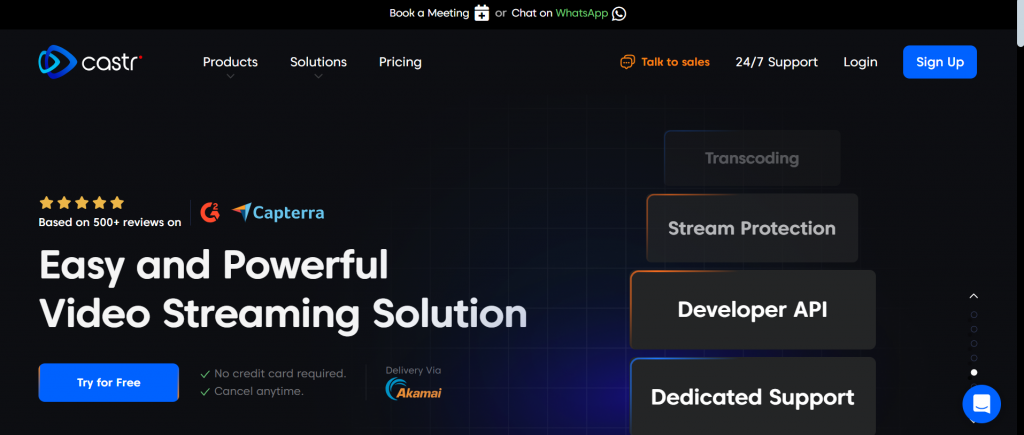
Castr extends beyond Dacast by offering broadcasting capability to multiple platforms (simulcasting) in high quality. The platform supports both live and on-demand streaming, allowing businesses to upload, host, and stream videos on their websites. With Castr’s paywall and in-stream ads, content businesses can monetize live and on-demand videos and keep 100% of their revenue. Content creators can broadcast their expertise (fitness, education) over linear TV channels via Internet Protocol with Castr’s cloud TV playout.
Key Features at a Glance:
Multi-stream: Broadcast to 30+ social platforms simultaneously, including Facebook, YouTube, LinkedIn, and Twitch, or directly to your own website via an embeddable player.
IP Camera streaming: Connect Castr with tools like Facebook Live, YouTube Live, Twitch, and LinkedIn.
Native integrations with API access: Connect Castr with tools like Facebook Live, YouTube Live, Twitch, and LinkedIn.
Adaptive Bitrate streaming: Castr allows you to enable or disable the adaptive streaming options for live streams and video on-demand content.
Linear channels: Cloud TV Playout for creating and scheduling 24/7 linear channels.
Monetization tools: Includes subscriptions, PPV, and donation systems.
Castr Pros:
* Flexible ingest and streaming workflows
* Reliable global streaming performance, powered by major CDNs like Akamai and Fastly
* Built-in monetization options
* User-friendly setup and interface
* Excellent multistreaming capabilities
Castr Cons:
* Content storage and recording limitations
* Pricing may increase quickly as bandwidth and feature upgrades grow
* Limited advance enterprise customization
* Documentation and feature depth can feel limited.
Castr Pricing
* Starter: $16.67 per month
* Standard: $41.67 per month
* Premium: $166.67 per month
* Ultra: $291.67 per month
* Events: $624.99 per month.
Castr offers a free 7-day trial with the Starter plan.
Why Choose Castr over Dacast?
Choose Castr for its native multistreaming capability, allowing users to broadcast simultaneously to 30+ social platforms, websites, and apps. Castr also leverages a multi-CDN delivery network powered by providers such as Akamai, Fastly, and Cloudflare.
For teams managing live events, webinars, or continuous broadcasting, Castr’s cloud TV playout provides added operational flexibility. Broadcasters planning a scalable live-event delivery may find Castr a more reliable alternative to Dacast.
3. Brightcove – Best for Enterprise-grade Video Streaming
While Dacast prioritizes ease of use, Brightcove adds enterprise-grade depth with advanced capabilities for users. The platform is known for its exceptional AI suite, which can automatically generate clips, translations, summaries, and meta titles. It provides a secure and scalable platform for organizing and monetizing video content across all internet-connected devices. Brightcove emphasizes developer APIs and interactive features that ensure high-quality video integration and establish stronger connections with viewers.
Key Features at a Glance
Video gallery: Use customizable templates to build branded video portals and video-driven landing pages.
Monetization suite: Monetize your videos through Brightcove’s ad network and paid subscriptions, designed to help content businesses streamline their monetization activities.
Wider reach: Multi-platform delivery to web, mobile, and connected TV devices.
Video player: Features a high-performance, cross-platform HTML5-first player for adaptive bitrate streaming.
Content protection: Built-in DRM and encryption that protect content from unauthorized downloads and access.
Integration support: Provides APIs and SDKs for custom integrations that simplify operations of video streaming platforms.
Brightcove Pros:
* Extensive integrations and APIs
* Strong monetization and advertising capabilities
* Scalable infrastructure for enterprise use
* Advanced video management and analytics
* Global CDNs ensure worldwide content delivery.
Brightcove Cons:
* Higher pricing compared to mid-market platforms
* Some G2 users highlight difficulties in managing folders, analytics dashboards
* Integration setup may require technical expertise
* Steep learning curve for new users.
Brightcove Pricing
Brightcove does not list pricing on its website. You’ll need to reach out directly to their sales team to get a custom quote.
Why Choose Brightcove over Dacast?
Brightcove is known for its advanced analytics and video intelligence tools. The platform also supports server-side ad insertion, DRM protection, and multi-device OTT delivery, making it suitable for professional broadcasting and monetization-driven workflows.
For organizations prioritizing polished enterprise video experiences, Brightcove can be a worthy alternative to Dacast despite its high complexity and pricing structure.
Tired of using Brightcove?
4. GudSho – Best for Niche Content Creators
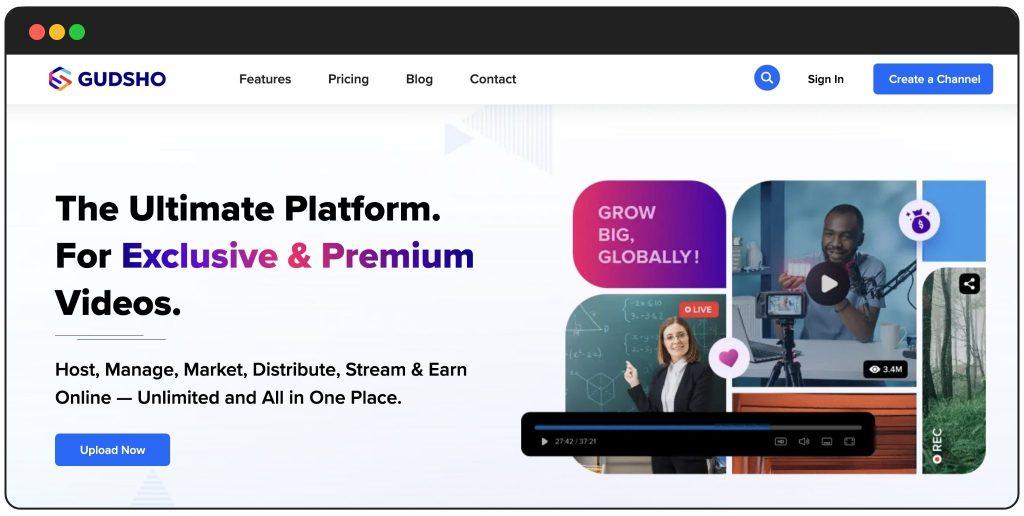
For niche content creators outgrowing Dacast, GudSho offers a more scalable path forward. The platform is ideal for hosting interactive webinars, virtual events, and live workshops with up to 5,000 attendees. It also enables ad-free video hosting with AI-powered editing tools and a social media management suite. GudSho lets users publish videos across platforms like YouTube, Facebook, and LinkedIn. This way, content creators can engage with diverse audiences scattered across social channels.
AI-powered Video Editor: Features an integrated video editor to trim, crop, resize, and add custom thumbnails to videos.
Marketing suite: Includes tools for creating custom, branded video players, adding in-video CTAs, and building lead-generation forms.
Bulk post scheduling: Allows fast-paced content teams to automate scheduling options in real-time and update the content across libraries.
Webinars: Supports hosting both live and on-demand, interactive webinars.
Content repurpose: The novel intention of this functionality is to increase the shelf-life of the video content and to ensure wider reach.
Content security: Protects video content with security features like AES encryption.
GudSho Pros:
* All-in-one video marketing ecosystem
* Easy-to-use interface for non-technical teams
* Customizable and brandable video player
* Built-in analytics and lead generation tools
* Cost-effective for SMBs and marketing teams.
GudSho Cons:
* Not primarily built for enterprise use
* Advanced video editing capabilities are limited
* Analytics depth metrics like heatmaps or detailed viewing behavior metrics are not available
* Occasional platform bugs reported.
Pricing
GudSho’s website doesn’t officially display its pricing information. The official site indicates a need to contact their sales team for tailored pricing. A free trial is available to test the software.
Why Choose GudSho over Dacast?
Unlike Dacast, which comprises video delivery infrastructure, GudSho combines video hosting, webinar management, editing, social publishing, and analytics within a single ecosystem.
GudSho also stands out for its ease of use and accessibility, allowing marketing and business teams to manage video workflows without technical expertise. Users frequently highlight its simplicity and ability to streamline video marketing operations and webinars in one place.
5. Kaltura – Best for Education and Corporate Training
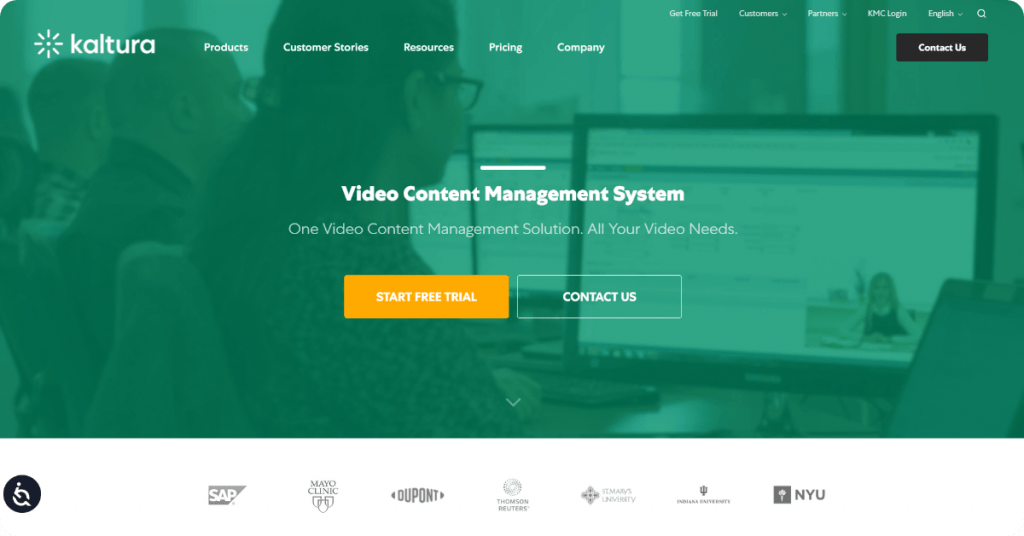
Kaltura differentiates itself from Dacast by specializing in educational use cases, rather than taking a generic approach. It can connect directly with Learning Management Systems (LMS) like Canvas, Blackboard, and Moodle. For educators without a technical background, Kaltura automates the lecture recording option to manage recordings centrally. The platform delegates access control mechanisms (with granular entitlements) to control who can access, view, or edit corporate training videos.
Key Features at a Glance
Kaltura capture: Offers tools for recording webcams, screen captures (screencasts), and presentations.
LMS integration: Embrace a fun way of teaching with the addition of video quizzes, polls, and analytics.
Interactivity: Allows fast-paced content teams to automate scheduling options in real-time and update the content across libraries.
Video player: Customize Kaltura’s video player with branding, plugins, interactive tools, and advanced controls.
Integration suite: Kaltura’s online video platform integrates with tools like LMSes, CRMs, and many more.
Accessibility: AI-powered tools for automatic transcription, captioning, and video search.
Kaltura Pros:
* Highly customizable video platform
* Strong fit for education and corporate environments
* Advanced security and compliance capabilities
* Comprehensive video management ecosystem
* Scalable infrastructure for large deployments
Kaltura Cons:
* Steep learning curve
* Interface can feel complex or outdated
* Higher implementation and operational costs
* Reviewers on Capterra report occasional slow uploads or processing times, particularly in large educational deployments.
Pricing
Kaltura follows different pricing for each module:
1) Kaltura Webinars:
* Business Plan: This plan costs $250 per month, and is billed annually.
* Enterprise Plan: Contact Kaltura’s sales team to know the custom pricing. The plan is for webinars and events “without limits.”
2) Kaltura Virtual Classroom:
* Basic Plan: $17 per month (Up to 8 participants per session)
* Pro Plan: $50 per month (Up to 25 participants per session)
* Business Plan: $115 per month (Up to 100 participants per session)
* Business Plus Plan: Talk with the sales team to know custom pricing.
3) Kaltura Media Services:
* Pay-as-you-go: Pricing is based on usage.
Why Choose Kaltura over Dacast?
Kaltura is widely known for its open and API-driven architecture that enables seamless integration with LMSes and internal communication platforms. Compared to Dacast’s easier but more standardized experience, Kaltura is better suited for teams with technical resources seeking long-term scalability and workflow customization.
For enterprises prioritizing customization, integrations, and large-scale institutional video deployments, Kaltura can be a more adaptable alternative to Dacast.
6. IBM Cloud Video – Best for Large-scale Corporate Streaming
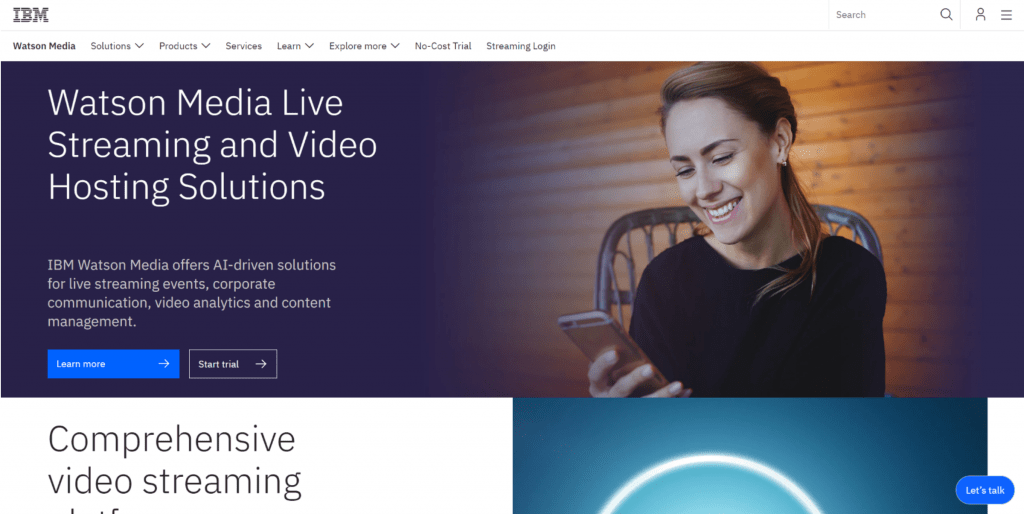
In contrast to Dacast’s limitations around scalability, IBM Cloud Video uses multiple CDNs to enable scalable live delivery. The platform uses Watson AI to generate closed captions and speech-to-text conversion during live events for widespread accessibility. Built on IBM’s cloud infrastructure, it offers secure streaming, scalable delivery, audience analytics, and webinar capabilities for organizations managing large-scale, business-critical video content.
Key Features at a Glance
AI capabilities: Uses IBM Watson for automatic speech-to-text, generating closed captions, and providing search functionality within video content.
Content security: Features robust security, including password protection and the ability to manage user access.
Interactivity: Supports live chat, polling, and Q&A to boost viewer engagement.
Analytics: Provides detailed metrics to track viewer engagement and performance.
API support: Offers APIs for integrating with existing systems.
IBM Cloud Video Pros:
* Scalable global delivery with multi-CDN infrastructure
* Comprehensive engagement tools like built-in chat, Q&A, polling, and interactive overlays
* Strong virtual events and corporate streaming capabilities
* Enterprise-grade security and reliability
* AI-powered features like closed captioning, video search, and analytics.
IBM Cloud Video Cons:
* Limited customization options when compared to OTT-focused platforms
* Interface and analytics dashboard may require a learning curve
* Some G2 users report pricing models become costly as streaming scale increases.
* The Full suite can be overwhelming.
Pricing
* Silver Plan: starts at $154 per month
* Gold Plan: starts at $773 per month
* Platinum Plan: starts at $1550 per month.
Why Choose IBM Cloud Video over Dacast?
Built on IBM’s cloud infrastructure, the platform is designed to deliver reliable streaming with strong privacy controls and global scalability. Its integration with IBM Watson AI enables automated closed captioning, searchable video content, and advanced analytics to improve accessibility and content discovery.
Additionally, IBM Cloud Video supports large virtual events with auto-archiving, simulated live streaming, and multi-CDN delivery for consistent global performance.
7. JWP Connatix – Best for Publisher Video Delivery and Advertising Monetization
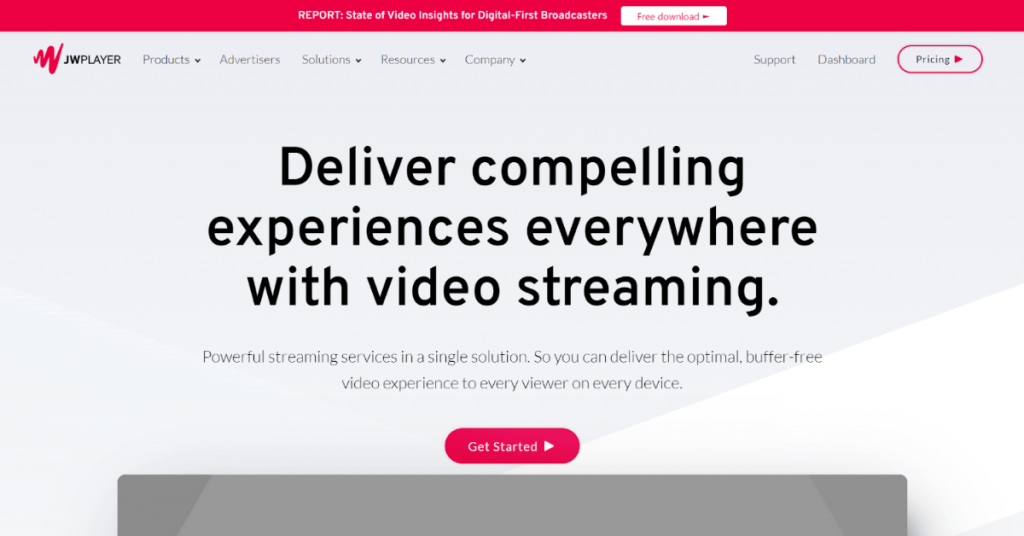
For media publishers prioritizing first-party data collection, JWP Connatix offers data-driven monetization tools that go beyond Dacast’s basic monetization tools. The platform enables publishers with unprecedented access to a massive in-stream video inventory. Beyond the content they already own, JWP Connatix offers tools to create videos from articles and monetize with contextual ad technology. The platform extends support for ad monetization across web, mobile, and connected TVs.
Key Features at a Glance
Video management: Upload, control, and manage video on any device, anywhere in the world.
Viewership: Enhances viewing experience with seamless playout and real-time visibility.
Content security: Provides DRM, geo-restrictions, and token-signing security.
Smart scheduling: Bulk upload videos at any time with the scheduler feature, depending on the content volume and distribution channels.
JWP Connatix Pros:
* Strong video monetization platforms capabilities
* Optimized for publishers and media businesses
* High-performance video delivery and multi-device playback
* Advanced analytics and audience insights.
JWP Connatix Cons:
* Pricing transparency is limited
* Implementation may require technical expertise
* Workflow configuration can feel complex for non-technical teams
* Heavily focused on advertising, not ideal for subscription-driven businesses.
Pricing
JWP Connatix requires direct consultation with their sales team to know their pricing structure. Contact the team.
Why Choose JWP Connatix over Dacast?
JWP Connatix stands out for its advertising-driven monetization across web, mobile, and connected TV platforms. Unlike Dacast’s paywall-focused model, it helps publishers scale revenue through ad-supported video experiences and content distribution.
The platform offers a highly customizable video player and strong content management workflows. JWP Connatix can be a reliable competitor to Dacast for publishers and broadcasters.
Tired of using JW Player?
8. Vimeo OTT — Best for Subscription Streaming Services
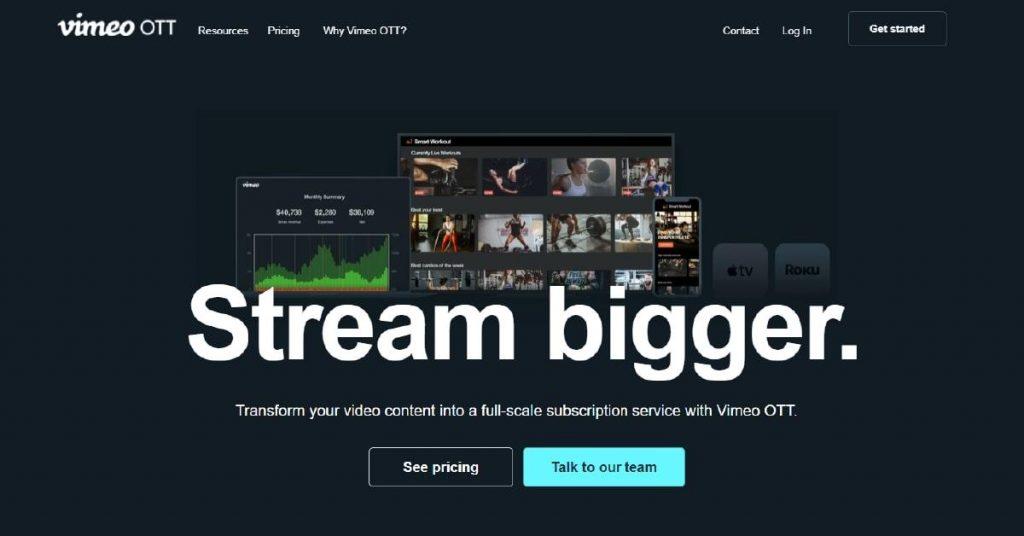
Where Dacast provides a basic video streaming foundation, Vimeo enables full-suite OTT deployment with scalability. Vimeo facilitates ad-free video hosting and branded apps across mobile and TV (iOS, Android, Roku, etc.). The platform offers international payment processing for subscriptions, so the revenue for OTT businesses remains unaffected. Another highlight is that Vimeo extends support to multiple verticals, including niche OTT businesses and large enterprises.
Key Features at a Glance
Monetization options: Supports Subscription Video on Demand (SVOD), Transactional Video on Demand (TVOD/rental), and live pay-per-view.
Global delivery: Uses CDNs for high-quality, adaptive streaming up to 4K.
Robust integrations: Simplifies the work of video content management systems with effective organizing and managing of video libraries.
Content management: Bulk upload videos at any time with the scheduler feature, depending on the content volume and distribution channels.
Branded apps: Launch branded streaming apps for iOS, Android, Roku, Amazon Fire, Apple TV, and more.
Vimeo Pros:
* Fully managed app distribution
* Reliable streaming performance with support for multi-device playback
* Strong analytics and audience insights
* Multiple monetization models
* Easy OTT platform deployment
Vimeo Cons:
* Limited deep customization
* Costs scale with subscriber growth
* Less suitable for enterprise broadcasting workflows
* Advanced security features tied to higher plans
Pricing
* Starter: $20 per month
* Standard: $41 per month
* Advanced: $125 per month
* Enterprise: Custom pricing for large companies.
* Vimeo OTT: Separate pricing starting around $1 per subscriber per month, designed for creators who want to build Netflix-style services.
Why Choose Vimeo OTT over Dacast?
Choose Vimeo for its fully managed OTT deployment, including app development, billing management, global payment processing, and subscriber support. Unlike Dacast, which focuses more on broadcasting workflows, Vimeo OTT simplifies the process of launching streaming services across web, mobile, and smart TV platforms.
Vimeo OTT offers built-in analytics and marketing tools that help creators track engagement and grow recurring subscription revenue.
9. Muvi — Best for End-to-End OTT Platform Deployment
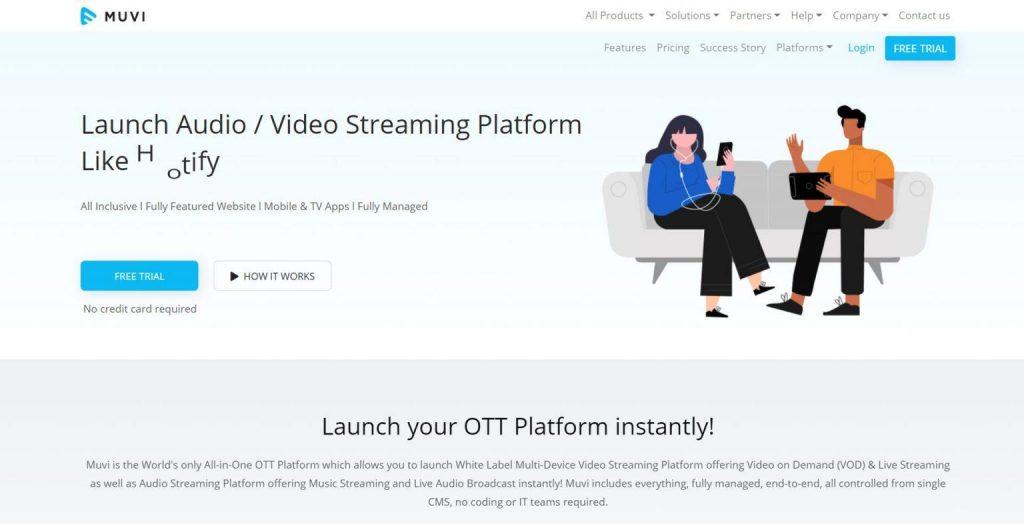
While Dacast relies on multiple third-party integrations, Muvi offers an end-to-end OTT solution for media companies and broadcasters. Muvi’s capability extends beyond just streaming; it’s an all-in-one solution with essential infrastructure like CDN, transcoding, encoding, and video CMS under one unified platform. Beyond video streaming, Muvi also supports audio streaming with support for formats like MP3, WAV, AAC, and Ogg.
Key Features at a Glance
White-labeling: Features white-label support to launch branded OTT platforms on web, mobile, and TV applications.
Monetization suite: Provides monetization models like SVOD, AVOD, and TVOD to maximize content revenue
Live stream: Broadcast live events with interactive features like polls, Q&A, and more.
Muvi Playout: Offers a ready-to-launch solution for creating and managing 24/7 linear TV channels.
Analytics: Includes reporting for the audience and revenue insights.
Muvi Pros:
* End-to-end platform solution within a single platform
* Supports multiple monetization models
* Multi-device deployment across web, mobile, and smart TV platforms
* Strong customization and scalability
* Responsive customer support
Muvi Cons:
* Complex setup for beginners
* Limited website templates and design flexibility
* Marketing integrations can be limited
* Higher pricing for smaller creators
Pricing
* Muvi One – starts at $339 per month + infra fees (billed annually)
* Muvi Live – starts at $84 per month + infra fees (billed annually)
* Muvi Flex – starts at $84 per month + infra fees (billed annually)
* Muvi Playout – starts at $169 per month + infra fees (billed annually)
* Muvi Player SDK – starts at $99 per month + infra fees (billed annually).
Why Choose Muvi over Dacast?
Muvi is known for its ready-to-deploy OTT apps across web, mobile, and smart TV platforms. Unlike Dacast, which typically requires embedding videos into an existing website, Muvi enables businesses to operate complete Netflix-style streaming services with built-in subscriber management and billing systems.
Muvi offers deeper monetization analytics and revenue tracking, helping organizations monitor subscriber behavior and optimize earnings strategies.
Best Muvi OTT Alternatives for Streaming Businesses
Compare the leading Muvi OTT alternatives designed to help businesses launch and scale their video streaming services.
10. Wowza – Known for Developer-friendly Streaming Infrastructure
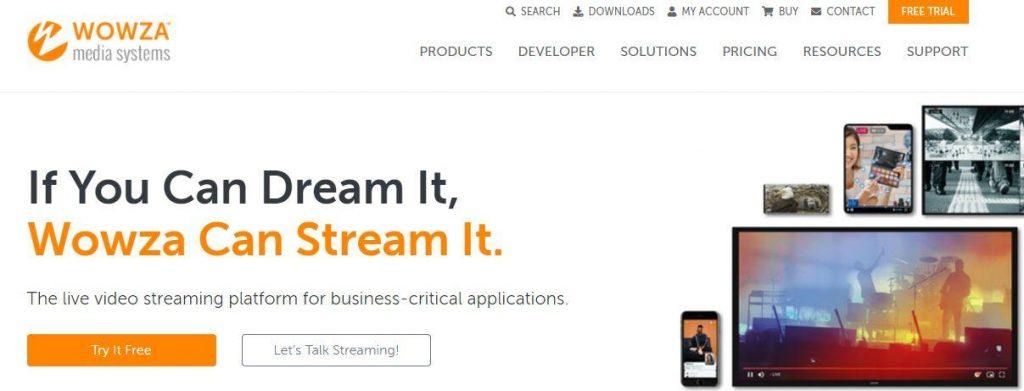
Wowza positions itself beyond Dacast by addressing the needs of building unique video streaming pipelines. It enables businesses to build customized streaming workflows using APIs, supporting low-latency streaming, scalable deployments, and integration across web, mobile, and OTT applications. In short, Wowza is a developer-friendly platform that allows organizations to construct streaming workflows for any industry.
Key Features at a Glance
Deploy options: Host your platform depending on the workflow demands. The options are on-premises, cloud (private, public, hybrid), and edge.
Security compliance: Often hailed among the secure video streaming platforms because of its DRM capabilities from a SOC-2 certified company.
HTML5 Video player: Customizable player that delivers a stunning and user-friendly experience to viewers on any device.
Streaming protocols: Offers low-latency HLS and DASH for speedy, uninterrupted streaming at scale.
Scalable solution: Wowza is made of a scalable architecture supporting millions of concurrent viewers.
Wowza Pros:
* Excellent low-latency and streaming performance
* Multiple deployment options
* Broad encoder and system compatibility
* Scalable for large or complex streaming operations
* Highly flexible streaming infrastructure with APIs and SDKs.
Wowza Cons:
* Steep learning curve for beginners
* Interface feels technical and less modern
* Support and licensing costs may increase expenses
* Requires infrastructure management.
Pricing
1) Wowza Streaming Engine:
* One Month of Streaming: $295
* Basic Monthly: $195/month
* Enterprise: Contact sales team to know custom pricing.
2) Wowza Video:
* One Month of Streaming: $149
* Pay As You Go: No upfront costs, only pay for what you use. The usage rates are $2.50 per streaming hour and $0.10 per viewer hour.
* Enterprise: Contact sales team to know custom pricing.
Why Choose Wowza over Dacast?
Wowza is popular for its ultra-low-latency streaming capability. Streaming protocols such as WebRTC, SRT, and optimized HLS to achieve near real-time video delivery. Wowza provides flexible deployment options, including cloud, on-premise, and hybrid environments, enabling organizations to maintain tighter control over security.
For businesses requiring low-latency streaming, custom integrations, or developer-level control, Wowza can be a more powerful and adaptable alternative to Dacast.
Which Dacast Alternative Should You Choose? Use Case-Based Recommendations
1) Full Platform Ownership & OTT Deployment
Top picks: VPlayed, Muvi
VPlayed offers full-platform ownership, including access to the source code, full control over branding, content, user data, and revenue, through a one-time licensing model. Muvi is better to launch an end-to-end OTT platform with branded apps. The point to be noted is that Muvi does not offer source code access.
2) Live Streaming & Event Broadcasting
Top picks: Castr and Wowza
Castr excels in two key areas of live streaming: enabling secure private streams and supporting seamless multi-streaming across multiple social platforms. With Wowza, live event broadcasters can build customizable workflows with low-latency solutions for sports, surveillance, and corporate events.
3) Enterprise Media & Education Video
Top picks: Brightcove, Kaltura, and IBM Cloud Video
Brightcove is well-suited for complex, large-scale video operations that media enterprises undertake. Usually ranked among the purpose-built video platforms for education, Kaltura facilitates interactive learning through in-video quizzes and chapters. IBM Cloud video facilitates large-scale live streaming and video streaming, conferring massive scalability for corporate live events.
4) Subscription Monetization & Quick Setup
Top picks: Vimeo OTT and GudSho
Vimeo helps content creators set up subscription streaming services across major platforms, including iOS, Android, Apple TV, Roku, and Fire TV. Whereas GudSho offers a quick setup with built-in video editing tools, powered by a social media management suite.
What You Need to Know Before Migrating from Dacast?
Your business has decided to migrate from Dacast, and you’ve identified an ideal alternative for your streaming needs. The very next steps you need to take are:
* Content transfer: Export your video library and upload to the Dacast alternative that you’ve chosen. Use options like bulk upload and drag-and-drop interface to speed up the upload process.
* Player & embed updates: Replace existing embed codes with new ones. Use JS (JavaScript) embed codes to embed HTML5 video players or paywalled content directly on your website or social channels.
* Monetization setup: Once you upload content and set up embed codes, it is time to map your content to the monetization model you wish to configure. How you map the content may differ from what you’ve been doing on Dacast; that depends on the platform you choose.
* Workflow rebuild: Dacast doesn’t support direct workflow exports. You’ll need to rebuild your streaming workflows on the Dacast alternative, either through dashboard settings or APIs.
While ensuring all these factors are taken care of, it’s important to review CDN performance, security settings, and user access controls during the transition. For most businesses, migration from Dacast takes two to four weeks, depending on the size of the content library and integrations involved.
To make this process easier, here’s a structure breakdown of how migration works across each stage:
| Stage | Key Actions | What to Watch For |
| Pre-Migration | * Audit your video library * Backup content and metadata * Review monetization setup | Missing files, outdated embeds |
| During Migration | * Upload your video library * Set up monetization * Configure branding and integrations | Incorrect pricing setup, broken workflows |
| Post-Migration | * Replace embed codes * Test playback, latency * Validate access control * Monitor performance | Playback issues, access restrictions |
Conclusion
Choosing the best Dacast alternative depends on your streaming business needs, but there are some common factors you can consider. Dacast seems to lack broadcast-grade video playback, which is a non-negotiable factor for broadcasters and media companies, as they rely on digital platforms to attain reliable video playback.
Each alternative discussed in this guide brings distinct strengths, whether for enterprise streaming, creator monetization, live events, or developer-driven infrastructure. Evaluating these Dacast alternatives carefully will help you invest in a streaming solution built for both current demands and future growth.
To ensure you make the right choice, leverage the available free demo versions and basic tier plans offered by the streaming platforms in this list.
- Request Demo Book a Live, Personalized Demo
- Contact Sales Reach Out to Our OTT Experts
Frequently Asked Questions(FAQ):
1. What is Dacast?
Dacast is a video streaming platform that allows you to host, manage, and stream your videos online. It offers a variety of features, including live streaming, on-demand streaming, DRM, and analytics. Dacast is a popular choice for businesses of all sizes, from small businesses to large enterprises.
2. What are some alternatives to Dacast?
There are a some of alternatives to Dacast available, including:
1. VPlayed
2. Brightcove
3. GUDSHO
4. Kaltura
5. IBM Cloud Video
6. JW Player
3. How do I choose a Dacast alternative?
When choosing a Dacast alternative, there are a few factors you should consider, including:
Pricing: How much are you willing to spend on a video streaming platform?
Features: What features are important to you?
Scalability: Do you need a platform that can grow with your business?
Support: How good is the customer support?
4. What are the benefits of using a Dacast alternative?
There are a number of benefits to using a Dacast alternative, including:
Affordability
Features
Scalability
Customer support
If you are looking for a more affordable, feature-rich, scalable, or customer-friendly video streaming platform, then you may want to consider a Dacast alternative.
5. Which Dacast alternative is right for me?
The best Dacast alternative for you will depend on your specific needs and requirements. Consider the factors mentioned above to help you narrow down your options. You can also read reviews, compare features, and contact customer support to get a better understanding of each platform.


