


We have seen this play out more often. Video courses that are clear, well-structured, and rich in subject matter, but still struggling to gain traction. In many cases, the issue isn’t the content, it is where and how it is hosted.
Relying on platforms like YouTube might seem convenient, but it comes with limited control and almost no ownership over distribution or monetization. And with the online education video market projected to reach $65.49 billion by 2030, that trade-off becomes harder to justify.
That is where purpose-built video platforms for education start to make a real difference. They are designed to give course creators, EdTech startups, and institutions greater control over content, revenue, and user experience.
That said, not all platforms are built the same. Each comes with its own strengths, limitations, and ideal use cases. In this post, we have reviewed 11 of the best online video education platforms for 2026, breaking down their key features, pros and cons, and pricing to help you make a more informed choice.
- Fully Customizable
- Lifetime Ownership
- On-Premise/On-Cloud
- 100% White-label
- Zero Revenue Share
- Hire Developers
Quick Comparison: 11 Video Platforms for Online Education
| Platform | LMS integration | Monetization | User ratings | Starting price | Best for |
| VPlayed | Extensive | SVOD, TVOD, AVOD, Hybrid | G2: 4.6/5,Capterra: 4.5/5 | Custom pricing | OTT-based education platforms |
| Dacast | Basic | Paywalls, subscriptions | G2: 4.5/5,Capterra: 4.5/5 | $39/month | Course monetization |
| Panopto | Extensive | Limited | G2: 4.3/5,Capterra: 4.4/5 | Custom pricing | Universities and internal training |
| Kaltura | Extensive | Limited | G2: 4.3/5,Capterra: 4.4/5 | Custom pricing | Large institutions & enterprises |
| Vimeo | Basic | Subscription & rentals | G2: 4.3/5,Capterra: 4.3/5 | $13 per month | Course creators |
| Vidizmo | Extensive | Limited | G2: 4.2/5,Capterra: 4.2/5 | $550 per month | Corporate training & compliance |
| Muvi | Extensive | SVOD, TVOD, AVOD | G2: 4.2/5,Capterra: 4.1/5 | $399 per month | OTT-based education platforms |
| IBM Video Streaming | Basic | Ad monetization | G2: 4.1/5,Capterra: 4.1/5 | $898 per month | $898 per month |
| GudSho | Basic | Subscriptions | G2: 4.1/5,Capterra: 4.0/5 | Custom pricing | Independent educators |
| Cincopa | Basic | Limited | G2: 4.1/5,Capterra: 4.0/5 | $30 per month | Educational content hosting |
| Zype | Basic | SVOD, TVOD, AVOD | G2: 4.1/5,Capterra: 3.9/5 | $500 per month | Educational institutions |
- VPlayed: Branded education platform with live classes, VOD, and monetization
- Dacast: Secure video hosting with white-label streaming and paywalls
- Panopto: Academic video management with lecture capture and searchable content
- Kaltura: Education-focused platform with accessibility and learner tracking tools
- Vimeo: Ad-free video hosting with interactive learning features
- Vidizmo: Enterprise-grade training platform with strong access controls
- Muvi: Custom education apps with live streaming and monetization options
- IBM Video Streaming: Secure corporate training with AI-powered video search
- GudSho: Interactive webinars and video courses for independent educators
- Cincopa: E-learning video platform with quizzes, analytics, and accessibility features
- Zype: API-driven video management with branded apps and flexible monetization options
For a faster comparison, here’s a brief look at the key strengths of each platform.
11 Best Online Video Education Platforms – A Detailed Review
If you’re looking for online video platforms to streamline your education business, here are some of the best platforms:
1. VPlayed
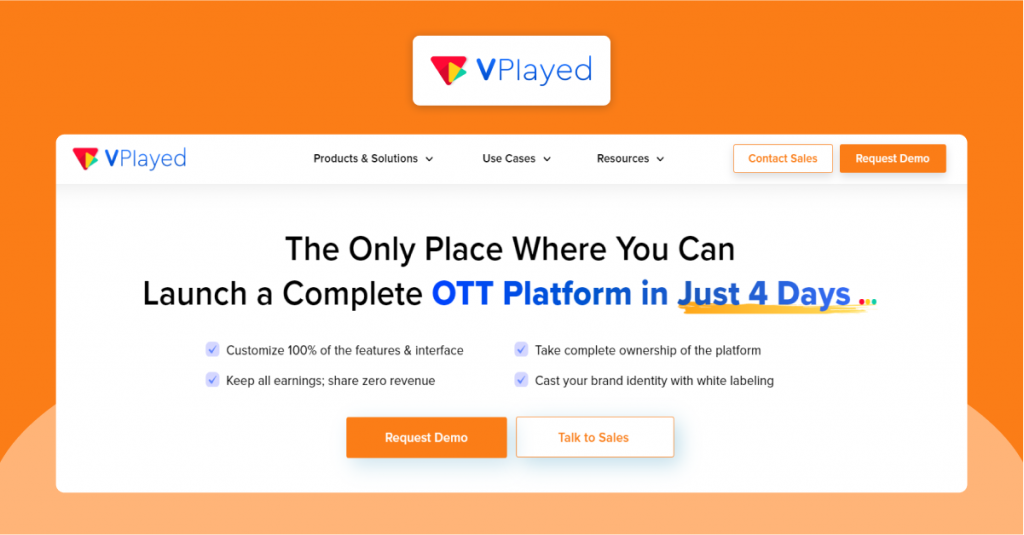
VPlayed brings an end-to-end video education platform to stream and monetize video courses and live streams. You can choose to deliver your expertise either through a virtual classroom, lecture capture, or one-to-one tutoring.
You can stream live classes with real-time user interaction, and offer on-demand videos with multi-device and offline viewing support. VPlayed’s support for multi-language subtitles ensures ample localization options for your video courses.
Key Features
A professional editing suite along with AI-powered personalized thumbnails
Multi-device support for iOS, Android, and Smart TVs.
Picture-in-picture mode allows for multi-tasking among learners.
Centralized dashboard for tracking learner progress tracking.
Pros:
* Premium online education apps under your own brand
* Real-time analytics to track learners’ progress, revenue performance, etc.
* Educator’s Portal offers control over course/video uploads, registrations, and revenue sharing.
* Multiple video monetization models (SVOD, TVOD, AVOD) to generate revenue.
Cons:
* No standalone community features (discussion forums, etc.)
* Absence of gamification features.
Pricing
Exact pricing is not listed on its website. Contact for detailed pricing.
Integrations:
* Canvas
* Moodle
* Stripe
* Zapier
* Shopify
2. Dacast
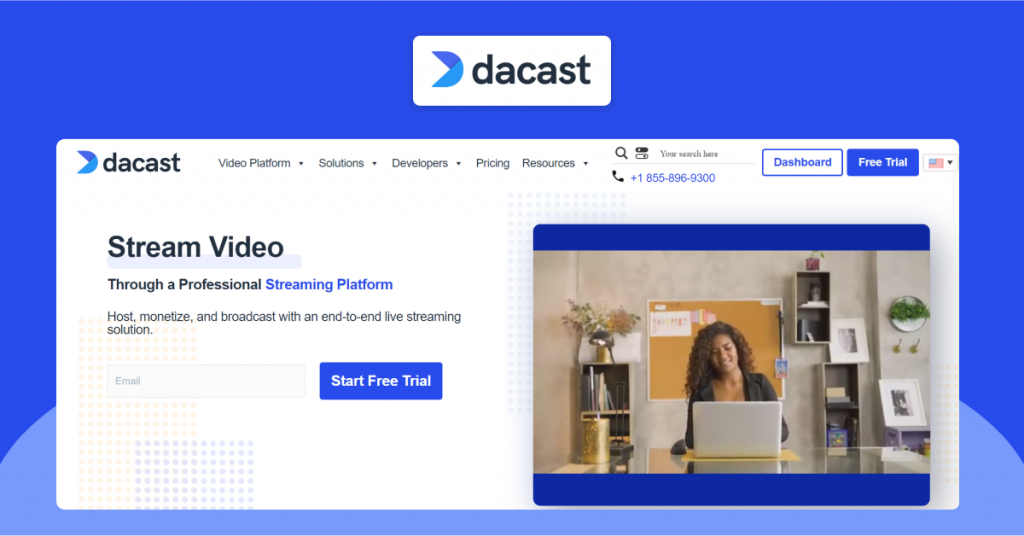
Dacast is a platform that allows educators and instructors to host live or on-demand (VOD) educational courses and videos. Online tutors can upload and host a wide variety of educational materials, including videos, documents, and more.
Despite allowing users to host videos, Dacast permits them to syndicate videos to YouTube to maximize content reach. The platform has a comprehensive CMS to help you organize and manage VOD content.
Key Features
Subscriptions for teams sharing the same profile, pay-per-course access for individuals, while the platform is ad-free.
White-label streaming services option to customize video player and video galleries.
Integrate chapter markers and closed captions to enable accessibility into your education video platform.
Multi-device support (Windows, Mac, iOS, Android) for maximum reach.
Pros:
* Drag-and-drop functionality makes content organization easier.
* Uses top-tier Content Delivery Networks (CDNs) for low-latency streaming.
* Security measures like password-protection, domain and IP restrictions protect video content.
Cons:
* Encoding performance could be unreliable
* Overage charges spiral up real-quick.
Pricing
Starter Plan: starts at $39 per month, billed annually, suitable for small businesses
Event Plan: starts at $63 per month, billed annually, suitable for one-time events
Scale Plan: starts at $165 per month, billed annually, suitable for large-scale video needs
Custom Plan: Contact Dacast for tailored pricing, suitable for high-volume needs
Integrations:
* OBS Studio
* Canvas
* Google Analytics
* Blackboard.
Explore the Best Dacast Alternatives
Compare the leading Dacast alternatives that offer advanced video hosting, OTT streaming, monetization, and content management capabilities.
3. Panopto
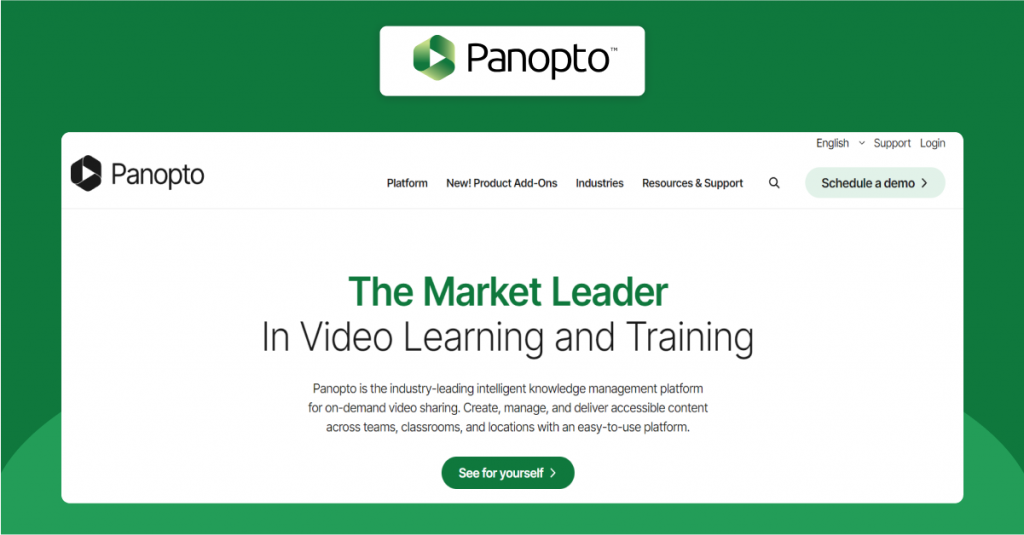
Panopto serves as a video platform for education targeting academic institutions. The platform adapts to pedagogy, as Panopto claims on its website, allowing institutions to record, manage, search, and share academic content.
Automated captions, screen reader support, and WCAG compliance features make your online video education platform compliant and accessible-ready. Institutions can make live streams available on demand with easy-to-use lecture capture tools.
Key Features
Video CMS that helps institutions compartmentalize video libraries
Interactive tools like in-video quizzing, notes, and discussion features.
Analytics dashboard that offers insights into video completion rates and learning outcomes
Built-in HD recording tool
Pros:
* FERPA-compliant video platform for education
* One-click capture functionality for non-technical users
* Offline viewing (or download) support for learners.
Cons:
* Migrating from your old site to Panopto can be challenging
* Lacks single sign-on (SSO) feature for administrators.
Pricing
Panopto’s pricing starts around $7,500 per year. However, pricing is tailored to educational institutions or enterprises, requiring a quote from their sales team
Integrations:
* Blackboard
* Canvas
* Microsoft Teams
* D2L Brightspace.
4. Kaltura
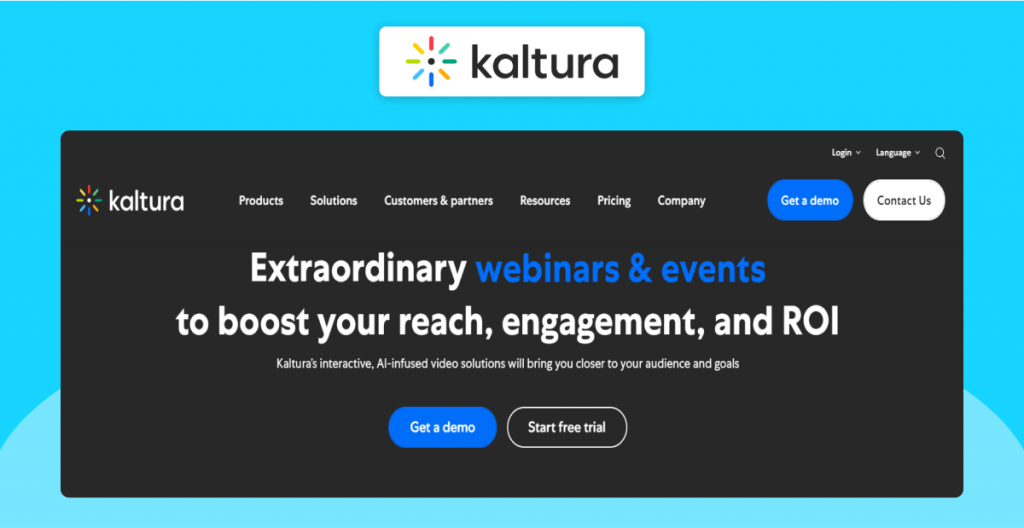
Kaltura is a cloud-based video education platform designed specifically for educational institutions, ranging from K-12 to higher education. You can choose the type of tool you want: AI class genie, campus events (broadcasting platform), and lecture capture.
Kaltura converts video on-demand (VOD content) into byte-sized clips for microlearning, recaps, and multi-format reuse. The built-in self-paced certification programs help institutions with assessment and learner tracking.
Key Features
Lecture capture with automatic live-to-VOD conversion
Built-in captions, audio descriptions, and AI-powered translations
Role-based access controls to control access to content.
Detailed analytics to track learner’s overall engagement inside the platform
Pros:
* Kaltura video portal that acts as a repository for educators and administrators
* Cloud video streaming capabilities to ensure a consistent user experience
* Videos natively support captions and screen readers for inclusive access.
Cons:
* Embed code is sometimes difficult to use
* Periodic bugs and glitches as the development team works in product enhancements
* Lack of advanced video editing options.
Pricing
Contact Kaltura’s sales team to evaluate and find a perfect plan for your needs
Integrations:
* Canvas
* Blackboard
* HubSpot
* Microsoft Teams.
Rethinking Kaltura?
Consider this Kaltura alternative to ensure that your video streaming platform for your education business grows instantly with flexible monetization.
5. Vimeo
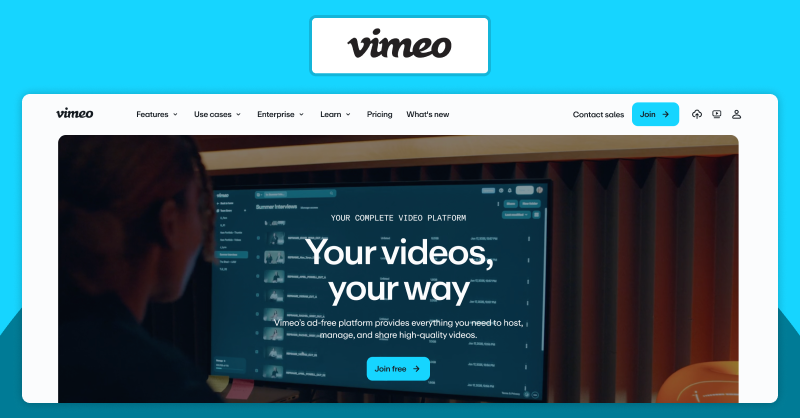
Vimeo is an ad-free video hosting platform for universities and schools to manage and share educational content. The platform’s video player enables interactive learning with quizzes and annotations. Universities can guide students with video chaptering, closed captions, or generate leads with an email signature.
The video player is customizable for institutions that wish to embed it on their website. The appearance, player controls, and branding elements of the player look sleek.
Key Features
Interactive whiteboards and editing capabilities
Supports video resolutions up to 4K (subject to file source requirements)
Centralized library to store and categorize video lectures
Pros:
* Private, password-protected hosting for institutions
* Accessibility tools like screen reader support, keyboard shortcut, and transcripts.
* Browser-based recording support, no external tools needed.
Cons:
* Vimeo subscription plans can be expensive for independent small-scale tutors
* Uploading speeds can be slow often.
* Fewer monetization options compared to other video educational platforms.
Pricing
Starter Plan: starts at $13 per month, billed annually
Standard Plan: starts at $27 per month, billed annually
Advanced Plan: starts at $81 per month, billed annually
Enterprise Plan: Custom pricing
Integrations:
* WordPress
* Adobe Express
* DropBox
* HubSpot and Mailchimp.
6. Vidizmo
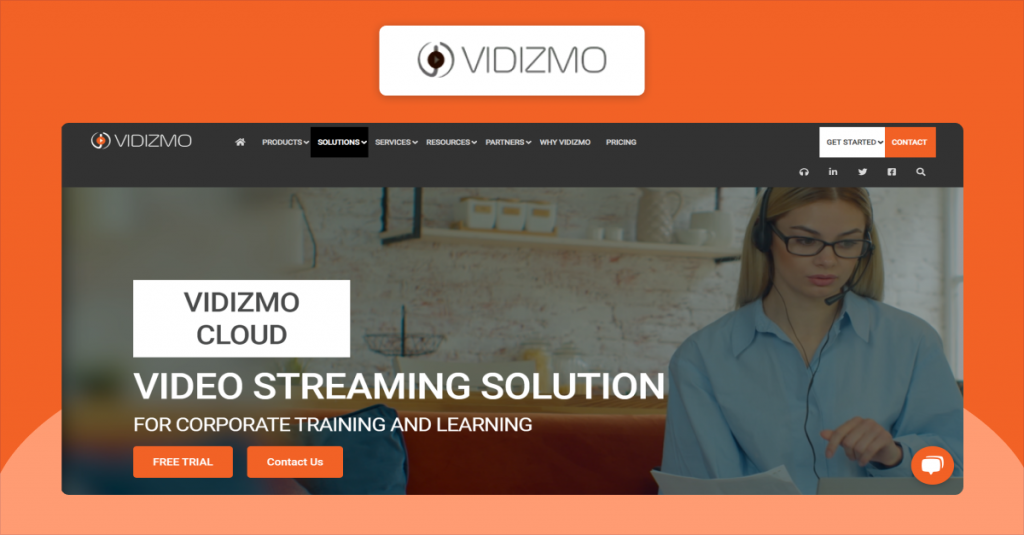
Vidizmo is a video platform specifically built for educational institutions and corporate training environments. The automatic transcription and interactive quizzes help foster a culture of continuous learning. And since it is entirely SCORM-compliant, content created and published on one video platform for education can run on any platform.
The distinct feature of Vidizmo is its robust access control mechanism. You can segregate access for multiple departments (Human Resources, Learning and Development) with multiple portals.
Key Features
Adaptive bitrate streaming that ensures uninterrupted playback, even in low bandwidth conditions
Intelligent in-video search using keywords to jump to the relevant content
Flexible deployment options (Cloud/On-premises)
Interactive features like quizzes, surveys, and Q&As
Provides role-based permissions, Single Sign-On (SSO), and content encryption
Pros:
* Built-in enterprise video CMS for easy navigation
* Scalable video hosting for large institutions and corporations
* Strong security and compliance features.
Cons:
* Not suitable for independent educators or small course creators.
* Live streams face latency issues
* The platform lacks video editing options to refine and improve recordings.
Pricing:
Pricing
Enterprise Tube Standard: starts at $550 per month
Enterprise Tube Professional: starts at $650 per month
Enterprise Tube Premium: starts at $699 per month
Custom Plan: Contact sales team
Integrations:
* LMS Platforms using Learning Tools Interoperability (LTI) standards
* Drupal
* WordPress
* FreshDesk.


7. Muvi
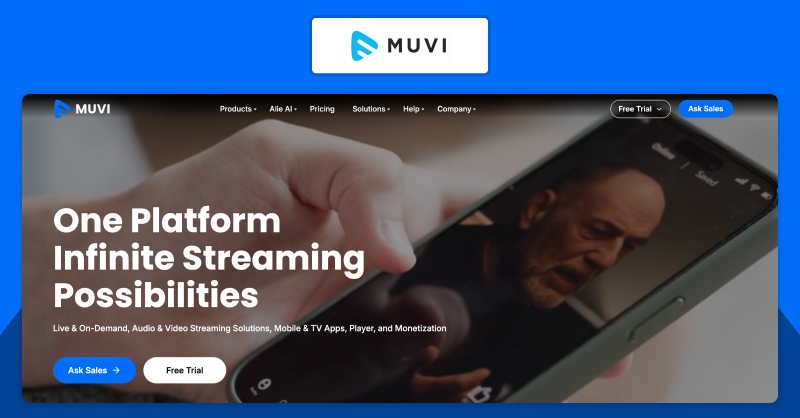
Muvi is a comprehensive video education platform with basic and advanced functionalities, wrapped up in a user-friendly interface. Course creators and educational institutions can launch customizable apps and websites for mobile and TV.
Beyond content delivery, Muvi also enabled educators to monetize their video content through subscriptions, advertising, and pay-per-view (AVOD, SVOD, TVOD). Additionally, with direct integration into learning management systems (LMS), the platform supports structured course delivery through interactive learning tools.
Key Features
Supports live stream and VOD content
Multi-device support for your online video education platform
Ideal for large, scalable video libraries
Secure proprietary courses and videos with DRM, watermarking, and access controls
Pros:
* Platform features a well-designed, intuitive user interface
* Mobile app compatible with both Android and iOS devices
* Muvi’s Alie AI to automate operational workflows and help in content management.
Cons:
* Expensive than lightweight video hosting and streaming platforms
* Customizations may need additional effort.
Pricing
Standard Plan: starts at $399 per month + infra fees
Professional Plan: starts at $1499 per month + infra fees
Enterprise Plan : starts at $3900 per month + infra fees
Ultimate Plan: Custom pricing
Integrations:
* HubSpot
* Blackboard
* Mailchimp
* Zapier.
Switch To The Best Muvi Competitor!
Make a feature-rich and performance-driven upgrade with an OTT platform from this Muvi alternative
8. IBM Video Streaming
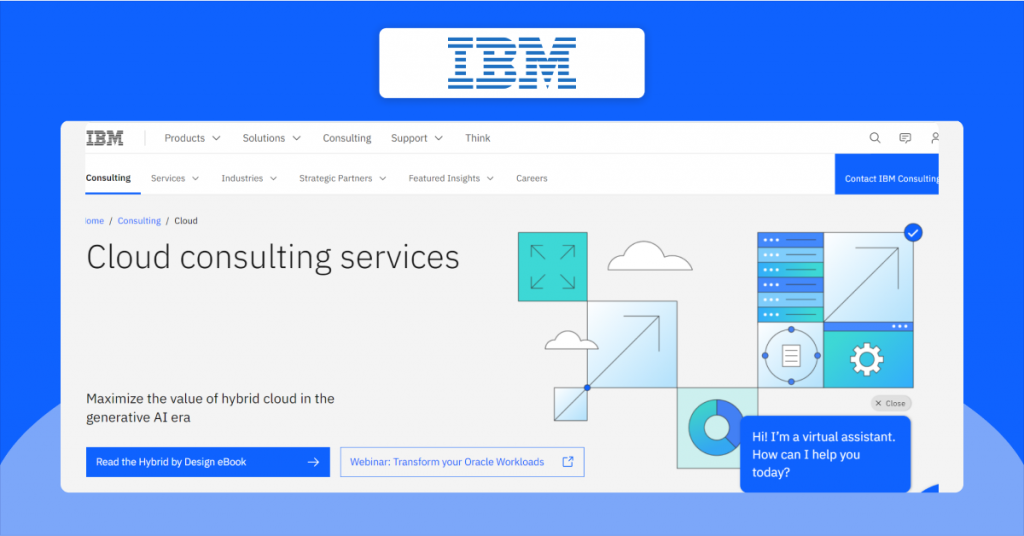
IBM Video streaming (formerly Ustream) offers seamless cloud-based capabilities for enterprise-level training and corporate events. While it’s not an outright, all-inclusive video platform for education, it can still empower corporate training environments with custom video portals and multi-CDN delivery. Employees can leverage AI-driven deep video search to access specific training videos without wasting time. Combined with analytics and engagement tools, the platform enables organizations to track viewer participation and improve the effectiveness of their training programs.
Key Features
Uses Watson AI for automated, searchable closed captioning in real-time
SSO (Single Sign-On) integration and password-protected channels
Customizable, branded channel pages and embeddable players
Pros:
* Emphasizes security and access control mechanisms
* Built for large-scale video delivery
* Supports live streaming, simulated live events, and video-on-demand content.
Cons:
* Pricing leans more towards enterprise tiers (makes it expensive)
* Limited monetization options
* The interface and features may present a learning curve for beginners.
Pricing
Enterprise Silver Plan: starts at $898 per month
Enterprise Gold Plan: starts at $2250 per month
Enterprise Platinum Plan: starts at $5620 per month
Custom Plan: Contact sales team
Integrations:
* OBS Studio
* Txtplay AI (for speech-to-text)
* Developer APIs (player API, analytics API)
* Cisco Webex.
9. GudSho
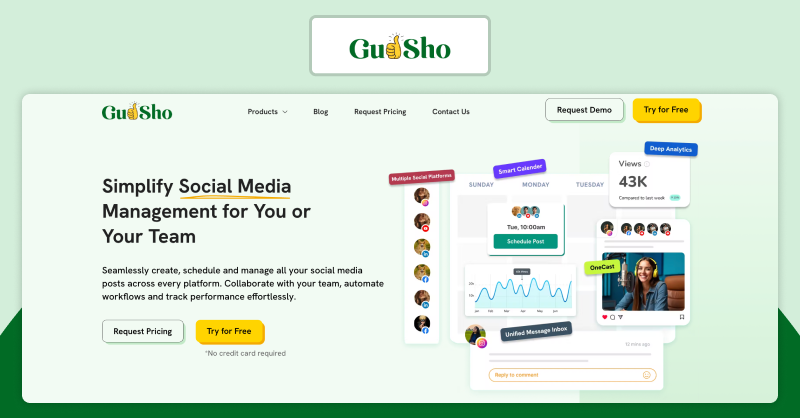
Another ad-free video hosting and streaming platform; however, GudSho seems targeted more towards independent online educators and instructors.
GudSho facilitates real-time peer-to-peer communication via its interactive webinars, where educators/trainers can host up to 5,000+ attendees, featuring Q&A and screen sharing. The platform offers tools to monetize video courses or content, along with social media scheduling and in-video lead capture tools.
Key Features
Built-in video editor to optimize video courses
Security enhancements like AES Encryption and password-protection
In-video CTAs, polls, and forms to drive and track engagement
Content repurposing support to extend the shelf-life of on-demand educational videos
Pros:
* Simple interface for educators and instructors
* Manage content libraries with granular access controls
* Drag-and-drop functionality simplifies content upload and management.
Cons:
* Limited personalization options.
* Lacks flexible, built-in monetization options.
* Embedding the video player takes time (despite the platform’s website claiming ‘one-click’ embeddable).
Pricing
Exact pricing is not listed on its website. Contact for detailed pricing
Integrations:
* Mailchimp
* HubSpot
* Social media platforms (Facebook, Instagram, LinkedIn, and X).
10. Cincopa
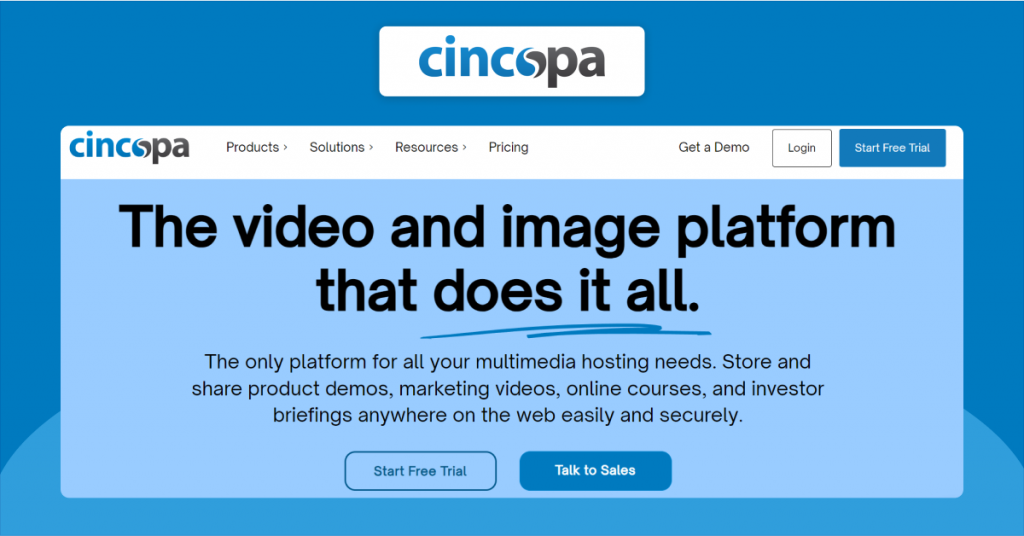
Cincopa is an e-learning video platform designed specifically for e-learning creators, educators, and instructors. Its mobile-ready HTML5 video player supports interactive elements such as annotations, chapters, and quizzes.
Plus, Cincopa includes security features like password protection and watermarking to safeguard educational content. The platform also offers a comprehensive media management suite with tools to make videos accessible to everyone.
Key Features
508-compliant multi-language automatic closed captioning
Built-in video recording/capturing tool
Provides in-depth analytics and heatmaps to track viewer engagement.
Pros:
* Embeddable, customizable video players and media galleries
* Helpful accessibility features for inclusive learning.
* Strong video security and access control.
Cons:
* Limited monetization features
* Advanced features tied to high-end plans.
Pricing
Plus Plan – starts at $30 per month
Corporate Plan – starts at $119 per month
Enterprise Plan – starts at $420 per month.
Integrations:
* WordPress
* HubSpot
* Moodle
* Slack.
11. Zype
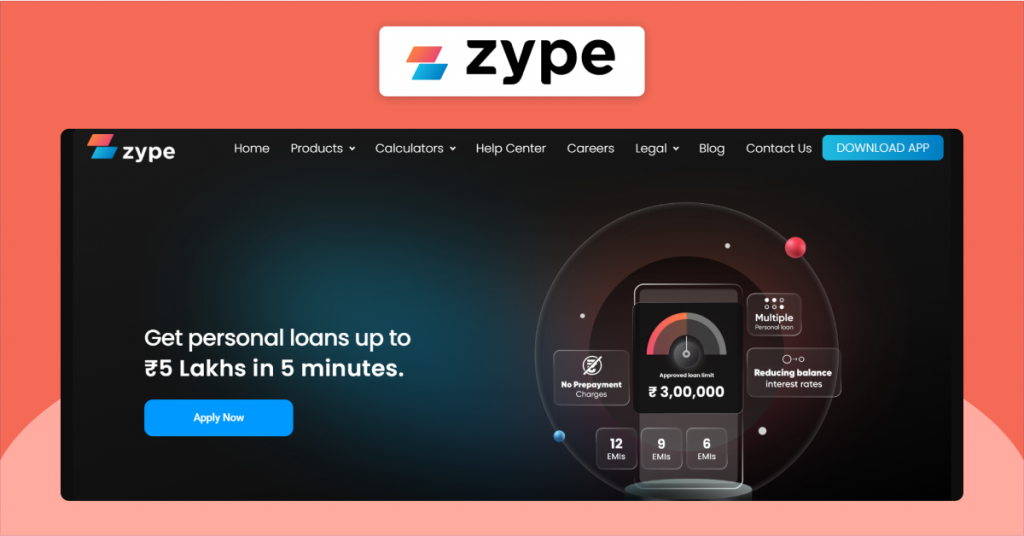
Zype is a best video content management platform that helps educational institutions manage, monetize, and distribute educational content. It lets you launch customizable TV and mobile apps for quick, multi-screen learning.
The platform also supports various monetization models, including subscriptions, pay per view streaming, rentals, and transactional video offerings. For institutions that decide against launching dedicated apps, Zype provides open-source APIs to integrate its infrastructure (video player, plug-ins) directly into existing websites and learning platforms.
Key Features
Centralized dashboard to organize, tag, and manage video libraries.
Premium Branded apps for TV, mobile, and web.
Provides insights into audience engagement and revenue.
Pros:
* Multiple monetization options
* Enables cross-platform distribution with branded apps
* API-driven video infrastructure.
Cons:
* High starting cost, plans start at $500 per month
* Lacks free version
* Requires technical expertise to implement API-powered workflows.
Pricing
Zype X – starts at $500 per month
Zype Premium – starts at $3500 per month
Integrations:
* Wildmoka
* Zapier
* Securiti.
Which Video Platform for Education is Right for Your Business?
While video platforms for education are purpose-built, not all perform equally across use cases. Here’s how to identify the right platform based on your specific needs.
1) Best Video Platform for Education – K-12 Schools
K-12 schools require a platform to deliver educational videos in a structured and controlled environment. As video-based learning becomes more embedded in classrooms, its impact is increasingly evident: a recent survey shows that 89% of parents believe their children’s grades improved after engaging with educational video content.
Platforms like Kaltura, Panopto, and VPlayed are well-suited for this segment.
* Kaltura offers LMS integration and learning analytics to power K-12 learning through video.
* Panopto supports FERPA compliance in lecture capture. This ensures only authorized students can view recorded lectures.
* VPlayed offers a customizable video infrastructure, so K-12 schools can control content access and manage users on their terms.
2) Best Video Platform for Education – Universities and Higher Education
Universities and higher education institutions include multiple departments, so they need a video platform that can handle large-scale content delivery. A platform that possesses enterprise cloud, or a platform that handles extensive integrations, or a platform that possesses robust access control mechanisms.
Platforms like Kaltura and IBM Video Streaming suit this segment.
* Kaltura has strong integration capabilities. Universities can customize workflows for each department and learning environment.
* IBM Video Streaming provides video streaming infrastructure that is built entirely on IBM’s robust cloud infrastructure and multi-CDN delivery.
3) Best Video Platform for Education – Independent Course Creators
Independent course creators need a platform that is quick and easy to set up. A platform that requires minimal technical overhead is all they need. The focus is more on launching quickly and monetizing educational videos online without a complex infrastructure.
Platforms like Vimeo and GudSho are well-suited for this segment.
* Vimeo offers a user-friendly interface with built-in OTT capabilities. Course creators can launch branded apps and monetize video content quickly.
* GudSho is easy to set up while offering integrated webinar hosting capabilities. It is an ideal choice for beginners.
* VPlayed is not a plug-and-play platform; however, it offers diverse monetization models to generate revenue.
4) Best Video Platform for Education – Corporate training and L&D teams
Corporate internal training often deals with sensitive video content, meant only for internal teams. It is quite evident that focus here is on compliance, access controls, and secure internal communication.
Platforms like Vidizmo and Cincopa are well-suited for this segment.
* Vidizmo enables secure interoperability between various teams as it is SCORM-compliant.
* Cincopa deploys detailed user permissions and role-based access control, making it ideal for corporate training video portals.
Start Selling Videos Online
Explore how to turn your video content into a sustainable revenue stream with the Video Selling Platform and monetization strategy.
What Makes a Video Platform Specifically Designed for Education?
Video platforms serve multiple verticals with its technology stack. With reference to video platforms for education, you’ll be able to deliver structured and scalable learning experiences. You’ll find platforms that focus on different aspects of online learning. For example:
* Structured learning path, that is focused on enhancing learner proficiency in a broader topic. Video platforms for education use LMS (learning management system) tools to map video content to learner personas.
* Access control, that ensures only authorized users (learners, teachers, admins) access appropriate materials. Online video education platforms leverage pre-defined roles for quick assignment of permissions.
* Compliance certification, that determines how learner information and educational content is delivered and stored. While legal compliance standards can vary by region, educational video platforms must comply with standards like FERPA, GDPR, SOC 2 Type II, and ISO/IEC 27001.
* Built-in monetization model, that is designed to generate revenue from your educational video content. Video platforms for education support subscriptions, enrollments, and pay-per-course models.
Educational video platforms are designed to enhance learning experiences at each stage, including exploration, preparation, active engagement, and knowledge transfer.
Conclusion
After evaluating these top online video platforms for education, one thing becomes super clear: video platforms for education are essential for delivering structured, scalable, and engaging learning experiences. Features like offline access and interactive video tools enhance learning outcomes, especially for institutions and teams.
The key lies in evaluating educational video platforms based on specific needs rather than features alone. Exploring demos or free trials helps simulate real-world scenarios and assess how each platform performs in practice.
Ultimately, choosing the right educational video platform is about selecting a solution that aligns with how learning experiences are delivered, scaled, and evolved over time.
- Request Demo Book a Live, Personalized Demo
- Contact Sales Reach Out to Our OTT Experts
Frequently Asked Questions (FAQ):
1. What Features Should I Look for When Choosing an Online Video Education Platform?
A simplified and easy to use interface, categorized video management system, multi language support, engagement tools, video analytics tools, customization options and budget friendly plans these should be of major importance when Choosing an Online Video Education Platform.
2. How Do Video Education Platforms Ensure Data Privacy and Security?
Privacy and security of a video education platform is handled by multiple technologies like Video DRM, watermarking video content, geo-restrictions, IP security protocols and Other encryption protocols.
3. How Can I Monetize Educational Video Content Online?
To monetize an Educational Video Content Online follows these below monetization models–SVOD, Advertisements, Pay-per-view, Affiliate marketing, sponsorships and other memberships models.
4. How to Launch a Video Platform for Education?
To launch your own Video Platform for Education, devise a plan, contact an education video platform provider, include engagement, video cms, analytics and accessibility tools to ensure a seamless viewing and tutoring experience for its users.
5. What Is the Best Platform for Educational Videos?
The top Platform for Educational Videos in 2026 are VPlayed, Kaltura, Dacast and Uscreen, these platforms possess high end tech and user friendly features like video monetization, video DRM, video CMS and video analytics to enhance the online education experience.
6. What is an Educational Video Platform and How Does it Work?
An educational video platform delivers live and on-demand learning with tools for hosting, streaming, and engagement. It works by uploading/streaming content, processing it for adaptive playback, controlling access, delivering across devices, tracking learner activity, and enabling monetization.
7. What makes a video platform specifically designed for education?
Education-focused platforms offer structured learning paths via LMS, role-based access control, compliance with standards like GDPR and FERPA, and built-in monetization. They are designed to support scalable, secure, and engaging learning across all stages of the learner journey.


