



- Best overall shortlist: Best Muvi alternatives for 2026 are VPlayed, Dacast, Uscreen, Wowza, Brightcove, Kaltura, JWP Connatix (JWX), and Vimeo OTT.
- Why media companies, broadcasters, and content owners switch from Muvi: While Muvi offers monetization and multi-device streaming, its rigid infrastructure, inflexible templates, and hidden bandwidth fees frequently hinder long-term growth. Growing platforms require flexible pricing, deep customization, broader integrations, greater ownership control, and infrastructure that smoothly handles heavy streaming traffic.
- What features matter most: White-label customization, monetization flexibility (SVOD, TVOD, AVOD, and hybrid models), live streaming, API support, security and DRM protection, analytics and reporting, and predictable pricing.
Fast recommendation:
- Media companies, broadcasters, OTT service providers, and content owners seeking full platform ownership and customization: VPlayed, Wowza, Kaltura, or Brightcove.
- Creators, coaches, educators, and subscription-driven video businesses wanting a faster launch: Uscreen, Vimeo OTT, or Dacast.
- Publishers prioritizing video monetization and contextual advertising: JWP Connatix.
Muvi OTT has been a top enterprise-grade platform with a no-code configuration and a full OTT ecosystem for years. But high subscription fees, lack of customization, and user experience issues prompt many to seek Muvi OTT alternatives.
If you’re looking for flexibility, affordability, and more branding control, there are some excellent alternatives. This article breaks down some of the best Muvi OTT alternatives, their features, and benefits.
What is Muvi OTT Alternative?
A Muvi OTT alternative is a dedicated software platform designed to help content creators, broadcasters, and media brands build a fully branded video streaming service. These platforms provide features such as video hosting, live streaming, content management, user authentication, and OTT app deployment across web, mobile, and smart TV devices.
Businesses migrate to these alternatives to monetize their video libraries using customized monetization models. They often need greater infrastructure flexibility, secure scalability, and freedom from template limitations and unpredictable data-delivery fees.
Why Do Businesses Look for Muvi OTT Alternatives?
Muvi’s no-code OTT platform may provide a quick deployment, but soon companies outgrow its rigid framework. Companies look for Muvi OTT alternatives to gain more customization, easy tool integration, and pricing certainty as their business scales.
Key Limitations
Pricing scalability: Muvi’s bandwidth-based pricing (if you go over the bandwidth limit) and associated add-on costs can spiral out of control. Plan your available streaming bandwidth before any event streaming, fitness streaming, or any use case.
Complex setup: Setting up Muvi One and Muvi Live takes time. This is not ideal for casual, on-the-go live streamers, who often prefer one-click live streaming.
Fewer templates: The template library in Muvi’s video streaming app builder and website builder has a limited number of templates. Content production companies cite this as a major limitation.
Ecosystem constraints: Since Muvi manages everything within its ecosystem, integrating external tools may not be possible the way you want.
Support delays: Muvi extends technical support with 24/7 access. However, certain user reviews highlight delayed responses and improper assistance. Some users say that subscribing to an Enterprise plan gets quick access to the support team.
Muvi Pricing Plans
| Plan | Standard | Professional | Enterprise |
| Muvi One | $399/month | $1499/month | $3900/month |
| Muvi Live | $99/month | $299/month | $799/month |
| Muvi Flex | $99/month | $399/month | $999/month |
| Muvi Playout | $199/month | $499/month | $1999/month |
Muvi OTT alternatives at a Glance
| Platform | Best For | Pricing | Free Trial /Demo | White-label | Customization Level |
| VPlayed | Enterprises & OTT platforms | One-time license | Demo available | ✅ | Full control (source code access) |
| Dacast | Live streaming businesses | Subscription, starts at $39/mo | Free trial available | ✅ | Moderate |
| Uscreen | Subscription businesses | Subscription, starts at $199/mo | Free trial available | ✅ | Moderate |
| Wowza | Custom streaming infrastructure | Subscription, starts at $195/mo | Free trial available | ❌ | Full control |
| Brightcove | Enterprises & broadcasters | Custom pricing | Demo available | ✅ | High (API-driven) |
| Kaltura | Enterprises & education streaming | Custom pricing | Demo available | ✅ | High (API-driven) |
| JWP Connatix | Publishers & video platforms | Custom pricing | Demo available | ✅ | Moderate |
| Vimeo OTT | Small OTT launches | Subscription, starts at $20/mo | Free trial available | ✅ | Moderate |
How We Tested and Picked?
It’s important to disclose our testing and picking methods before we begin. There are a few things that every user evaluates when needing a secure video streaming platform, like Muvi OTT alternative. Now, Muvi isn’t a free or open-source platform. While there weren’t many free Muvi alternatives available, there were several open-source options available.
That’s why some of the platforms we tested and looked for had:
* Pricing and scalability – Transparent pricing tiers that work for both startups and enterprise streaming needs.
* Free trial or demo access – A meaningful trial period that lets you explore key platform capabilities before committing.
* Multi-device and cross-platform support – Seamless playback across web, mobile apps, smart TVs, and connected devices.
* HQ streaming and adaptive streaming – Reliable delivery with HD/4K support and adaptive bitrate streaming to reduce buffering.
* Security and DRM – Built-in content protection like DRM, tokenized playback, or watermarking to prevent piracy and unauthorized access.
These are the features and functionalities that we tried to find in each video streaming platform that you’re about to see.
Before finalizing our evaluation, we also looked at community discussions across platforms like Reddit. Many content creators and OTT operators discuss factors like pricing, platform flexibility, and customization needs when comparing Muvi with other solutions.
Top 8 Muvi OTT Alternatives for Building and Scaling a Video Streaming Platform
You don’t need to go looking for a Muvi OTT alternative on your own. We’ve reviewed and listed some platforms like VPlayed, Dacast, Uscreen, Brightcove, and more in this section. Only thing from our side, evaluate each platform against your streaming requirements. Without further ado, let’s dive in:
1. VPlayed
Starting a video streaming business is what VPlayed does best for content owners and broadcasters. The platform’s interface, monetization features, and tons of customization options make it a great deal. With complete access to its source code, content businesses can tweak the platform’s front-end and back-end at any time.
When reaching out to some of VPlayed’s clients, we knew the platform’s rich security suite in action. For example, one fitness streaming service highlighted how VPlayed’s secure video paywalls and forensic watermarking helped them secure videos.
Key Features:
* Monetization models: Supports Subscription (SVOD), Advertising (AVOD), Transactional (TVOD), and Pay-per-view (PPV Streaming).
* Technical Capabilities: Offers 4K transcoding, adaptive bitrate streaming, HLS video player, and live streaming capabilities.
* Multi-Device Support: Compatible with Android, iOS, Web, Fire TV, Apple TV, and Smart TVs.
* Integration Hub: VPlayed integrates with most necessary third-party services to simplify video streaming operations. They claim 200+ integrations, although it could end up compatible with around 90-100 integrations.
Pros:
* No revenue sharing arrangement
* Multi-DRM support (Widevine, PlayReady, FairPlay)
* Comprehensive CMS for video management.
Cons:
* Limited transparency in pricing
* Setup can be complex and technical.
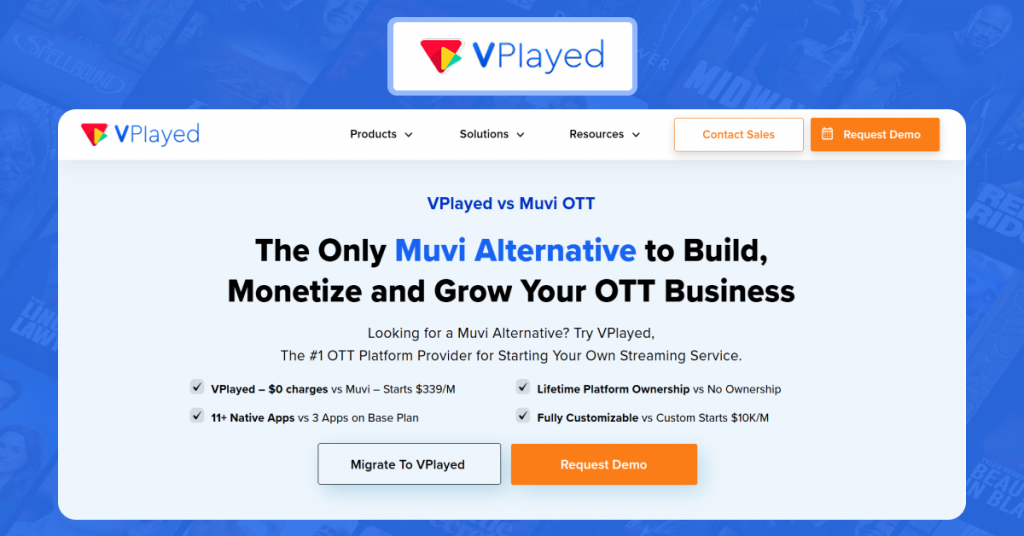
VPlayed has also published its own comparison of the platform against Muvi, highlighting areas like OTT customization, monetization flexibility, and deployment capabilities.
If you’re interested in seeing how the platform presents its competitive advantages, you can review VPlayed vs Muvi.
2. Dacast
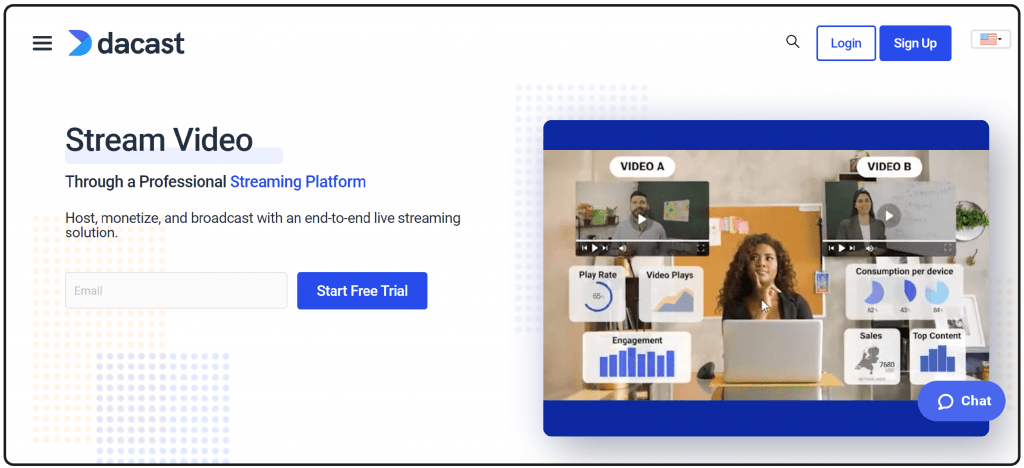
Dacast is not an open-source platform. Dacast earns this spot due to its 14-day free trial version, which is crucial for those exploring alternatives to Muvi. The platform encompasses both live streaming and on-demand video capabilities for content owners and media companies. Dacast uses a multi-CDN approach, including top-tier providers like Akamai, Fastly, and Cloudflare, ensuring reliable content delivery across the globe.
Additionally, Dacast’s customizable video player is often beneficial for users who want to embed branded video players directly on their website. For viewers whose primary need is a video player and video hosting, Dacast can be a potential Muvi alternative.
Key Features:
* Monetization options: Features integrated paywalls for pay-per-view, subscriptions (SVOD), and advertising (AVOD).
* Security and control: Includes domain restrictions, password protection, and geographic restrictions to control where content is viewed.
* API access: Offers video API and player API for developers to build custom applications.
* Analytics: Provides detailed insights into audience engagement and performance.
Pros:
* Flexible pricing tiers (starter, event, and scale plans)
* Easy-to-use platform for beginners
* Platform supports secure hosting, encryption, and optional DRM protection.
Cons:
* Pricing is flexible. But bandwidth-based pricing can be expensive when you scale
* Not ideal to launch a full-suite OTT ecosystem.
Pricing:
Starter Plan: starts at $39 per month (billed annually)
Event Plan: starts at $63 per month (billed annually)
Scale Plan: starts at $165 per month (billed annually)
Custom Plan: Contact Dacast’s sales team
3. Uscreen
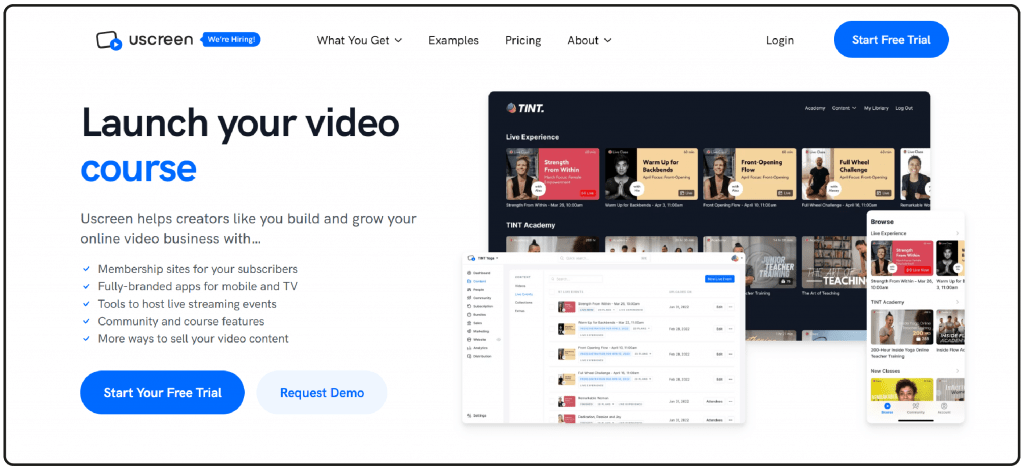
Uscreen is one of the simplest tools for video hosting and streaming you can use today. This OTT platform offers branded apps to launch for TV and mobile devices. Then, you can use built-in community features to connect and engage with content. For those who wish to start simple, the platform allows them to create a movie streaming website effortlessly with its ready-made templates.
Think of Uscreen as a subscription-based online platform where content creators can sell subscription memberships to their video content. Uscreen handles the technical, marketing, and payment aspects of running a video subscription service.
Key Features:
* Integration Hub: Uscreen integrates with multiple third-party applications like Zapier, Google Analytics, LinkedIn, MailChimp, and more.
* Advanced Marketing Tools: The platform is equipped with built-in SEO tools to optimize content for search engines for better outreach.
* Engagement Tools: Includes several features (like, comment, mentions, and polls) for gathering community feedback.
* Shoppable videos: Adds in-video product link so your viewers can click and shop directly from the video.
Pros:
* Strong membership and subscription tools
* Branded apps for mobile devices and smart TVs
* Intuitive setup and user-friendly dashboard.
Cons:
* Pricing can be expensive compared to some other options in this list
* Lacks ad-supported video monetization.
Pricing:
Starter Plan: $49 per month
Growth Plan: $149 per month + $1.99 per subscriber, per month fee
App Essentials Plan: $449 per month + $0.99 per subscriber, per month fee
Custom Plan: Contact Uscreen’s sales team
Looking for Uscreen Alternatives?
Evaluate the best Uscreen alternatives based on streaming features, monetization models, customization, and platform ownership.
4. Wowza
Wowza is a developer-friendly streaming platform ideal for organizations that need to build customized streaming workflows. The platform offers comprehensive APIs and SDKs to integrate features into their custom applications and services. If you wish to create a streaming website, you can use Wowza’s video API to build a structured framework for specific features. With Wowza’s streaming engine API, businesses can control HTTPS streams, add graphic overlays to the transcoded live streams, set up scheduled adaptive bitrate streaming, and more.
Key Features:
* Video Pipeline: Wowza accepts video streams from any source (IP camera, encoder), transcodes them, and delivers it to various endpoints (mobile, web, smart TVs).
* Content Security: Secure your video content with digital rights management (DRM), watermarking, CDN load balancing, and more.
* Rename Stream: Businesses can override a published live stream to rename it according to their requirements. Use Wowza’s Streaming Engine API to finish this task.
* Video Analytics: Offers a unified dashboard to monitor both live and on-demand videos. Also, you get a detailed performance report, including demographic and player-specific data.
Pros:
* API/SDK support allows full control over workflows.
* Works with multiple protocols, including HLS, RTMP, DASH, and WebRTC.
* Extensive documentation available on its website is helpful for businesses.
Cons:
* The interface feels less intuitive and dated.
* Requires technical expertise, obviously not a beginner-friendly option.
Pricing:
* Wowza Streaming Engine (self-hosted) – starts at $195/month
* Wowza Video (cloud-based) – $149 (one-month)
Pricing:
GudSho pricing is not listed on its website. You can explore a guide demo version or a free trial version of GudSho.
5. Brightcove
Brightcove isn’t a complete open-source alternative to Muvi OTT; it’s a partially open-source platform. Only specific tools, plugins, and integrations are available as open-source. The core platform and player remain proprietary. The platform is extensively used by media and broadcasting companies to stream, manage, and monetize your video content.
Compared to Muvi, Brightcove offers intelligent server-side ad-insertion (SSAI) technology that enables effective ad monetization. In addition to ad-supported monetization, Brightcove also helps you establish effective subscription channels that generate recurring revenue.
Key Features:
* Core Products: Offers Video Cloud (hosting), Live (streaming), Beacon (OTT apps), and Zencoder (encoding).
* Video Player: Configure Brightcove’s video player to your brand requirements. With the built-in ABR algorithms, you can optimize bandwidth usage.
* Interactivity: Engage your audiences with interactive quizzes, overlays, and calls-to-action. You can personalize video delivery with custom chapters and flows.
* Analytics: Track and optimize campaigns with built-in reports. Brightcove’s open API allows you to create custom dashboards.
Pros:
* Supports HD streaming with adaptive bitrate technology
* Extensive integration support along with developer APIs and SDKs
* Built-in Marketing Studio to optimize video strategy.
Cons:
* UI and navigation needs improvement
* Higher pricing could be a barrier to entry for smaller organizations.
Pricing:
Brightcove pricing is not listed on its website. You can explore a guide demo version, contact their sales team.
Want To Find The Best Muvi Alternative For your OTT platform
Request Demo

6. Kaltura
Kaltura is another excellent alternative to Muvi OTT for enterprise users. Kaltura’s latest version includes the introduction of AI-driven ‘Agentic Avatars’ that act as an interactive guide inside the platform. Kaltura Capture, the built-in recording tool, doesn’t offer a combined, single-file download for recordings.
Kaltura is a great tool if your business has to adhere to the WCAG (Web Content Accessibility Guidelines). Kaltura’s video player supports full keyboard navigation, screen reader accessibility (ARIA labels), and allows users to customize caption text, size, and colors.
Key Features:
* Open-Source Architecture: Kaltura’s open-source offering includes video management, publishing, and player technologies.
* Interactive Tools: Supports in-video quizzes, interactive video paths, and engagement analytics to track viewer participation.
* Monetization Tools: Offers tools to monetize educational videos through ads, subscriptions, and pay-per-view models.
* Accessibility & AI: Provides automated captioning, transcription, and AI-powered content summaries.
Pros:
* Extensive API and integration capabilities
* Supports both cloud and on-premise deployments
* Strong enterprise and online education use cases.
Cons:
* Occasional performance issues like slow uploading, buffering
* Kaltura’s built-in video editing capabilities are limited.
Pricing:
Kaltura Webinars:
Business: starts at $250 per month
Enterprise: Contact Sales team for custom quote
Kaltura Virtual Classroom:
Basic : starts at $17 per month
Pro : starts at $50 per month
Business: starts at $115 per month
Business Plus: Custom plan; contact sales team.
Is Kaltura Holding You Back?
7. JWP Connatix
JWP Connatix (formerly JW Player) was often known as a video monetization platforms before the recent merger. Post the merger, the platform has transformed into a comprehensive video technology company that invests heavily in contextual video technology. This technology enlightens broadcasting companies and publishers with some valuable data. That’s because these businesses value data about what their ads appear next to. Beyond this, JWP Connatix continues to function as an embeddable media player for websites.
Key Features:
* Multi-device Delivery: Offers content delivery support across multiple devices smart TVs, mobile, and web.
* Security Aspects: JWP Connatix helps businesses secure video content through studio-grade DRM, and URL (token) signing.
* Live and VOD Support: Deliver high-quality live and on-demand video to any device – maximizing reach and reliability.
* Deep Contextual: Technology that unlocks real-time relevance for cookieless video targeting. It helps brands deliver the right message at the right time for a collaborative brand experience.
Pros:
* Advanced Ad monetization capabilities.
* Compatible across content formats and multiple devices.
* Offers APIs for analytics, ads, and player control.
Cons:
* Unclear pricing structure leaves budget-conscious businesses in the lurch.
* Some users report clunky UI and configuration issues.
Pricing:
JWP Connatix pricing is not listed on its website. You can explore a guided demo version, contact their sales team.
Pricing:
Silver Plan: starts at $154 per month
Gold Plan: starts at $773 per month
Platinum Plan: starts at $1,550 per month
8. Vimeo OTT
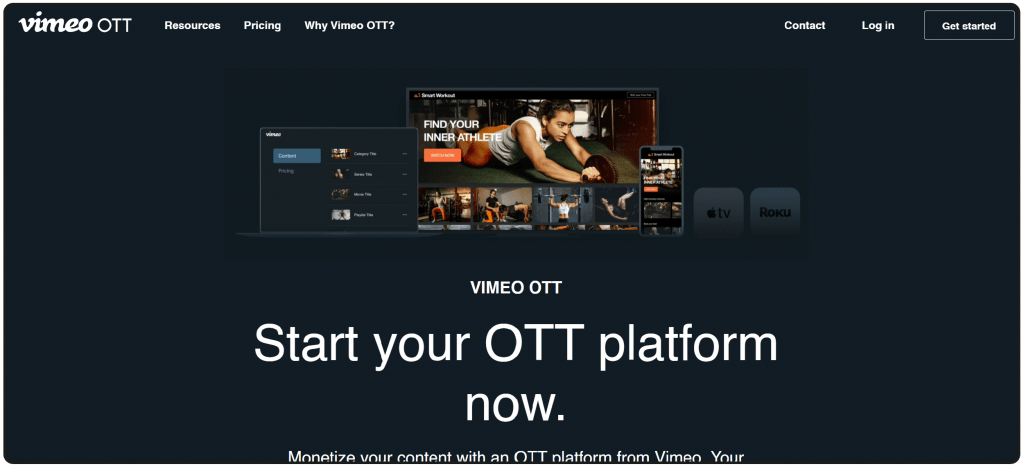
Vimeo is an excellent alternative to Muvi, especially for content creators who run direct-to-fan monetization programmes. With Vimeo’s customizable solution, creators can launch branded apps across devices, including iOS, Android, Apple TV, AndroidTV, Roku, Amazon Fire TV, and more. The platform offers video playback support for up to 8K resolution, 4K, and HDR.
Vimeo is known for less aggressive compression while using adaptive bitrate streaming technology. The less aggression helps the platform achieve less visual distortion compared to other platforms. Vimeo is also known for its ad-free video hosting capabilities, unlike YouTube.
Key Features:
* Monetization Flexibility: Monetize video content via subscriptions, one-time rentals, or purchases.
* Video Player: Integrate a video player that is certified for WCAG 2.1 AA accessibility standards, easily embeddable anywhere, and can host videos up to 8K resolution.
* Interactive Video: Offer interactive video experiences for viewers to establish deeper connections and boost content performance.
* Integration Hub: Provides categorical integrations for accessibility, marketing, editing, monetization, social media, and more. These third-party integrations make video streaming operations smoother.
Pros:
* Multi-device distribution across websites, mobile apps, and smart TVs
* Customizable video player and branded streaming experiences
* Includes analytics dashboards and content management tools.
Cons:
* Revenue-share pricing model (per subscriber per month transaction fees)
* Less control over infrastructure (unlike self-hosted platforms).per seat/month.
Pricing:
Starter Plan: starts at $20 per month billed annually)
Standard Plan: starts at $41 per month (billed annually)
Advanced Plan: starts at $125 per month (billed annually)
Enterprise Plan: Contact sales team
Which Muvi Alternative Should You Choose? Use Case-Based Recommendations
If you’re seeking a replacement for Muvi, the right alternative depends on whether you’re trying to improve performance, or trying to reduce expenditure with a cost-effective solution, or you need a deeper customization level. We’ve come up with a quick, scannable guide to help you decide:
1) Replacing Muvi for a Cost-effective Replacement
Top pick: Dacast
If you’re moving away from Muvi because of spiralling infrastructure fees, Dacast seems to be an ideal replacement option. Dacast also operates on a usage-based pricing model, which means bandwidth costs can increase based on the viewership. However, the base plan starts as low as $39/month. If you plan accordingly for your event broadcasting, Dacast is an ideal budget option.
2) Replacing Muvi for Full-Platform Ownership
Top pick: VPlayed
Muvi’s end-to-end delivery means that the bulk of the action happens within its ecosystem. You’ll only have a little control over everything. Whereas, VPlayed operates on a one-time licensing model, offering proprietary ownership (with front-end and back-end source code) for the lifetime. You can launch a full-fledged OTT, replace OTT video CMS, customize workflows, and so on.
3) Replacing Muvi for Better Subscription Management
Top pick: Uscreen
While we still think Muvi does a good job with subscriptions, Uscreen has granular, purpose-built features for better subscription handling. If you’re not buying into the segregated subscription management capabilities of Muvi, choose Uscreen for integrated subscription management tools, including pause subscriptions, refer-a-friend, instant subscription changes, and more.
4) Replacing Muvi for Enterprise-Readiness
Top pick(s): Brightcove, Kaltura
If you’ve stuck with Muvi during a large-scale event streaming or while handling a high-volume content library, Brightcove or Kaltura can suffice your needs. Both platforms are built to handle high-volume streaming needs, be it live streaming or on-demand video.
5) Replacing Muvi for Developer-level Control
Top pick: Wowza
If you want seamless backend control and Muvi not paying heed to your requests, then it’s time to replace Muvi with Wowza. The platform offers comprehensive APIs and SDKs to build customizable workflows and integrate existing workflows.
Let us emphasize again,
Ultimately, the best OTT replacement to Muvi depends on whether you prioritize control, cost efficiency, or ease of setup. Finalizing 2 or 3 platforms based on your use case is advisable.
How to Migrate from Muvi to a New OTT Platform?
Migrating from Muvi relies entirely on how prepared you are. Let us break down the process in clear, scannable steps:
1) Audit and Export Your Data
* Export your video library (video content, technical/functional components), metadata, and user data (personal information, subscription information).
* Before migrating away from Muvi, back up all assets to an external storage (on-premise local or cloud storage), independent of both the current and destination platforms.
2) Choose the Right Alternative
* Choose a Muvi OTT alternative if it genuinely addresses your pain point.
* Finalize features like monetization and app support.
3) Migrate Your Content and Assets
* Look for bulk upload options in your replacement platform. Use that to speed up the migration process.
* Set up the content structure similar to your earlier platform. You have to set up the content categories, playlists, access rules, etc.
4) Rebuild Workflows and Integrations
* Set up video monetization with your Muvi alternative. For basics, you can configure similar settings to what you had earlier. Then, you can reconfigure based on what the new platform has to offer.
* Reconnect payment gateways, analytics, and third-party tools using open-source APIs.
5) Push Live
* Reconnect payment gateways, analytics, and third-party tools.
* Replace embed codes and launch your new platform.
In Conclusion
Muvi OTT is undoubtedly a robust OTT platform, but it’s not the only option. If you’re looking for capable and open-source alternatives to Muvi, tools like Kaltura, VPlayed, and Brightcove offer local customization and adaptation options. For built-in video editing functionalities, tools like GudSho and Vimeo make sense, while IBM Video excels with its AI capabilities.
Each tool deploys custom workarounds for specific use cases, and the best option depends on your specific video streaming needs. Try out a few from this list, maybe a guided demo version or a free trial version, and see which platform better aligns with your video workflows.
Do you have any platform recommendations for this list? The criteria: you should have at least explored a demo version firsthand. Let us know in the comments section below.
- Request Demo Book a Live, Personalized Demo
- Contact Sales Reach Out to Our OTT Experts
Frequently Asked Questions (FAQ):
1. What is Muvi OTT?
Muvi is an over-the-top video monetization platform that lets you distribute, manage, and monetize your video content to a global audience. It also offers white-label capabilities to create custom-branded streaming apps or websites for delivering video content to audiences.
2. Can I Migrate My Content From Muvi to an Alternative Platform?
Yes. You can migrate your content from Muvi to an alternative platform. The process involves exporting your videos, metadata, and user data and importing them into the new platform. However, for safe and secure migration, you should consider factors like content compatibility and data transfer capabilities before actually migrating your content.
3. Why Would I Need Muvi Alternatives?
You may need an alternative to Muvi due to its various limitations. While it is a capable video monetization platform, it suffers from several constraints, such as limited customizations, inadequate scalability, and recurring payments. Muvi may not be the right solution for you if you’re planning for the long term. In that case, you must consider alternatives better suited to your content type, target audience, and monetization goals.
4. How Do I Choose the Right Muvi Alternative for My Needs?
Choosing the right Muvi alternative involves assessing your content type, audience, level of customization, monetization goals, and desired features. You can consider alternatives like VPlayed — evaluate their capabilities, customization options, and pricing to ensure they align with your needs.
5. What Features Should I Consider When Choosing an Alternative to Muvi OTT?
When choosing your Muvi alternative, key features you should consider include content management tools, monetization options (subscription, pay-per-view, ads), analytics, customization options, scalability, security, and support. In other words, you must choose a platform that best meets your content delivery and business objectives.


