



Best overall shortlist: The top JW Player (JWX) alternatives for 2026 are VPlayed, Kaltura, Vimeo OTT, Brightcove, Dacast, and Brid.TV (Target Video).
Why Media Owners, Broadcasters, and Publishers are switching from JW Player: Costly scaling, an ad-first monetization approach that doesn’t allow hybrid models, minimal full-scale OTT capabilities, and a need for increased monetization flexibility and AI-driven features.
What features matter most: OTT/ Multi-device support, flexible monetization (SVOD/TVOD/AVOD/hybrid), live delivery/ VOD delivery, security and DRM, white label customization, and comprehensive analytics for audience insights.
Fast Recommendation
- For media companies, broadcasters, and large enterprises with a high demand for video infrastructure or advanced AI capabilities: VPlayed, Kaltura, or Brightcove.
- Independent creators, publishers, and event producers who want to deploy quickly using easy-to-use SaaS tiers: Vimeo OTT or Dacast
- Digital publishers pursuing advertising revenue and news media wanting programmatic revenue: Brid.TV (Target Video)
- For organizations that need to own 100% of their platform, source-code control, and no revenue sharing: VPlayed
Your streaming needs, monetization approach, and control over your video infrastructure will dictate which is the best JW Player alternative for you. VPlayed, Kaltura, Vimeo OTT, Brightcove, Dacast, and Brid.TV are all viable alternatives to JWX. Although JW Player is popular, many companies look into other options as their needs demand something more than player-based video delivery.
A publisher interested in advertising revenue is not the same as an educational institution that’s providing online learning content, or a content owner that’s launching a subscription-based OTT service. As the size of the audience increases, organizations look for more flexibility in monetizing, better OTT capabilities, better analytics, and more scalable content management workflows.
We’ve narrowed down our evaluation to 6 major platforms, covering the areas of streaming, monetization, customization, security, and scalability, to make your evaluation process easier. This guide discusses the best JW player alternatives for broadcasters, publishers, enterprises, educators, and OTT businesses.
- Fully Customizable
- Lifetime Ownership
- On-Premise/On-Cloud
- 100% White-label
- Zero Revenue Share
- Hire Developers
Top JW Player Alternatives at a Glance
For anyone looking for an instant recommendation, here are a few of the best alternatives to JW Player for OTT, monetization options, video delivery, security, customization, and scalability:
Why Might You Need an Alternative to JW Player?
JW Player is a familiar name in enterprise streaming, but it’s not necessarily the perfect streaming solution for all digital media companies. The global video streaming market is expected to grow to $399.31 billion by 2032 at a 17.25% CAGR, making it crucial for media networks and content publishers to have flexible platforms that can grow and adapt to their content production processes.
Here are the top reasons why companies look into alternatives to JW Player:
- Scaling Costs Become Unpredictable: As video libraries grow and traffic increases, so do the costs of scaling JWX. As global ad revenues reach $1.14 trillion in 2025, companies with expanding content libraries are increasingly looking for options that offer clearly defined pricing models, free from growth penalties.
- Ad-First Model Limits Monetization Flexibility: JW Player is best suited for ad-supported content publishing, but changing content models requires hybrid models. The media streaming market is shifting more strongly from an all-subscription approach to a hybrid model that incorporates ad inventory. Some platforms focus on subscriptions and transactional business models, which might be more suitable for businesses that diversify their revenue streams.
- Limited Full-Scale OTT Capabilities: While JW Player was originally a video player and later expanded to become a more all-encompassing platform, content owners and broadcasters who want a complete OTT solution – including native app support, subscriber management, and multi-device distribution – often find it missing.
- Desire for Platform Ownership & Customization: Platforms such as VPlayed allow for 100% source code access with one-time licensing, allowing broadcasters to deploy on-premises or through their own cloud-based hosting, and completely removing repeats of data-scaling markups.
- AI-powered Video Capabilities: As AI transforms video workflows, from generating AI-generated thumbnails to intelligent video search and translation, some video-tech companies are looking for platforms that offer greater AI capabilities to make workflows easier and more engaging for viewers.
Reasons to Look for JW Player Alternatives
JWX helps businesses manage and monetize videos, but evolving OTT needs encourage many users to explore alternatives. Here are the most common reasons businesses consider switching to JWX alternatives.
* Scaling costs: JWX pricing can become less predictable once video libraries expand and traffic increases. Businesses with rapidly growing content libraries may seek an alternative with a transparent pricing structure.
* Ad-first Monetization Model: JW Player is strong in ad-supported publishing and player technology. However, evolving content strategies and OTT monetization models may require platforms with different specializations (subscriptions, transactional).
* Limited OTT capabilities: JW Player started as a video player and evolved into a broader platform. However, content owners and broadcasters looking for a full-scale OTT platform may have to look elsewhere.
* Desire for Monetization Flexibility: Businesses experimenting with hybrid monetization (AVOD + SVOD + TVOD) or dynamic paywalls may explore alternatives that provide more built-in commerce tools and subscriber lifecycle management features.
* Desire for AI Capabilities: With the increasing role of AI in OTT, some media-tech enterprises and broadcasters may look for platforms with more AI-driven capabilities. This way, they could simplify their video operations even further.
A well-selected JWX alternative can enhance the efficiency of the streaming process, increase monetization possibilities, and optimize long-term revenue generation for businesses.
JWX Pricing Plans
| Plan | Express Edition | Publishing | Broadcasting |
| Pricing | Usage-based (Hours Managed) | GB Delivered / Ad Revenue Share | Custom (Mins Delivered/Transcoded) |
| Best For | Low-volume content (How-to, Training) | Tutorials, Demos, and Interviews | Live/VOD to Web, OTT, and CTV |
| Content Type | VOD only | VOD and Instant Live | VOD, Live, and 24×7 Channels |
| Usage Limits | Max 1,600 hours managed | Managed hours + Ad revenue share | Custom / Enterprise scale |
| Live Features | N/A | Up to 800 hours ingested | Clipping, archiving, and replays |
| Security | Standard | Geoblocking & Token Signing | Studio DRM (License Required) |
6 Best JWX Alternatives Compared
| Platform | Pricing | Monetization Models | Key OTT Strength | Best For |
| VPlayed | Custom pricing | 10+ monetization models (SVOD, TVOD, AVOD, Hybrid, SSAI, CSAI, and more) | White-label OTT with deep customization | Media, entertainment, fitness, education |
| Kaltura | Custom pricing | SVOD, AVOD, TVOD, Hybrid Models, FAST, Coupons, Seasonal Passes | Highly extensible open-source infrastructure and API-first design | Education, enterprises, virtual events |
| Vimeo OTT | $1/subscriber/month | SVOD, TVOD | Fast time-to-market with native app support for mobile and Smart TVs | Creators, coaching, wellness, niche streaming |
| Brightcove | Custom quote | AVOD, SVOD, TVOD, Hybrid Models, FAST (Free Ad-supported Streaming TV) | Enterprise-grade reliability and deep MarTech integrations | Broadcasting, marketing, corporate media |
| Dacast | Starts at $39/month | SVOD, AVOD, TVOD, Pay-Per-View | Built-in payment paywall and global delivery via top-tier CDNs | Events, sports, churches, and education |
| Brid.TV (Target Video) | Custom pricing | AVOD, SVOD, TVOD, Hybrid approaches, Sponsorships | Ad-focused video monetization | Publishers, news media, digital magazines |
How We Tested and Picked the JWX Alternatives?
To compare JW Player alternatives, we reviewed best OTT platforms that offer monetization, audience growth, and multi-device streaming experiences.
We looked for the following features as we tested and learned about these platforms:
- OTT and multi-device support: Web, mobile apps, smart TV and CTV device support was given priority.
- Monetization capabilities: Checked AVOD, SVOD, TVOD, and hybrid revenue model support.
- Video hosting and streaming quality: Stable live streaming, VOD app hosting and adaptive playback were considered as crucial factors.
- Security and content protection: Platforms with DRM, token authentication, geoblocking, and secure delivery stood out during testing.
- Customization and white-labeling: Building branded OTT experiences was important for the platform selection process and became more important when considering customization and white-labeling.
- Analytics and audience insights: This metric also included platforms that provide detailed viewer analytics and engagement tracking.
These were the core features and platform capabilities we considered while selecting the alternatives featured in this comparison.
Top 6 JWX Alternatives & Competitors Reviewed in Detail
Several modern video platforms, including VPlayed, Kaltura, Vimeo OTT, Brightcove, Dacast, and Brid.TV, cater to evolving streaming and content distribution demands. In this upcoming section, we’ll break down each platform, so you can choose the ideal platform for your needs.
1. VPlayed
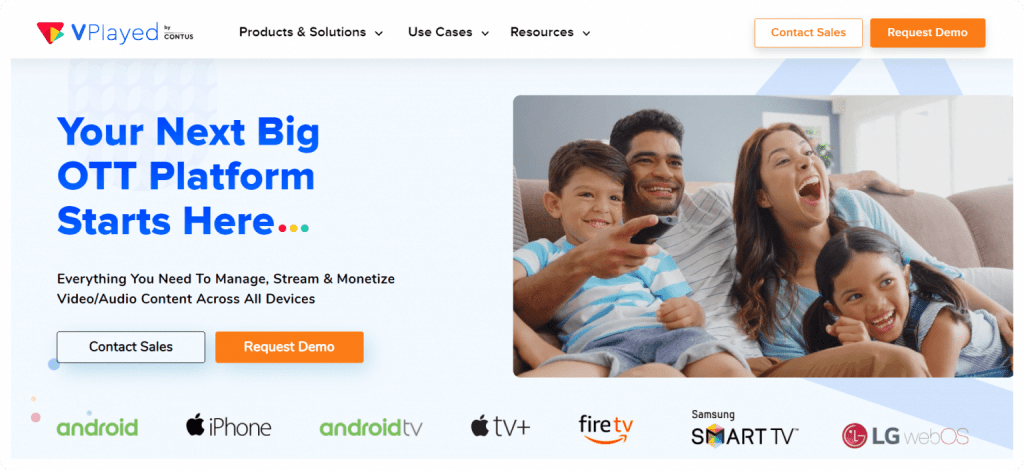
VPlayed is a comprehensive, end-to-end video streaming platform suitable for both independent content creators and enterprise clients. It combines an intuitive interface with monetization flexibility, providing multiple revenue models like AVOD, SVOD, and TVOD, along with secure video paywalls. VPlayed really shines when it comes to customization, thanks to its white-label capabilities that enables bespoke development of video players, monetization models, and 200+ integrations.
For those comparing tools, the detailed VPlayed vs JW Player breakdown highlights where each platform excels. While VPlayed doesn’t have a free trial, the platform’s demo version (available upon request) is explorative, positioning it as a strong JWX alternative for businesses that want to test high-end tools before purchasing.
Key Features:
Lossless Migration Support: Transition all your video assets, metadata, and user data from the existing JW Player (JWX) to VPlayed without any loss or downtime, protecting your investment and history.
Low-latency Streaming: Minimize streaming delays with low latency (under 10 secs), so you can keep your audience engaged.
Multi-screen Reach: Stream content seamlessly across web, mobile (iOS/Android), and connected TV platforms like Apple TV, Android TV, Fire TV, and Smart TVs, ensuring wide reach.
Custom Thumbnails: Generate AI-powered, custom thumbnails for your video content that increase click rates and enhance viewer engagement.
Adaptive bitrate streaming: Seamlessly adapts the incoming video quality according to fluctuating network conditions, allowing viewers to enjoy uninterrupted playback.
Security & DRM: Enterprise-grade video security including multi-DRM, AES encryption, geo-blocking, token protection, access control, and anti-piracy measures.
VPlayed Pros:
* Offers complete ownership over platform, source code, and revenue.
* Provides a complete OTT stack with video CMS, multi-screen support, app publishing, and monetization tools.
* Supports both live events and pre-recorded content in the same ecosystem.
* DRM, encryption, tokenized access, geo-blocking, and anti-piracy measures make it suitable for premium content.
VPlayed Cons:
* VPlayed’s full OTT suite can be an overkill for simple use cases.
* Steep learning curve for non-technical users
* Free trial version not available (although a demo version available upon request).
VPlayed Pricing:
VPlayed works on custom pricing, which is decided based on the business requirements. Call their sales team for a custom quote and demonstration.
2. Kaltura
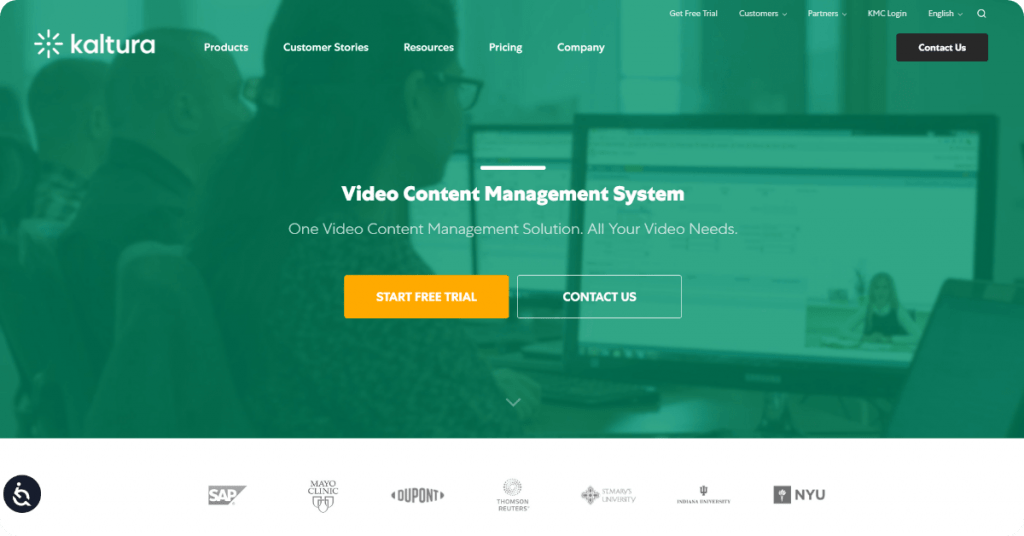
Kaltura mirrors the API-driven nature of JW Player quite well. It’s open-source and loaded with powerful features like Kaltura Capture, LMS integration, and accessibility tools. If you’re quite comfortable with technology, you can really make Kaltura’s V7 player your own. The interface might feel a bit clunky, but the interactive video quizzes, polls, and analytics enhance the engagement factor.
As an educational content creator, if you’re looking to stream lectures and classes to students, then Kaltura is a considerable alternative to JW Player. Above all, Kaltura’s powerful analytics tools for VOD platforms and live streaming enable business owners to track the performance of the videos in real time.
Key Features:
Video Portal: Engenders an end-to-end video library that simplifies content management, cross-channel tracking, and content creation.
Interactive Features: Kaltura allows content teams to use interactive video quizzes, polls, and analytics to enhance engagement.
Integration Support: Fully modular and compatible with a wide range of third-party services.
Live-to-VOD conversion Extend the lifetime of your content by turning live sessions into VOD content or webinars into educational streaming platform .
Kaltura Pros:
* Suitable for complex enterprise use cases
* Rich feature suite, including adaptive streaming, security controls (DRM and access restrictions), built-in editing tools, and more.
* Kaltura integrates well with existing platforms and new third-party services.
* The platform offers detailed reporting and insights.
Kaltura Cons:
* Lack of pricing transparency
* Some users report slow uploads and buffering challenges
* Implementation can be time-consuming.
Kaltura Pricing
Kaltura provides custom pricing based on requirements. The sales team is available for businesses to reach out for a customized quotation.
3. Vimeo OTT
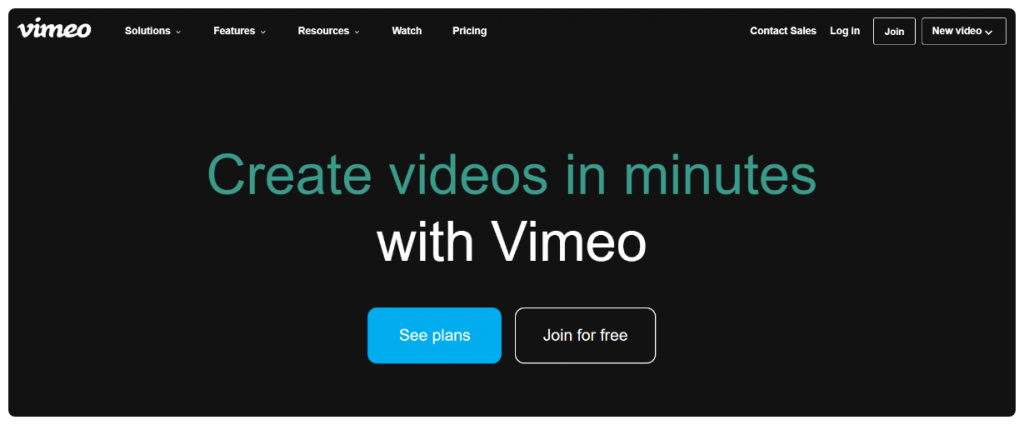
Vimeo OTT is a platform made for content creators in mind. It’s excellent for subscriber management, launching branded apps, and customizing a branded video player. You can work with AI video tools, multiple integration tools, and even a mobile application (Android and iOS).
While Vimeo OTT is an excellent JW Player alternative, it’s especially crucial for anyone who prefers ad-free video delivery. It’s refreshing to find a video streaming platform that allows for unlimited streaming within a 72-hour period.
Key Features:
Embed anywhere: You can drive traffic to your movie streaming website with Vimeo’s customizable, embeddable player.
Content protection: Secure your video content granular access management and advanced privacy settings like password and two-factor authentication.
Monetization Models: Supports Subscription VOD (SVOD), Transactional VOD (TVOD/Rentals), and Advertising VOD (AVOD).
Drag-and-drop: Drag and drop new files directly into Library folders—skip the extra steps and upload your videos exactly where you need them.
4K Screen recording: Vimeo’s screen recorder now supports resolutions up to 4K so that demos, walkthroughs, and presentations look crisp and professional.
Vimeo Pros:
* App distribution across multiple devices and platforms
* Audience monitoring and growth tools included
* Built-in monetization models.
Vimeo Cons:
* Per-subscriber fees can expensive when audience base grows
* Less control over tech stack and infrastructure
* Advanced features often tied to high-end plans.
Vimeo OTT Pricing
Custom Enterprise Features: Branded apps, AVOD support, API access, live channels, and dedicated support included through custom plans
Starter Plan: $1 per subscriber/month + 10% transaction fee on one-time purchases
Enterprise Plan: Custom monthly or yearly pricing
Tired of using Vimeo OTT?
4. Brightcove
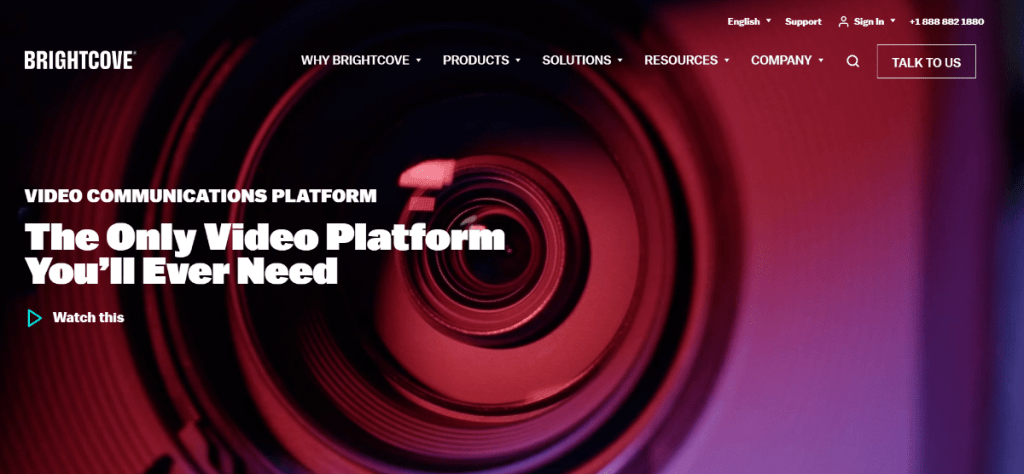
Brightcove is mainly known as a video hosting platform, but it also boasts cloud-based streaming capabilities. It’s especially popular with big corporations that want to handle their video operations at scale. Thanks to its Beacon Studio and Media Studio, content teams can build OTT apps and create high-quality videos that convert.
While it doesn’t work like a traditional video monetization service, Brightcove often integrates with leading ad servers and SSPs to boost programmatic revenue. It works really well alongside categorical integrations for a smooth video delivery.
Key Features:
AI Suite: Leverage Brightcove’s AI capabilities in video translation, video SEO optimization, and auto-generating multiple clips.
Accessibility: Enables inclusivity with features like closed captions, screen reader support, and keyboard navigation.
Content protection: Secure content access with SSO, domain whitelisting, and embed restrictions.
Interface Design: Boasts intuitive, adaptable interface design for multiple use cases across verticals like media, fitness, sports, and more.
Video Player: Provides a video player that is built on the latest version (Video.JS 8) and UI written in HTML5 for consistent playback across devices.
Brightcove Pros:
* User-friendly interface for content management
* Built-in analytics help teams track engagement, performance
* Extensive integration support with CRMs, CMS platforms, and more.
Brightcove Cons:
* Analytics dashboard is less intuitive and lacks organization
* Pricing is less accessible for smaller teams
* Steep learning curve for users migrating from lightweight players or tools.
Brightcove Pricing
Brightcove does not have fixed packages, but provides customized pricing plans. Any company interested can request a demo and a custom quotation.
Ready to Move Past Brightcove?
Compare to discover the limitless OTT opportunities that await you with this Brightcove alternatives
Want To Find The Best JW Player Alternative For your OTT platform
Request Demo

5. Dacast
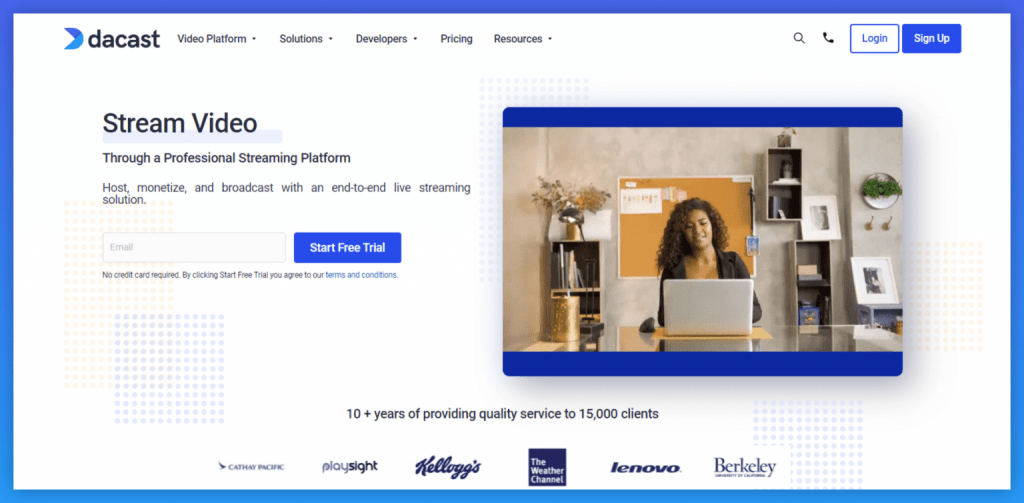
Dacast’s interface and capabilities are ideal for businesses and media companies that require professional-grade video delivery. The platform excels in its HTML5 video player and partners with top-tier content delivery networks to ensure reliable delivery to any kind of device. Combined with white-label branding, you can launch branded apps across multiple platforms. And for creators who want to stream with RTMP’s low latency capabilities, it’s a must-have tool.
Key Features:
Streaming & Hosting: Supports live streaming with low latency and video-on-demand (VOD) hosting.
Video API: Leverage API to create and incorporate the video player alongside Dacast’s built-in features like video paywalls and monetization tools.
CDN Partners: Broadcast your content to viewers around the world with the help of Dacast’s content delivery network partners.
Expo Video Gallery: Create unlimited playlists of content in the form of video galleries that make content organization effortless.
Bulk Upload: Minimize the manual work with the bulk upload option, so you can focus on optimizing your content creation workflows.
Dacast Pros:
* Strong monetization tools
* Secure streaming and access control
* Responsive customer support
* Scalable pricing options.
Dacast Cons:
* Limited native interactive enhancements (polls, overlays, editing)
* Analytics data lacks depth and is more basic for complex use cases
* Some users report occasional latency or synchronization challenges during live streams.
Dacast Pricing
Custom Plan: Contact Dacast’s sales team for custom pricing and enterprise features
Starter Plan: Starts at $39/month for live streaming
Event Plan: Starts at $63/month
Scale Plan: Starts at $165/month
Top Dacast Competitor Worth Your Attention!
Transition to an innovative phase of streaming with the top Dacast competitor in the market.
6. Brid.TV
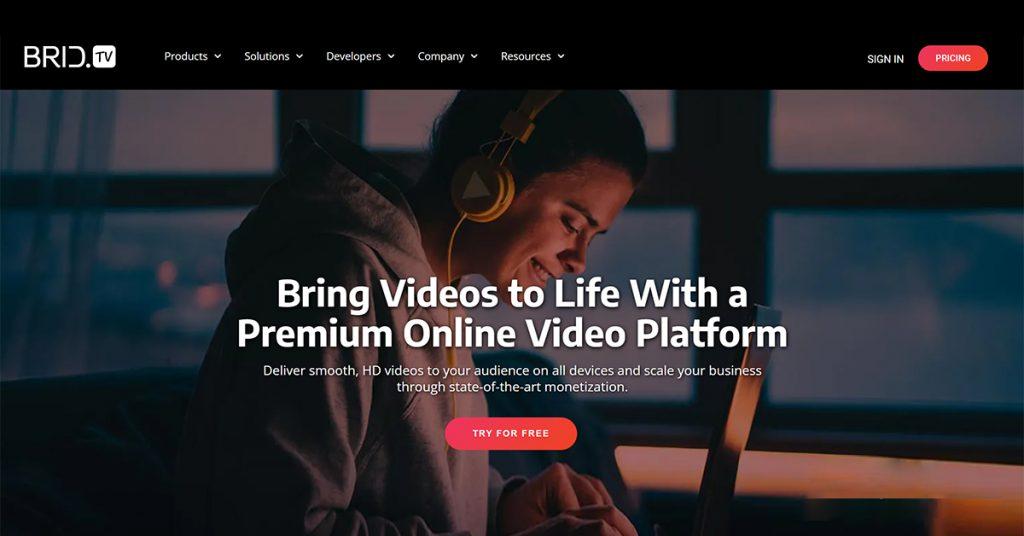
Brid.TV (now part of Target Video) is an ad-focused video platform designed for publishers seeking monetization-first streaming solutions. Thanks to its intuitive video content management system, Brid.TV helps publishers effectively manage and monetize their video libraries. Brid.TV is known for its Real-time bidding (RTB) media exchange, which allows advertisers to target precise audiences.
Key Features:
Ad monetization: Support for pre-roll, mid-roll and post roll, as well as the most recent VAST and VPAID ad tags, ad waterfalling, and intelligent banner.
Video Player: Provides a lightweight HTML5 player with customizable branding, secure hosting, and a global Content Delivery Network (CDN).
Live & On-Demand Streaming: Support for live streaming with low latency delivery plus on-demand playback.
Video Ad Marketplace: Access premium ad demand via the Brid.TV Marketplace and use the Yield Optimization Engine.
Multi-Format & Device Support: Supports multiple video formats and adaptive streaming, ensuring smooth playback across desktop, mobile, and responsive layouts.
Brid.TV Pros:
* Strong ad monetization capabilities, including instream and outstream ads
* Includes tools for video uploads, tagging, content library management.
* Real-time analytics tracking.
Brid.TV Cons:
* Live streaming capability is quite basic
* The interface can feel clumsy for users transitioning from lightweight players like JWX
* Third-party integrations are limited.
Brid.TV (Target video) Pricing
Target Video pricing is flexible and will depend on specific business requirements and OTT goals. Contact them for custom pricing.
Which JW Player Alternative Should You Choose? Use Case-Based Recommendations
When replacing JW Player, you’ll need to determine what your current workflow is lacking. Some companies demand more OTT functionality, while other companies look to flexibility in monetizing their content or managing costs. Here’s a quick rundown to get you started in narrowing down the choices:
1) Replacing JW Player for Full OTT Ownership
Top pick: VPlayed
VPlayed could well be a good alternative for those who have grown tired of JW Player’s publisher-centric ecosystem and crave full OTT control. The platform offers white-label OTT apps, custom workflows, multiple monetization models, and greater platform ownership for broadcasters and enterprises.
2) Replacing JW Player for Enterprise Video Infrastructure
Top pick(s): Kaltura, Brightcove
Both Kaltura and Brightcove provide enterprise-class streaming infrastructure for large-scale media operations. Both platforms have superior performance in the areas of high-volume live streaming, enterprise integrations, advanced analytics, and large video libraries.
3) Replacing JW Player for Budget-Friendly Streaming
Top pick: Dacast
If the streaming or bandwidth costs are getting too expensive, Dacast offers a more budget-friendly starting point than JW Player. It offers pricing tiers that are relatively easy for businesses conducting live streaming, education streaming, or smaller OTT platforms.
4) Replacing JW Player for Creator-Led OTT Businesses
Top pick: Vimeo OTT
Vimeo OTT works well for creators, coaches, educators, and niche subscription platforms. Compared to JW Player, it offers a simpler OTT setup experience with built-in subscription handling and multi-device distribution.
5) Replacing JW Player for Ad-Based Monetization
Top pick: Brid.TV (Target Video)
If your business relies heavily on ad monetization, Brid.TV is worth considering. The platform focuses strongly on publisher monetization, video advertising optimization, and audience revenue generation.
Ultimately, the best JW Player alternative depends on whether your priority is OTT expansion, monetization flexibility, enterprise infrastructure, or budget-friendly streaming. Shortlisting two or three platforms based on your exact streaming goals is usually the smartest approach.
How to Migrate from JWX to a New OTT Platform?
Migrating from JW Player (JWX) involves evaluating your entire video infrastructure. Before switching, assess how your content library, metadata, captions, and embed codes will be transferred. Consider whether re-encoding is required. Evaluate how the new platform handles monetization workflows, ad integrations, or subscription billing if applicable.
It’s equally important to review security settings, DRM requirements, analytics continuity, and overall cost structure. Differences in pricing models, bandwidth usage, or revenue share can significantly impact long-term budgeting. A structured migration plan, including testing in a staging environment, helps ensure uninterrupted playback and protects both revenue and user experience during the transition.
Conclusion
If you’re feeling overwhelmed by the choices, start with what you need most from your video platform. Want complete ownership over your platform? Try VPlayed or Vimeo OTT. Need in-depth ad monetization tools? Try Brightcove or Brid.TV. What if you like open-source or low-latency tools? Try Kaltura or Dacast.
There are several JW Player alternatives that didn’t make the list. A few we recommend for specific types of use cases include:
* Uscreen for subscription-based services with built-in community features.
* Wowza for customizable streaming infrastructure with low-latency live delivery.
* IBM Cloud Video for broadcasting large-scale corporate events.
* Panopto for corporate training environments.
Every tool’s functionality is different. The key is to test what works for your needs. Many of these tools offer a free trial version, while a few only offer guided demo versions.
- Request Demo Book a Live, Personalized Demo
- Contact Sales Reach Out to Our OTT Experts
Frequently Asked Questions(FAQ)
1. What is JW Player in OTT?
JW Player is a dedicated OTT video player delivering video content to viewers. It holds multi streaming features and functionality that is highly customizable according to the businesses. It supports multiple video formats including HTML5 and Flash Video and offers analytics support for videos.
2. How do I choose the best JW Player Alternative?
To choose a JWPlayer alternative consider factors like features, pricing, customization options ,ease of use. VPlayed, Brightcove, Kaltura, and Vimeo OTT are the best JW alternatives with full-on customization and affordability.
3. What are some alternatives to JW Player?
The Best JW Player include VPlayed, Brightcove, Kaltura, and Vimeo OTT. These platforms hold better functionality at an affordable price range with good customization options. It is wise to choose one among these according to the niche of the business.
4. How much does JW Player Cost for OTT Streaming?
The JW player is priced at different ranges and the Pricing Plans comes as follows–
Free Plan comes with 10,000 video playbacks per month, Premium Plan offers 100,000 video playbacks per month, Platinum Plan delivers 200,000 video playbacks per month, and additionally there is a Custom Plan based on the business needs. The actual prices are disclosed only when you contact the team.
5. Who are the competitors for JWPlayer?
The top competitors of JWPlayer are VPlayed, Uscreen, Dacast, and Vimeo OTT, they all offer different functionality, video hosting (cloud or self-hosted), security features, digital rights management, and analytics when compared to other JW player.
6. What are the monetization models available in JW Player?
JW Player offers different monetization models to video businesses including advertising (pre-roll, mid, and post-roll), pay-per-view (PPV), subscriptions, TVOD and hybrid plans select the one which caters and focuses on your target audience and business niche.


